WordPress Developer Portfolio: Complete Guide for Freelancers
July 6, 2026 Written by Nitish Kumar


July 6, 2026 Written by Nitish Kumar
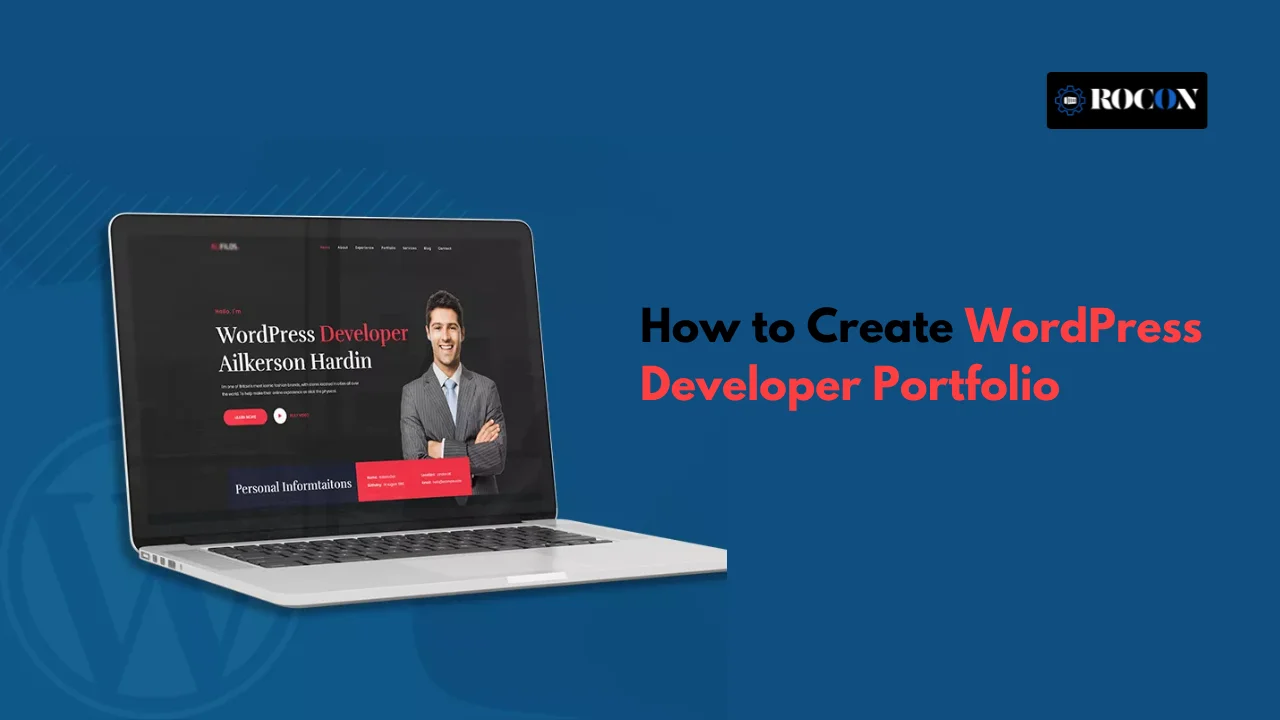


WordPress developer portfolio is often the first thing a client or hiring manager looks at before reaching out. It tells them what you’ve built, how you solve problems, and whether you’re someone they can trust with their project.
A simple list of websites isn’t enough anymore. People want to see real projects, the challenges you worked through, the tools you used, and the results your work delivered.
If you’re a freelancer, agency partner, or applying for a full-time WordPress role, your portfolio can open doors or quietly close them. A strong portfolio helps people understand your skills before you ever get on a call.
This guide shows you how to build a portfolio that works. You’ll learn what to include, how to present your projects, which tools are worth using, and how to create a site that attracts better clients and more interview opportunities.
You can list every technical skill on your resume, HTML, CSS, JavaScript, PHP, MySQL, theme development, or plugin development. But most clients and employers won’t make a decision based on a list of technologies alone. They want proof that you’ve used those skills to solve real problems.
That’s where your portfolio comes in. It shows how you approach projects, write clean code, improve website performance, customize WordPress, and deliver results for real clients. Seeing your work builds far more confidence than reading another skills section.
A well-organized portfolio also helps you stand out in a crowded market. Instead of saying you’re experienced with WooCommerce, custom themes, or API integrations, you can demonstrate those skills through completed projects, screenshots, code samples, and measurable outcomes.
Think of your portfolio as your strongest recommendation. It lets your work speak before you do, making it easier for potential clients or employers to trust your experience and decide you’re worth contacting.
A good portfolio does more than display finished websites. It shows that you can build fast, functional, and visually appealing WordPress sites that solve real business problems and provide a smooth experience for users.
It should also demonstrate that you understand client requirements, not just code. Showing how you improved website speed, customized themes, built plugins, or created WooCommerce stores helps visitors see the value you bring to a project.
A well-rounded portfolio typically includes:
Your portfolio should grow as your experience grows. If you’re just starting out, showcase personal projects, practice websites, or open-source contributions. If you’ve worked with clients, replace older work with stronger case studies that better reflect your current skills and expertise.
If you’re creating a WordPress developer portfolio, the best platform to use is WordPress itself. It not only showcases your technical skills but also proves that you can manage everything from hosting and performance optimization to plugin integration and ongoing maintenance.
Using your own WordPress website gives potential clients or employers a chance to experience your work firsthand. Every design choice, feature, and optimization reflects your development standards and attention to detail.
Here are a few best practices to follow:
Remember, your portfolio is your strongest marketing asset. If you’re applying for freelance projects or full-time roles, visitors will judge your abilities based on the quality and performance of the website you’re asking them to trust.
Your portfolio should do more than display completed projects. It should help visitors understand your expertise, build trust, and encourage them to contact you. A clean structure makes it easier for potential clients and employers to find the information they’re looking for.
Your homepage is your first impression, so keep it clear and focused. Visitors should immediately understand:
Use a strong headline such as:
Custom WordPress Developer Building Fast, SEO-Friendly, High-Performance Websites
Add a short introduction, a clear call-to-action like “View My Projects”, and if possible, feature a client testimonial or company logos to build credibility.
The About page is where people get to know the person behind the work. Share your background, your experience with WordPress, the types of projects you enjoy, and how you approach solving client challenges.
Including a professional photo can also make your portfolio feel more personal and trustworthy.
This is the most important section of your website. Instead of simply listing projects, explain the value you delivered for each one.
For every featured project, include:
If possible, create a dedicated case study for each project. Individual project pages provide more context for visitors while also creating additional SEO opportunities.
Clearly explain the WordPress services you offer so visitors know how you can help them.
Common services include:
Instead of only listing services, briefly explain the benefits clients receive from each one.
Client feedback is one of the strongest trust signals you can add. Display genuine testimonials from previous clients or employers in a clean, easy-to-read format.
Whenever possible, include the person’s name, company, profile photo, or website link to increase authenticity.
Make it simple for visitors to get in touch. A complicated contact process often leads to missed opportunities.
Your contact page should include:
For an even smoother experience, consider adding a scheduling tool like Calendly so potential clients can book a consultation without sending multiple emails.
Don’t fill your portfolio with websites that only look attractive. Choose projects that demonstrate your ability to solve different business problems and work with a variety of WordPress technologies. A diverse portfolio gives clients confidence that you can handle different project requirements.
Try to include projects from different industries and use cases, such as:
It’s equally important to showcase different levels of technical expertise. Include projects that demonstrate features like:
If client work is protected by an NDA or you don’t have enough real-world projects yet, create high-quality demo websites that solve practical business challenges. Well-planned personal projects still demonstrate your problem-solving ability and technical knowledge.
For example, you could build:
Clients and employers aren’t just looking for experience—they’re looking for initiative. Demonstrating that you can identify a problem, build a solution, and explain your development process often makes a stronger impression than simply listing paid projects.
Most clients won’t review your code, but recruiters, agencies, and fellow developers often will. Sharing your GitHub or Bitbucket profile gives them a better understanding of your coding style, project structure, and development workflow.
If you decide to include code samples, make them easy to explore rather than overwhelming. Focus on projects that demonstrate custom WordPress development, clean architecture, and practical problem-solving.
A few simple ways to strengthen this section include:
fix: resolve homepage caching issue instead of generic messages like update or changes.feature/, bugfix/, and hotfix/ to demonstrate good version control practices.You don’t need dozens of repositories to make a good impression. A handful of well-documented projects with clean code and thoughtful explanations often says much more about your skills than a long list of unfinished experiments.
Blogging isn’t just for marketers. It is a powerful tool for coders to:
Use plain language, include images and code examples, and don’t be shy to inject some personality. If you want to distinguish yourself in an ocean of programmers, giving away knowledge is among the best means of doing that.
Just being impressive is not enough – you need to convert visitors to clients, co-creators, or employees. Here is how to turn your portfolio into a conversion engine:
Your portfolio must feel like a sophisticated expression of your personality — direct, assertive, and professional, with ample chances to bond.
An outdated portfolio is like handing someone a business card with an old phone number — it does more harm than good. Clients and employers want to see that you’re active, evolving, and up to date with current best practices and technologies.
Here’s a simple system to keep your site fresh:
Your portfolio is your personal brand — let it reflect your design sense, voice, and values.
Neve offers a clean one-page portfolio that’s ideal for WordPress developers. It focuses on your projects, services, and contact details without unnecessary design elements.
Best for: Freelancers and developers
Why it’s worth using:
Inspiro Blocks has a modern portfolio layout built specifically for the Block Editor. You don’t need Elementor or another page builder to make it look good.
Best for: Developers who prefer Gutenberg
Why it’s worth using:
Kubio includes several free portfolio starter sites that feel fresh compared to common Astra demos. Everything can be edited visually.
Best for: Personal branding
Why it’s worth using:
Spectra One is a block-based theme created by the team behind Spectra. It has a minimal design that lets your projects become the main focus.
Best for: Developers who like clean design
Why it’s worth using:
Ollie is one of the newer Full Site Editing themes. It feels different from traditional WordPress themes and gives your portfolio a modern look without becoming flashy.
Best for: Modern developer portfolios
Why it’s worth using:
Your WordPress developer portfolio is more than a collection of completed websites. It’s your opportunity to show potential clients and employers how you think, solve problems, and deliver results through WordPress.
A strong portfolio should highlight both your technical expertise and your ability to build websites that are fast, user-friendly, and aligned with business goals. Well-documented projects, clear case studies, and real outcomes often leave a stronger impression than simply listing your skills.
Whether you’re freelancing, applying for full-time roles, or growing your own agency, keep your portfolio updated as your experience evolves. Replace older projects with stronger work, add new case studies, and continue improving both the content and performance of your website.
Treat your portfolio like your most valuable project. When it clearly demonstrates your expertise, professionalism, and attention to detail, it becomes one of your best tools for attracting better clients, winning interviews, and growing your career.
When you’re a freelancer in the USA creating a WordPress developer portfolio starts with choosing the right hosting and a professional domain name. Use a clean and responsive WordPress theme that showcases your skills, past projects and services. Show real client work or personal projects and list the technologies you specialize in – custom themes, plugins or WooCommerce development.
Use lightweight, SEO and customisable themes. Some of the best are:
To build trust and credibility, a few key plugins can make a big difference:

Elevate your WordPress hosting with 30-day money-back guarantee, free migration, and 24/7 support.
Sign Up Today

Before You Go… Get 1 Month FREE on Rocon Hosting!

Experience lightning-fast speeds

No downtime or hidden fees

Dedicated 24/7 expert support

Leave a Reply