Fix Web Server is Down Error Code 521 – A Practical Guide
January 27, 2026 by Maria


January 27, 2026 by Maria
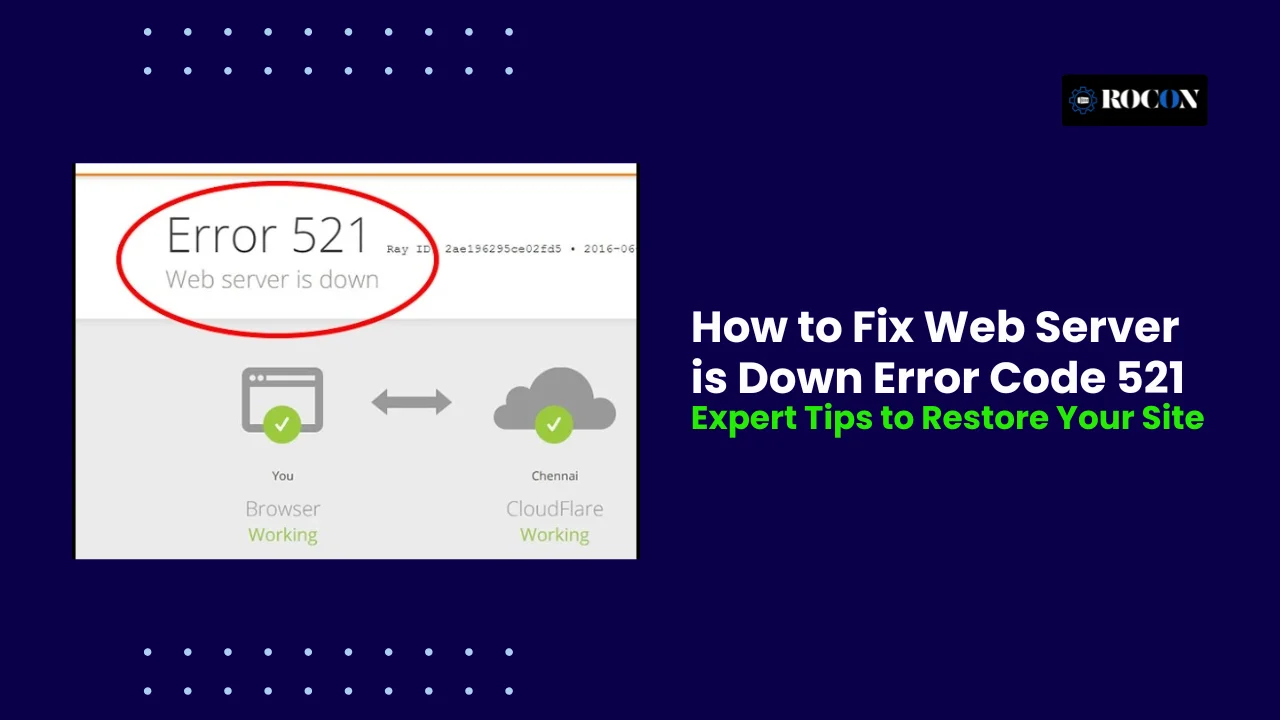


A web server down error code 521 is a critical issue that occurs when your origin server refuses connections, often causing your website to go offline.
This error can frustrate visitors, reduce user trust, and directly impact your business revenue if not addressed promptly. Understanding why it happens is essential for maintaining website uptime and performance.
This comprehensive guide will walk you through the main causes of error 521, practical troubleshooting steps, and preventative measures to avoid future downtime.
Whether you are a beginner managing a small site or an experienced webmaster overseeing high-traffic websites, these actionable insights will help you quickly restore service, optimize server reliability, and keep your online presence stable and secure.
Understanding the root causes of a web server down error code 521 is crucial for quickly diagnosing and resolving the issue. This error occurs when your origin server refuses connections from Cloudflare or other CDN services, effectively preventing your website from loading for visitors.
Several common factors can trigger a 521 error:
Your server’s firewall may be configured to block incoming requests from Cloudflare IP ranges. Firewalls or security plugins that restrict IP addresses can mistakenly treat CDN traffic as malicious, resulting in refused connections.
The origin server may be temporarily offline due to scheduled maintenance, unexpected crashes, or server misconfigurations. When the server cannot respond to incoming requests, Cloudflare returns the 521 error to visitors.
Excessive traffic spikes or resource limitations on your server, such as CPU, memory, or concurrent connections, can prevent it from responding. Overloaded servers may fail to establish new connections, causing repeated 521 errors.
Incorrect DNS settings can disrupt communication between Cloudflare (or other CDNs) and your web server. Outdated, missing, or misconfigured DNS records may prevent Cloudflare from reaching the origin server, triggering the 521 error.
By identifying which of these factors is causing the issue, you can apply targeted fixes, reduce downtime, and improve the reliability of your website for all visitors.
Accurately identifying a web server is down error code 521 is the first step toward resolving it quickly. This error typically appears when Cloudflare cannot establish a connection with your origin server, resulting in a Web server is down message for visitors.
Start by refreshing the affected page or opening it in an incognito window. If the Error 521: Web server is down message continues to appear, the issue is most likely server-side rather than a local browser problem.
Online tools like Down For Everyone Or Just Me help confirm whether the website is inaccessible globally or only from your location. If the site is down for everyone, it strongly indicates a server or CDN connection issue.
Log in to your Cloudflare dashboard and review analytics, firewall events, and error logs. Look specifically for origin connection errors, blocked requests, or repeated 521 responses, which confirm Cloudflare cannot reach your server.
Access your hosting control panel or server via SSH to examine web server logs (Apache or NGINX). These logs often reveal blocked Cloudflare IP addresses, firewall rules, or connection refusals that are causing the 521 error.
By following these steps in order, you can confidently confirm whether error 521 is affecting your website and identify where the breakdown between Cloudflare and your origin server is occurring.
Fixing error 521 requires restoring communication between Cloudflare (or another CDN) and your origin web server. This error means your server is actively refusing connections, not that Cloudflare is down. Follow the steps below to isolate and resolve the issue efficiently.
Firewalls are the #1 cause of error 521. Many servers block Cloudflare IPs by default, mistaking them for suspicious traffic.
Cloudflare connects to your server using its own IP ranges. If these IPs are blocked, your server will refuse connections.
What to do:
For CSF Firewall (cPanel servers):
For UFW (Ubuntu servers):
sudo ufw allow from CLOUDFLARE_IP_RANGE
sudo ufw reload
Security plugins and firewalls often block IPs automatically.
Check these tools carefully:
Remove any Cloudflare IPs listed in:
A stalled or crashed web server can refuse new connections, triggering error 521.
If you use shared or managed hosting:
cPanel:
Plesk:
Log in via SSH and run:
For Apache:
sudo systemctl restart apache2
For NGINX:
sudo systemctl restart nginx
After restarting, refresh your website to see if the error is resolved.
If the server itself is down, Cloudflare cannot connect.
From your local machine or terminal:
ping yourdomain.com
If there is no response, the server may be offline or blocked.
High resource usage can cause your server to reject connections.
Check:
In cPanel:
On VPS:
top
df -h
free -m
If resources are maxed out, consider:
Incorrect DNS settings can cause Cloudflare to connect to the wrong server.
Make sure your domain’s A record points to the correct origin server IP.
Steps:
If you recently changed DNS:
DNS mismatches commonly trigger error 521 after server migrations.
This helps confirm whether Cloudflare is part of the issue.
How to do it:
If your website loads normally after pausing:
Logs show exactly why connections are being refused.
Look for:
Logs provide the fastest path to the real root cause.
If all steps above fail, escalate with data.
Send your host:
If the issue persists, reach out to your hosting provider for assistance. Provide logs and details of the steps you’ve already taken.
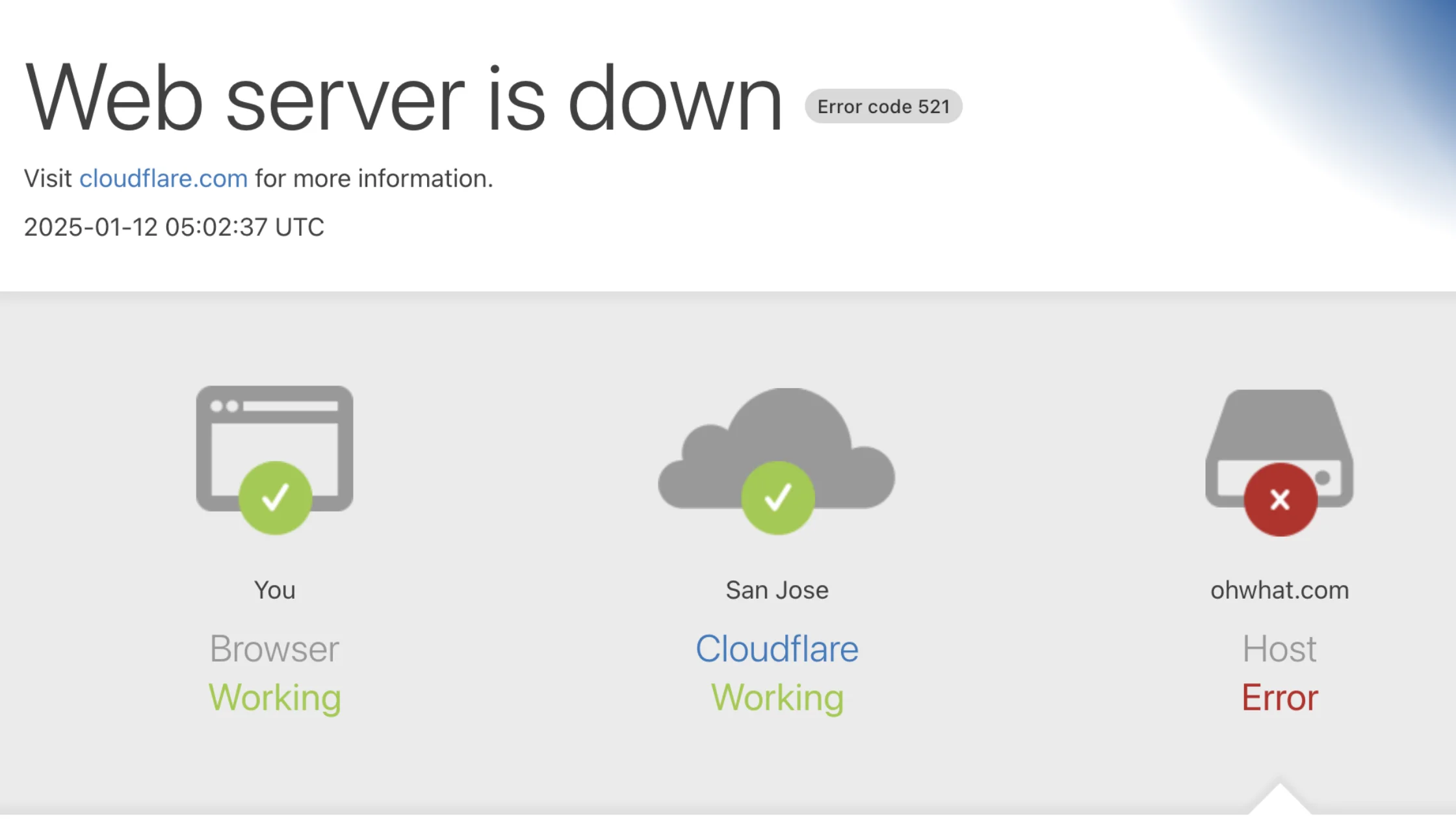
When your website is protected by Cloudflare, a web server is down error code 521 usually indicates a misalignment between Cloudflare’s security settings and your origin server configuration.
Cloudflare acts as a reverse proxy, so even small configuration issues can cause your server to refuse connections. Follow the steps below to correctly diagnose and resolve Error 521 when using Cloudflare.
Incorrect SSL settings are one of the most common causes of Cloudflare-related 521 errors. Your Cloudflare SSL mode must match the SSL configuration on your origin server.
How to check and fix it:
Best practice:
Always use Full (Strict) when your origin server has a valid SSL certificate. This ensures encrypted communication and prevents handshake failures that can trigger error 521.
Pausing Cloudflare helps determine whether the issue is coming from Cloudflare or the origin server.
Steps to pause Cloudflare:
What this tells you:
This test is essential before making deeper server changes.
Cloudflare’s security features can unintentionally block legitimate traffic to your server.
Check these areas carefully:
Ensure:
If unsure, temporarily disable custom firewall rules and test again.
Even if Cloudflare settings are correct, your server firewall must explicitly allow Cloudflare traffic.
Critical step:
Whitelist all official Cloudflare IP ranges in:
Failing to whitelist Cloudflare IPs will cause repeated 521 errors regardless of SSL or DNS configuration.
Incorrect DNS records can cause Cloudflare to connect to the wrong server.
Verify:
After changes, allow time for DNS propagation.
Use Cloudflare’s built-in tools to confirm resolution.
Where to check:
Look for:
Cloudflare works best when both security and server configuration are aligned correctly.
Preventing a web server is down error code 521 requires consistent server maintenance, smart security configuration, and ongoing performance monitoring. A proactive approach reduces downtime, protects your site’s availability, and ensures smooth communication between your origin server and Cloudflare.
Outdated server software is a common cause of connection failures and security conflicts. Regular updates help maintain compatibility with modern CDN and security services.
What to update regularly:
Keeping your stack updated minimizes unexpected crashes and connection refusals that can trigger Error 521.
Early detection is critical when preventing server downtime. Continuous monitoring allows you to respond before users experience errors.
Recommended monitoring actions:
Consistent monitoring helps identify server instability before it results in connection failures.
Server overload is a frequent trigger for 521 errors, especially during traffic spikes.
Effective optimization strategies:
A well-optimized server handles Cloudflare requests efficiently and avoids refused connections.
Misconfigured firewalls often block Cloudflare traffic unintentionally.
Best firewall practices:
Balanced security ensures protection without disrupting legitimate CDN connections.
Even with prevention measures, unexpected failures can occur. Reliable backups allow fast recovery with minimal downtime.
Backup best practices:
Backups act as a safety net if server issues escalate beyond quick fixes.
By maintaining updated software, monitoring performance, optimizing resources, and configuring security correctly, you significantly reduce the risk of encountering Error 521. Proactive prevention not only protects uptime but also improves long-term website stability and user trust.
Your firewall is often the main culprit behind error 521.
Traditional shared hosting environments operate on pooled resources, where multiple websites rely on the same server memory, CPU, and processes.
When one site experiences a traffic spike or resource issue, it can impact others on the same server. This architecture often contributes to slow response times, connection refusals, and server-related errors such as Error 521 during peak load.
Modern managed hosting platforms increasingly adopt container-based infrastructure, where each website runs in an isolated container with dedicated resources. This separation minimizes conflicts between sites and ensures consistent performance even under fluctuating traffic conditions.
In a container-based setup, key advantages include:
Managed hosting environments typically include continuous server monitoring, automated updates, and security hardening at the infrastructure level.
These proactive measures help detect potential issues—such as resource exhaustion or misconfigured services—before they escalate into visible downtime or server errors.
For example, platforms like Rocon use container-based WordPress hosting to isolate applications and manage scaling at the infrastructure layer.
From an operational perspective, this approach reduces the likelihood of server overload, firewall conflicts, and origin connection failures that commonly trigger CDN-related errors.
When hosting infrastructure is designed specifically for WordPress, routine operational tasks become more predictable and less error-prone.
Managed environments handle PHP tuning, web server configuration, and security rules in a way that aligns with WordPress usage patterns, reducing the chances of misconfigurations that can block server connections.
Rather than relying on manual intervention during traffic spikes or server stress, optimized hosting architectures focus on prevention through design, ensuring websites remain stable, responsive, and accessible even as demand increases.
Many instances of Error 521 are not caused by outages but by avoidable configuration mistakes. Understanding these common issues helps prevent unnecessary downtime and ensures stable communication between your CDN and origin server.
Error code 521 occurs when the web server refuses connections from Cloudflare or similar services. Understanding its causes, from firewall rules to server downtime, allows you to troubleshoot effectively.
By following this guide, you can prevent future occurrences, monitor server health, and maintain uptime. Regular updates, optimized resources, and correct DNS settings ensure a smooth website experience.
Whether you are managing a personal blog or a business site, knowing how to handle error 521 helps maintain credibility, avoid revenue loss, and improve user experience.
Error 521 means Cloudflare cannot connect to your origin server because the server is actively refusing the connection, often due to firewall rules, server downtime, or misconfiguration.
This usually happens when your server firewall blocks Cloudflare IP addresses or when security rules prevent Cloudflare from establishing a connection.
To fix error 521, whitelist Cloudflare IPs in your firewall, restart your web server, verify SSL and DNS settings, and check server logs for blocked or refused connections.
Yes, firewalls are the most common cause of error 521, especially when Cloudflare IP ranges are not whitelisted or when aggressive security rules block legitimate requests.
Not always. Error 521 indicates the server is refusing connections, which can happen even when the server is running but overloaded, misconfigured, or blocking CDN traffic.
In most cases, error 521 can be resolved within minutes once firewall rules are corrected or the web server is restarted, though DNS-related fixes may take longer to propagate.
Elevate your WordPress hosting with 30-day money-back guarantee, free migration, and 24/7 support.
Sign Up Today


Before You Go… Get 1 Month FREE on Rocon Hosting!

Experience lightning-fast speeds

No downtime or hidden fees

Dedicated 24/7 expert support


Leave a Reply