How Long Does It Take to Migrate a Website in 2026?
October 2, 2026 Written by Maria


October 2, 2026 Written by Maria
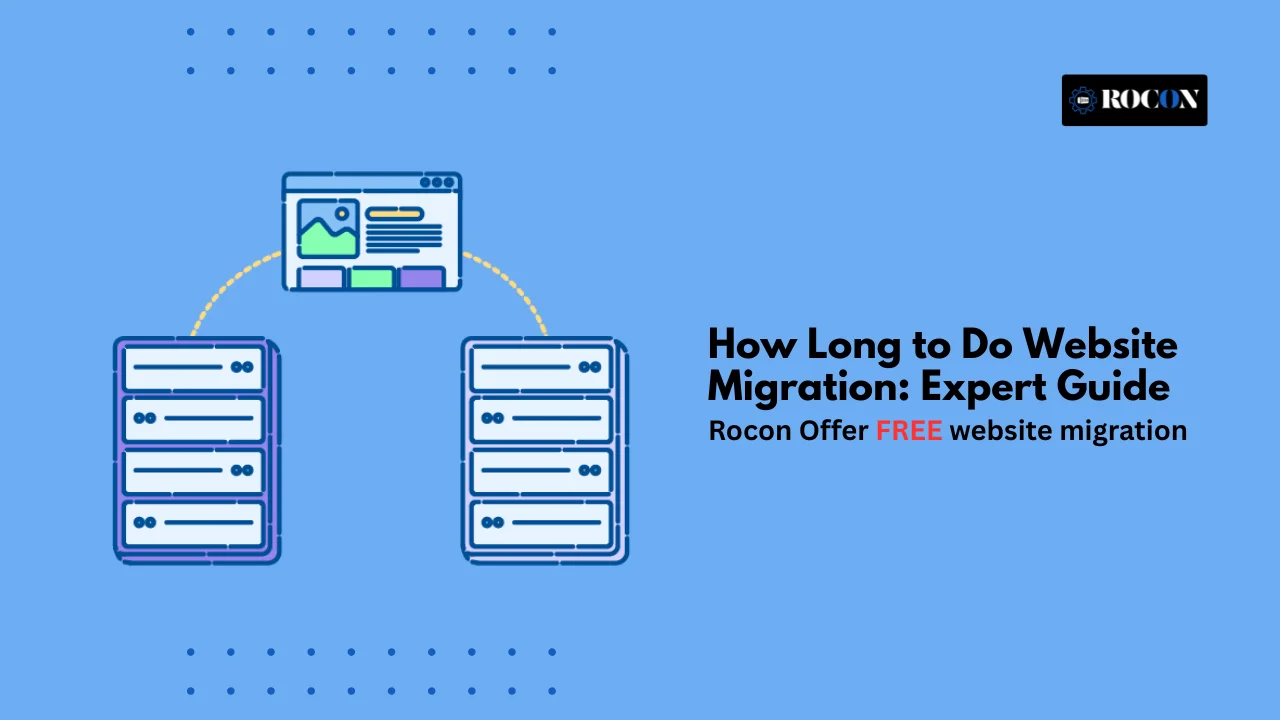


Website migration is a must for any website owner or business planning a redesign, platform change or hosting upgrade. If you’re wondering how long to do website migration takes, it’s not just about moving files – it’s about planning, execution and post migration monitoring.
The right way ensures minimal downtime, preserves your SEO and provides a smooth experience for your visitors. For example if you choose Rocon you can get our free migration service when you purchase any hosting plan and make the process smoother and faster.
So website migration is the process of moving a website from one place to another. This could be changing hosting providers, switching to a new content management system (CMS) or even re-structuring the site.
Businesses and website owners migrate for many reasons: to speed up website and performance, to upgrade to a newer CMS, to improve user experience or to get features not available on the current platform.
There are a few ways to migrate a website. The easiest way is to use a migration plugin or tool that automates most of the process and reduces the chances of errors.
Or you can manually export your site’s content, pages, posts and media and import into the new platform. This gives you more control but requires more care.
For techy folk, you can also migrate a site by working directly with the site’s files and database. This allows full customisation but is more time-consuming and complicated.
Website migration becomes necessary when changes to your site could influence its performance, search engine rankings, or overall user experience. Understanding these scenarios helps you plan effectively and avoid unexpected issues.
These are large-scale, sitewide updates that can impact URLs, server configurations, or hosting environments.
Website migrations are often necessary when your site undergoes significant structural changes.
Even cosmetic or functional updates can fall under the migration umbrella if they impact SEO or usability.
In short: Any significant update—whether structural, design-related, or technical—that could affect SEO, performance, or accessibility warrants planning a full website migration. Careful assessment and preparation ensure the transition is smooth and your search rankings remain protected.
Time and effort to migrate a WordPress site can vary depending on size of your site, tools you use and if you do it yourself or hire professionals. For small to medium sized WordPress sites, it can take a few hours, for larger sites it can take a full day or more.
If you do it yourself, there are many WordPress plugins that can simplify the process. Plugins like Duplicator or All-in-One WP Migration can do it with a few clicks. But remember, these plugins only move the website files and database. You’ll still need to manually transfer emails, custom scripts or other server specific configurations.
Some web hosts also have built-in backup and restore tools. While handy, these tools often rely on compatibility between the old and new servers which isn’t always guaranteed. This can limit your options or require technical adjustments.
This is where professional migration services can save both time and stress.
For example, Rocon offers free migration for all new customers who purchase any hosting plan. We handle the entire WordPress migration process – from moving your files and database to testing everything to make sure it’s working perfectly. All you need to do is submit a migration request and provide your old server credentials. Once the migration is complete we test the site to make sure it’s working and then notify you when it’s ready.
Pro Tip: Using Rocon free migration eliminates technical risks, downtime and ensures a smooth transition so you can focus on your website rather than managing a complex migration process.
Time to migrate can vary depending on the size and complexity of the site. For a standard migration (e.g. from one server to another) it can take 30 minutes to a few hours.
But a full site migration requires planning and can take days, weeks or even months for larger sites.
For smaller sites with simple design and limited content the migration can be done in a few hours with no major issues.
For larger sites like e-commerce or multi-language sites the process can take several days or weeks. This includes moving content, databases, media files and making sure everything works on the new platform.
Don’t rush the migration as hasty moves can break links, lose media, data or downtime – all of which can hurt traffic and SEO.
Many businesses allow 2-4 weeks for medium to large website migrations. This gives time to plan, execute, test and make any necessary adjustments. It also gives room to handle any unexpected issues without disrupting the website.
One of the biggest concerns for website owners considering migration is cost. The good news is that the expense doesn’t have to be a barrier.
If you choose a hosting provider like Rocon, you can take advantage of free migration services included with your hosting plan. This applies to any size of website or complexity, small blog, medium e-commerce store or large enterprise site. There are no hidden fees or limits on the number of sites you can migrate.
Even if you’re doing the migration yourself, costs can vary depending on the tools you use. Paid plugins or professional migration services can cost from $50 to several hundred for more complex sites. You also need to factor in downtime, SEO monitoring and any additional technical support required during the migration process.
Every website is unique, and so the time and effort required for a migration can vary greatly. Paying attention to the following factors can help ensure a smooth and successful migration.
Custom themes, plugins, and integrations with APIs can significantly affect migration time. Complex websites require careful planning to ensure all functionality works correctly on the new platform.
Websites with large databases, blogs, or extensive media libraries take longer to migrate. Images, videos, and downloadable files must be transferred carefully to avoid data loss or broken links.
Payment gateways, CRM systems, marketing tools, or external APIs need thorough testing during migration. Any disruption in these services can affect your website’s operations and user experience.
Mapping old URLs to new ones, implementing canonical tags, and setting up 301 redirects are critical to preserve search engine rankings. Neglecting these steps can lead to significant SEO losses.
After updating DNS records, global propagation can take 24–48 hours. Planning for this delay is important to prevent downtime or broken links for your visitors during the transition.
If multiple teams or departments are involved, delays can occur due to review processes. Clear communication and defined timelines help minimize bottlenecks.
Running speed and load tests before and after migration ensures that the site performs optimally. Any performance issues discovered early can be resolved without impacting users.
Always maintain full backups of your website before starting the migration. Having a rollback plan in place ensures you can quickly restore the site if unexpected issues arise.
Ensure SSL certificates remain active throughout the migration and monitor for any vulnerabilities. Security missteps during migration can compromise your website and user trust.
By considering these nine factors, you can better anticipate challenges, streamline the migration process, and minimize downtime or disruptions. A well-planned migration not only protects your website’s functionality but also safeguards its SEO, performance, and security.
Website migration doesn’t have to be stressful. When done methodically, it can be a seamless process that improves performance, SEO, and user experience. Here are seven practical tips to ensure your migration goes smoothly:
Planning is the foundation of a successful migration. Create a detailed timeline outlining each step of the process, assign responsibilities to your team, and define clear goals. Make sure to include a backup and contingency plan in case unexpected issues arise during the migration.
Research is key before starting. Learn about the steps involved in moving your website, potential challenges, and best practices for your specific platform. Understanding the process helps prevent mistakes that could affect website performance or SEO.
Select a platform or hosting solution like Rocon that meets your current and future needs. Consider factors such as scalability, speed, ease of management, and available features. Reading reviews or case studies from other users can provide insight into real-world performance and reliability.
Your content is your website’s most valuable asset. Audit all pages, posts, and media to determine what to migrate, update, or remove. Ensure everything is properly formatted, optimized for SEO, and free of errors before the migration begins.
Testing is essential before going live. Verify that your new hosting environment works seamlessly with all plugins, themes, and third-party tools. Test your website across multiple devices and browsers to catch any inconsistencies or technical issues before launch.
When everything is ready, perform the migration methodically. Set up redirects from old URLs to new ones, update DNS settings, and ensure SSL certificates and other security measures are active. Notify your users or subscribers about the migration to prevent confusion and maintain engagement.
Even after migration, your work isn’t done. Monitor website performance, check for broken links, track SEO rankings, and ensure traffic remains steady. Make adjustments as needed and optimize content and features to maintain a seamless experience for users.
By following these seven tips, you can reduce risks, protect your SEO, and make your website migration a smooth, successful, and stress-free process.
Even the most planned migrations have risks. Anticipating them saves time and prevents costly errors.
Monitoring your website after migration ensures everything works and SEO remains intact.
These examples illustrate how timelines vary based on site size, complexity, and migration strategy. Using a service like Rocon free migration can significantly reduce these timelines, even for larger websites.
Moving a website can seem scary but with planning and the right support it can be a breeze. From pre-migration audits to post-launch testing every step matters to keep your website running smoothly.
At Rocon, we make website migration simple. When you choose any of our plans you get free professional migration—no extra cost, no hidden fees. Our team will handle the whole process, your website will be transferred safely, all links will remain intact and SEO will be preserved.
Moving to a new hosting platform, redesigning your website or upgrading your CMS? We’ve got you covered. Focus on your business while we handle the tech.
Get started today—sign up for a Rocon hosting plan and get free website migration to move your site safely, fast and easy.
For a typical SEO-focused site migration, estimate 20 to 60 hours for a small to mid-sized website and 80+ hours for large or complex sites. That time usually covers URL mapping, redirect planning, technical SEO checks, staging review, analytics setup, launch-day QA, and post-migration monitoring. If the migration includes a redesign, CMS change, domain change, or thousands of URLs, the SEO workload can increase significantly.
A website migration usually takes anywhere from a few days to 6 weeks. It depends on the size of the site, the CMS, hosting setup, redirects, and SEO checks.
SEO for a site migration usually takes 2 to 6 weeks of active planning and implementation, plus 2 to 8 weeks of post-launch monitoring and fixes. The actual migration work may only take a few days, but SEO support starts well before launch with audits, redirect mapping, and crawl planning, then continues after go-live to catch indexing issues, broken redirects, ranking drops, and crawl errors.
Website migration time depends on the platform and site size. A basic WordPress site might move in 1 or 2 days. A large business website can take several weeks.
In 2026, migrating a website typically takes between 3 days and 6 weeks. Faster hosting, automation tools, and managed migration services help speed things up, but SEO testing still takes time.
For an enterprise B2B website migration, discovery and planning typically take 4 to 12 weeks, depending on site size, stakeholder approvals, CMS complexity, and the number of URLs, templates, and integrations involved. This phase usually includes content inventory, SEO audit, redirect mapping, technical requirements, analytics planning, governance, and cross-team coordination between marketing, development, SEO, and leadership. Large enterprise migrations with multiple regions, subdomains, or business units can take even longer.

Elevate your WordPress hosting with 30-day money-back guarantee, free migration, and 24/7 support.
Sign Up Today

Before You Go… Get 1 Month FREE on Rocon Hosting!

Experience lightning-fast speeds

No downtime or hidden fees

Dedicated 24/7 expert support

Leave a Reply