Google Sites vs WordPress: Which Website Platform is Better?
October 2, 2026 Written by Maria


October 2, 2026 Written by Maria
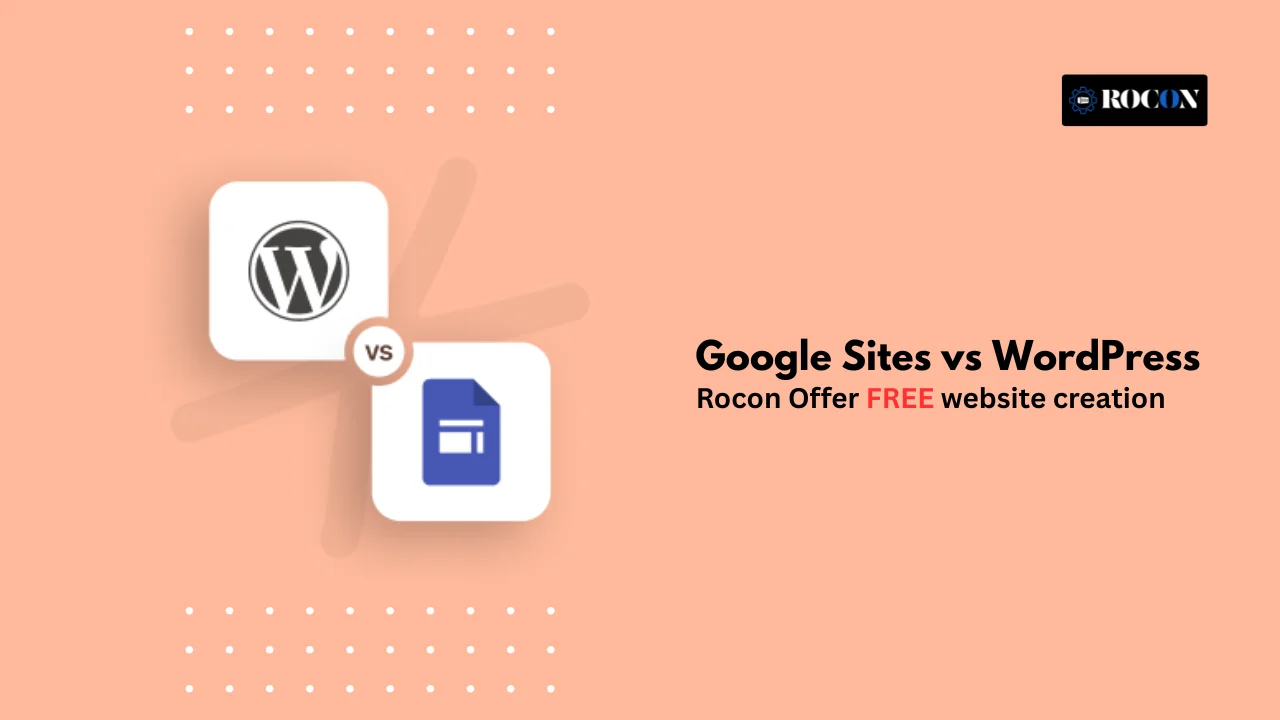


The main difference between Google Sites and WordPress is how much control and flexibility they give you. Google Sites is a free, lightweight website builder that works well for simple internal pages, team portals, and basic informational websites. WordPress, on the other hand, is a full content management system built for customization, SEO, business growth, and long-term scalability.
In 2026, a website is no longer just an online brochure. It can be a lead-generation tool, a content hub, an online store, a portfolio, or the foundation of an entire business. That’s why choosing the right platform is not only about ease of use—it’s also about deciding how much flexibility, ownership, and growth potential you want from your site.
In this guide, we’ll compare both platforms across features, pricing, hosting, security, support, SEO, and real-world use cases. By the end, you’ll have a clear picture of which option makes more sense for your goals, whether you need a simple site that works fast or a website designed to grow with your business.
| Feature | Google Sites | WordPress | Best For |
| Price | 100% Free | Variable (Hosting + Domain) | Zero Budget |
| Ease of Use | Extremely Simple | Moderate Learning Curve | Beginners |
| SEO Control | Very Basic | Advanced (Full Control) | Ranking on Google |
| E-commerce | None | Professional Store (WooCommerce) | Selling Online |
| Ownership | Property of Google | Owned by You | Business Assets |
| Scalability | Very Limited | Unlimited Growth | Long-term Success |
Before we compare Google Sites and WordPress, let’s first understand what each is, who it’s for, and what makes it unique. Then you can decide which one is for you.
Google Sites is a free website builder by Google that is all about simplicity and ease of use. Its strength is in creating quick functional websites with no technical knowledge.
Google Sites is perfect for:
The biggest plus is simplicity, but the trade-off is limited customization. It’s designed to get a site live fast without worrying about technical details.
WordPress is an open source CMS that powers over 43% of the web. Unlike Google Sites, WordPress is for flexibility and scalability, so it’s for both beginners and advanced developers.
WordPress is best for:
The main advantage of WordPress is flexibility. You can build almost any kind of website—from a simple blog to a full-blown online store. The trade-off? There’s a moderate learning curve, and you’ll need to handle hosting, security, and updates.
Understanding these differences before we get into feature comparisons. Next we’ll go into ease of use, customization, SEO, monetization and scalability.
Google Sites is great for simplicity. Drag and drop and you can build a site in minutes. Key features:
But simplicity means fewer options if you want advanced features or custom designs.
WordPress is more rich and flexible but requires some learning:
One of the most important things about building a website today is how it performs in search engines. SEO (Search Engine Optimization) means your site is discoverable, gets traffic and ranks for the right keywords.
Google Sites has basic SEO:
But Google Sites limits your control:
In 2025 as Google’s algorithm will prioritize user experience, content quality and structured data, these limitations can hurt your site’s long term visibility.
WordPress is highly SEO friendly and has tools for advanced optimization:
If SEO is important and you want to compete in search rankings, WordPress has an advantage. Google Sites is good for small projects where search engine traffic is not the main goal.
Website performance and loading speed is important for both user experience and SEO. Visitors expect sites to load fast and even a 1 second delay can increase bounce rates. Let’s see how Google Sites and WordPress compare.
Google Sites is hosted on Google’s servers so performance is great out of the box:
But performance can be limited when you try to scale your site:
WordPress performance depends on hosting, optimization and website complexity:
The advantage of WordPress is you can scale performance as your site grows but you need to pay attention to hosting and optimization settings.
For simple sites Google Sites is fast out of the box. For professional scalable sites WordPress allows you to optimize speed strategically so your site performs well under high traffic.
If you’re looking to sell products or services online, e-commerce functionality is a big consideration when choosing a website platform. Let’s compare how Google Sites and WordPress handle online selling.
Google Sites is a website builder for simple informational sites. Its e-commerce capabilities are very limited:
Google Sites can handle super basic e-commerce but businesses will quickly run into limitations.
WordPress is highly capable for e-commerce thanks to the WooCommerce plugin and other tools:
Google Sites is not suitable for any serious online selling. WordPress with WooCommerce is the way to go for businesses of all sizes that want full control over their online store.
Website security is key in 2025. With cyber threats getting more sophisticated, your website and data needs to be safe for visitors. Let’s look at how Google Sites and WordPress handle security and maintenance.
Google Sites has built-in security features with minimal user intervention:
But the tradeoff is limited control. You can’t customize security settings or implement advanced security measures beyond what Google provides.
WordPress has flexibility but requires active security management:
Google Sites is great for users who want a low maintenance, secure website without the technical hassle. WordPress has more control and security but requires active management. For businesses or high traffic sites, WordPress is the better choice.
Price is a big factor when choosing between Google Sites and WordPress. Knowing the pricing structure of both will help you choose the one that fits your budget and long-term goals.
For small projects, portfolios, or internal documentation, Google Sites provides a zero-cost solution with minimal maintenance.
WordPress itself is free, but building a full-featured website involves additional costs:
Google Sites is for those who want free simple websites, while WordPress has more flexibility and scalability at a variable cost. The investment in WordPress pays off with more functionality, customization, and long-term growth.
Choosing WordPress is only the first step; selecting the right host is equally important. If you are deciding between mainstream providers, check out our deep dive into SiteGround vs Bluehost to see which one fits your budget and speed requirements.
Having support and an active community can make a big difference when managing a website. Let’s compare Google Sites and WordPress.
Google Sites is designed to be simple and low maintenance so you don’t need a lot of support:
This works well for beginners or small personal projects but may not be enough for businesses that need rapid troubleshooting or professional guidance.
WordPress has a massive global community and professional support options:
Google Sites is good for users who prefer self service with minimal support. WordPress has lots of support options so good for beginners who want guidance and professionals managing complex websites.
So which one to choose? Let’s look at the types of websites each is best for and real-world examples to help you decide.
Google Sites is great for simple, fast and low-maintenance websites. Use cases:
Example: A school uses Google Sites to create a central page for all class projects and resources. Students and parents can access materials without login hassles or maintenance requirements.
WordPress is super flexible and scalable, suitable for many types of websites:
Example: A small business launches an online store using WordPress and WooCommerce. They integrate marketing plugins, analytics tools and SEO features to reach global customers efficiently.
If your website goals are minimal and informational, Google Sites is enough. If you plan to grow, monetize or need customization, WordPress is the way to go.
Thinking about building your site on WordPress? That’s a solid move. WordPress gives you full control over design, content, and growth—but starting with the right foundation makes all the difference. Here’s a practical, no-fluff approach to setting things up the right way from day one.
Your hosting affects speed, security, and reliability. Choose a managed WordPress host like Rocon that handles performance, scaling, and security automatically, so you can focus on growing your site.
Pick a lightweight, flexible theme that’s optimized for performance and easy customization. Page-builder-friendly themes with clean codebases help you design faster without slowing your site down.
Security shouldn’t be an afterthought. Use a reliable security plugin for login protection and monitoring, but also rely on hosting that offers server-level firewalls, isolation, and malware protection to reduce risks before they reach WordPress.
Search visibility starts with proper optimization. A modern SEO plugin helps manage metadata, schema, and technical SEO while keeping things beginner-friendly and scalable as your content grows.
Always be prepared for the unexpected. Use automated daily backups with easy restore options. Hosting-level backups combined with plugin-based backups add an extra safety net.
Speed is non-negotiable. Use smart caching and optimization tools, but also rely on hosting that’s designed for fast load times using containerized resources, SSD storage, and built-in caching—not just plugins doing all the work.
Choosing between Google Sites and WordPress comes down to your goals, your comfort with website management, and how much flexibility you may need over time. Google Sites is ideal if you want a free, simple, low-maintenance website for a personal project, portfolio, internal wiki, or basic business presence without dealing with hosting or technical setup.
Its biggest advantage is convenience. You can build and publish a site quickly, and Google handles the hosting and core maintenance for you. But that simplicity also means giving up deeper customization, stronger SEO controls, advanced design freedom, and the ability to scale into a more feature-rich website later.
WordPress is the better choice if you need a website that can grow with your business, content strategy, or online store. It gives you much more control over design, performance, SEO, and functionality, making it a stronger long-term platform for blogs, business websites, and eCommerce projects that need room to expand.
In the end, the choice is really simplicity vs flexibility. If you just need a clean website online fast, Google Sites can do the job. But if you’re building something meant to grow, rank, convert, or support a business long term, WordPress is the platform that gives you the freedom to build without hitting limits later.
Google Sites can handle basic SEO with indexed pages and simple headings, but it lacks advanced features like custom URLs, schema markup, and site speed optimization. For serious SEO and long-term growth, platforms like WordPress are a better choice.
Google Sites can work for simple blogs, but it lacks advanced blogging features like categories, tags, SEO tools, and customizable themes. For serious blogging and growth, platforms like WordPress or Blogger are far more effective.
Yes, Google Sites can be used for simple business websites or internal projects, but it lacks advanced features like eCommerce, custom SEO, and flexible design. For professional business websites, platforms like WordPress or Wix are more suitable.
Monetizing Google Sites is difficult as it lacks native support for ad placements and e-commerce. WordPress is the preferred choice for monetization via AdSense, affiliate marketing, or WooCommerce.
Yes, Google Sites is free to use with a Google account. However, for a professional business presence, you will still need to purchase a custom domain name.

Elevate your WordPress hosting with 30-day money-back guarantee, free migration, and 24/7 support.
Sign Up Today

Before You Go… Get 1 Month FREE on Rocon Hosting!

Experience lightning-fast speeds

No downtime or hidden fees

Dedicated 24/7 expert support

Leave a Reply