10 Free WordPress Themes Yellow Color: Beautiful & Modern
August 3, 2026 Written by Maria


August 3, 2026 Written by Maria


Free yellow WordPress themes are a great choice if you want your website to feel bright, welcoming, and memorable. Color is one of the first things visitors notice, and yellow naturally creates a sense of energy, creativity, and optimism. When used thoughtfully, it can help your brand stand out while making your website more engaging.
Whether you’re building a personal blog, portfolio, startup website, nonprofit, online store, or creative agency site, a yellow WordPress theme can give your design a fresh and modern look. The key is choosing a theme that not only looks great but also delivers fast performance, responsive layouts, and easy customization.
In this guide, we’ve handpicked the best free yellow WordPress themes that combine attractive design with speed, SEO-friendly code, and mobile responsiveness. You’ll discover each theme’s standout features, advantages, limitations, and the types of websites they’re best suited for, making it easier to choose the right theme for your next WordPress project.
Yellow is associated with positivity, optimism, and energy. It’s a great choice for brands that want to convey creativity, friendliness, or innovation.
Yellow is one of the most visible colors on the spectrum, making it ideal for highlighting calls to action (CTAs) and key areas of your website.
A yellow design can give your site a bold, modern aesthetic, helping you stand out in competitive markets.
Used correctly, yellow can help guide the user’s eye toward important sections and increase engagement on your site.
We’ve selected the best free yellow WordPress themes that offer attractive designs, responsive layouts, and reliable performance. Some feature yellow as their primary color, while others let you easily customize the color scheme to match your brand.
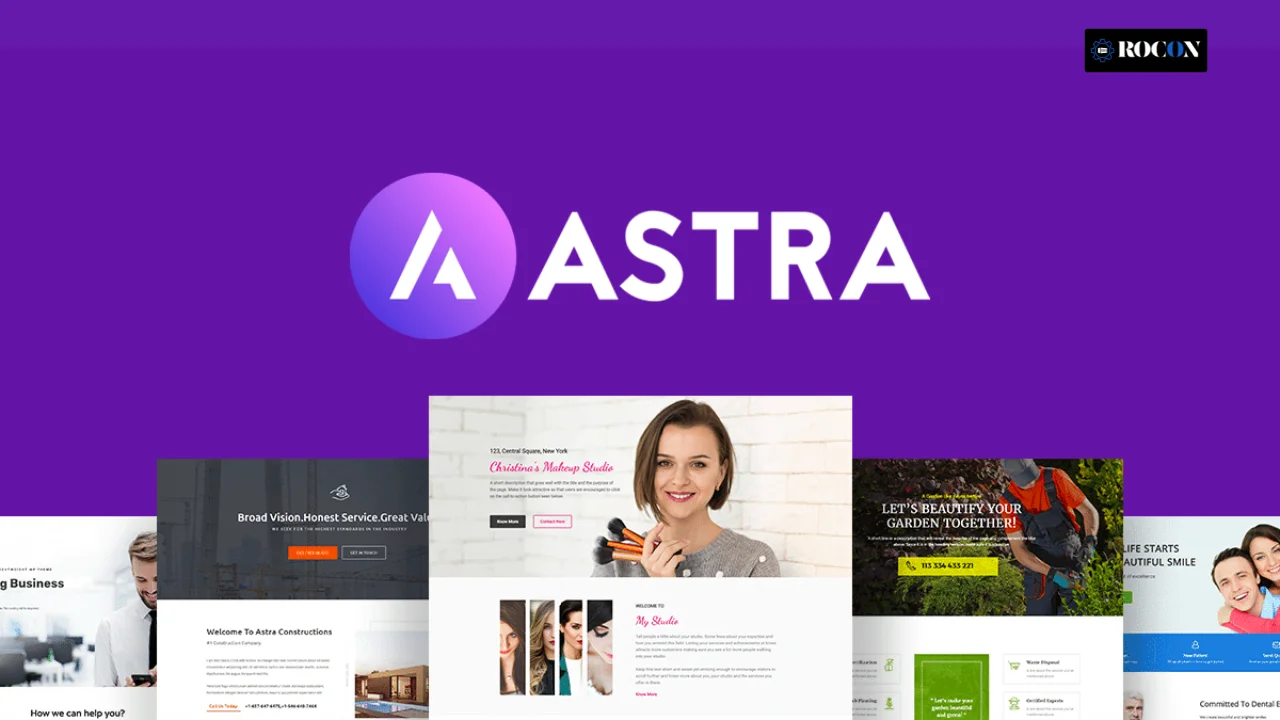
Best for: Blogs, portfolios, businesses
Astra is one of the most popular WordPress themes because it’s lightweight, fast, and easy to customize. While it doesn’t come with a dedicated yellow design by default, you can easily create a yellow-themed website using its flexible color controls and ready-made starter templates. It’s an excellent choice for beginners and experienced users who want a professional-looking website without sacrificing performance.
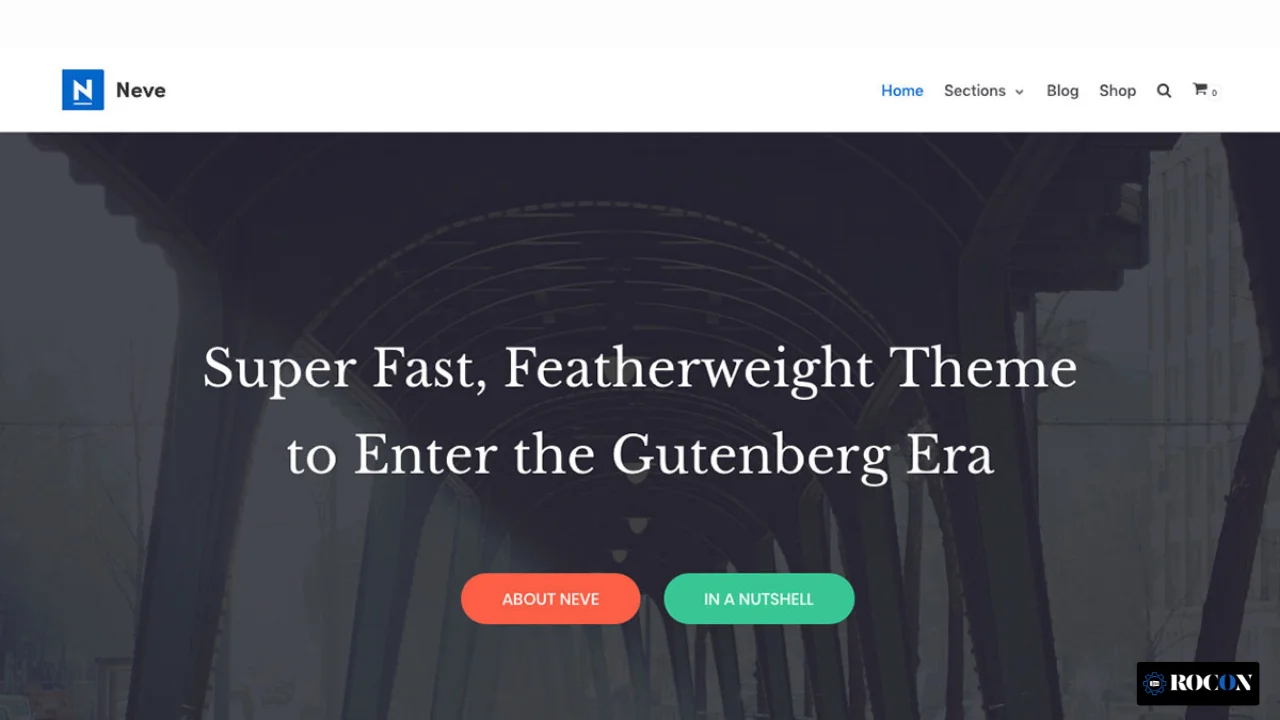
Best for: Startups, small businesses, creatives
Neve is a lightweight, mobile-first WordPress theme designed for speed and simplicity. It loads quickly, works seamlessly with popular page builders, and offers flexible design options for creating a bright, yellow-themed website. Whether you’re launching a business site or a personal portfolio, Neve provides a modern foundation that’s easy to customize.
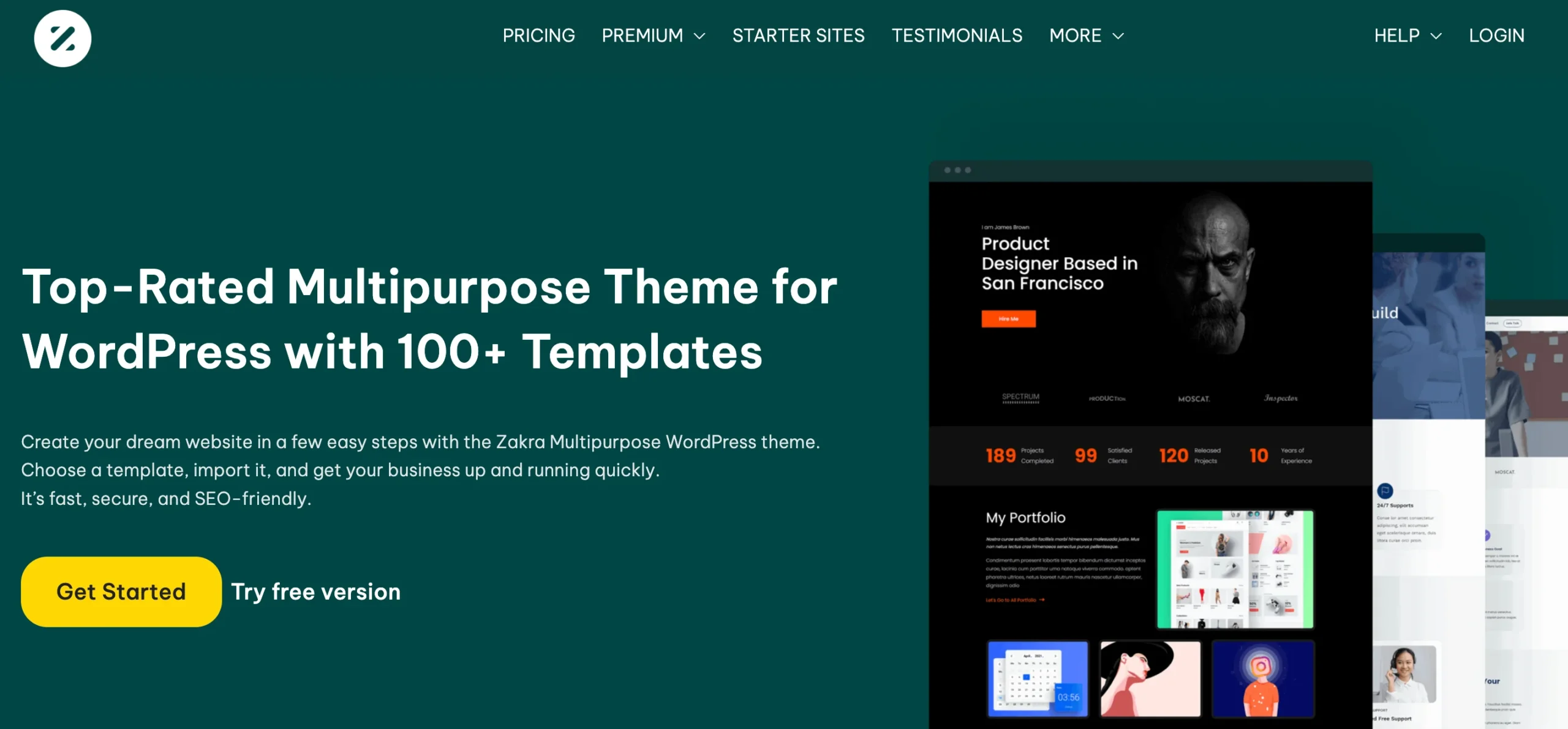
Best for: Agencies, blogs, WooCommerce stores
Zakra is a lightweight and flexible WordPress theme that works well for almost any type of website. It offers a clean, professional design with plenty of customization options, making it easy to create a website that uses yellow as its primary color or as a subtle brand accent. Its fast performance and responsive layout also make it a solid choice for growing websites.
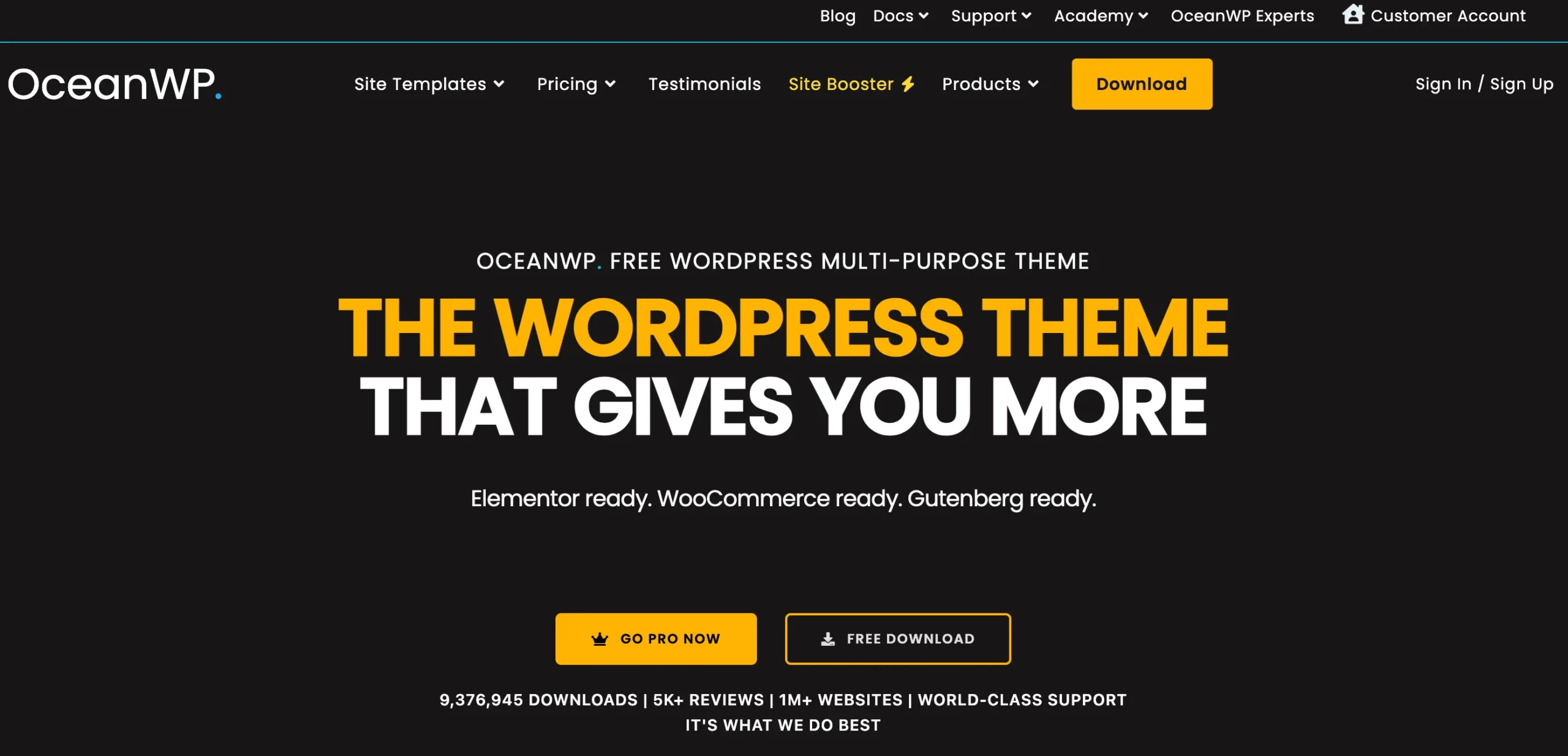
Best for: Multipurpose use
OceanWP is a versatile WordPress theme that gives you plenty of design flexibility without compromising performance. It includes responsive layouts, strong WooCommerce support, and easy color customization, making it simple to build a professional yellow-themed website. Whether you’re creating a blog, business site, or eCommerce store, OceanWP adapts well to different needs.
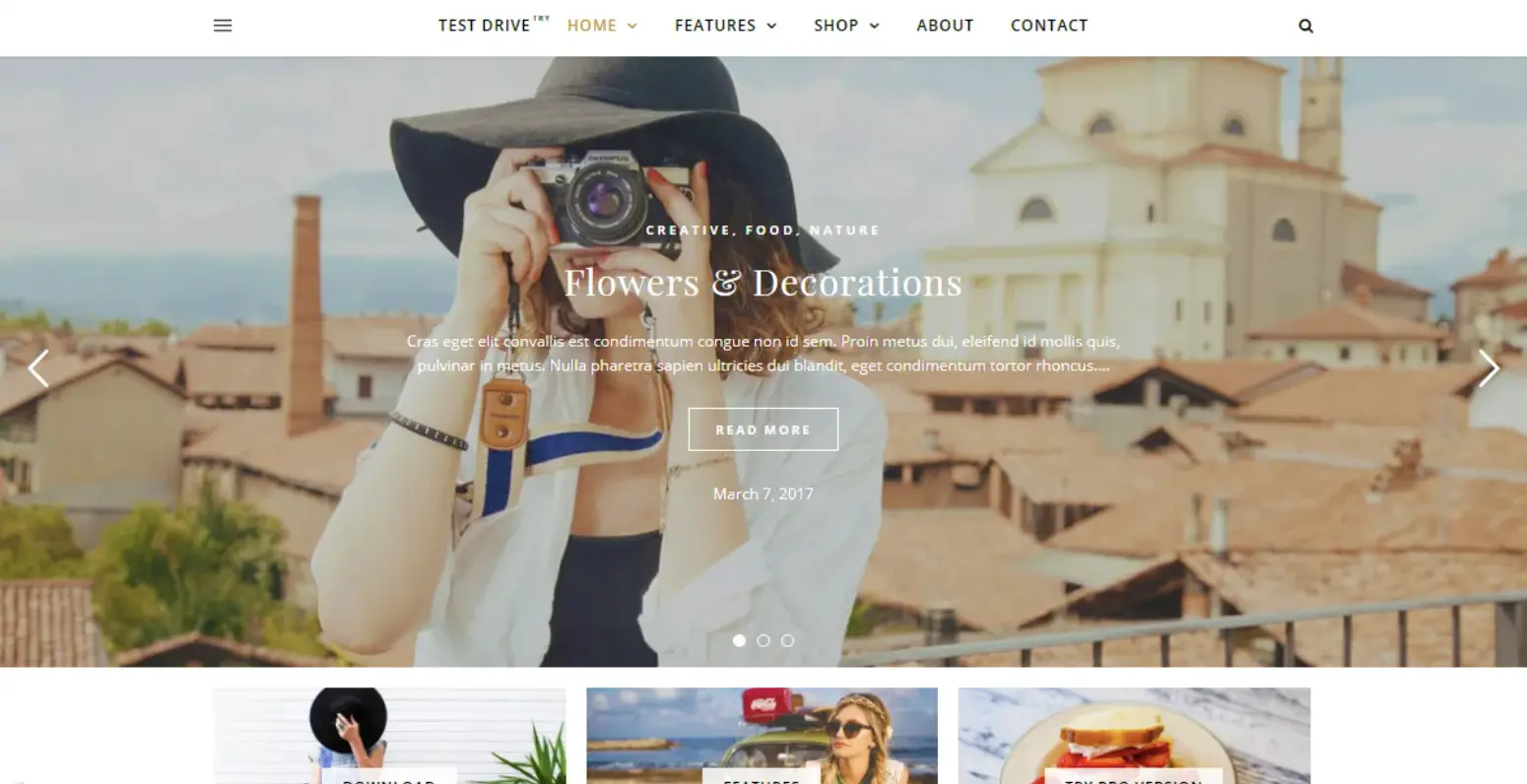
Best for: Lifestyle and personal blogs
Ashe is a clean and elegant WordPress theme designed for bloggers who want a simple yet visually appealing website. Its minimalist layout keeps the focus on your content while allowing you to customize colors, including bright yellow accents that match your brand. With fast performance and a mobile-friendly design, Ashe is a great choice for content-driven websites.
If you’re still exploring your options, these free WordPress themes are also worth considering. They may not be dedicated yellow themes, but they make it easy to create a vibrant yellow website through built-in customization options.
A modern Material Design theme with flexible color controls, allowing you to add bold yellow headers, buttons, and accents while maintaining a clean, professional look.
A highly customizable multipurpose theme that lets you personalize every design element, including colors, buttons, menus, and hover effects, making it easy to build a unique yellow-themed website.
Designed for bloggers and writers, Writee offers a clean layout where yellow accents, call-to-action buttons, and navigation highlights can add personality without distracting from your content.
A great option for magazine, news, and editorial websites. Its widget-based layout and customizable color settings allow you to incorporate vibrant yellow sections and featured content blocks.
A stylish one-page WordPress theme with full-width sections, customizable yellow highlights, and eye-catching hero banners, making it a solid choice for business websites, portfolios, and landing pages.
If your preferred theme doesn’t offer a built-in yellow style, you can still incorporate yellow in several ways:
Most WordPress themes allow you to add CSS via the Customizer.
.button {
background-color: #FFD700; /* Gold-yellow */
}
Go to Appearance > Customize > Colors and change the primary, accent, or background color to your preferred shade of yellow.
Using page builders like Elementor, you can apply yellow to specific sections, buttons, fonts, and image overlays with ease.
Plugins like YellowPencil or CSS Hero allow visual editing, letting you pick yellow shades for any element on the site.
To avoid overwhelming your visitors, pair yellow with whites, greys, or blacks to maintain visual harmony.
Use yellow for CTAs, buttons, headlines, or highlights rather than full backgrounds or text.
Make sure the yellow tones you use have sufficient contrast, especially when placed on white or light-colored backgrounds.
Ensure your yellow theme looks great and functions well on both desktop and mobile devices.
Avoid using too many yellow tones. Pick one primary yellow (e.g., #FFD700) and maybe a muted version (e.g., #FBE870) to maintain a cohesive look.
Choosing a yellow WordPress theme is about more than appearance. The right theme should reflect your brand, deliver a great user experience, and support your long-term website goals. Yellow works especially well for creative businesses, educational websites, nonprofits, startups, and brands that want to project energy, optimism, and confidence.
Before installing any theme, check its performance and code quality. A lightweight, well-coded theme loads faster, improves Core Web Vitals, and gives visitors a smoother browsing experience. Themes that are SEO friendly and regularly updated are also more likely to stay compatible with future WordPress releases.
Pay attention to typography, spacing, and overall readability. Bright colors should enhance your design, not overpower your content. A good yellow theme balances bold color accents with clean fonts, white space, and a simple layout that keeps visitors focused on your message.
Finally, look at the theme’s documentation, update history, and support community. Even the best-looking theme can become frustrating if it’s difficult to customize or no longer maintained. Choosing a theme with active developer support will save you time and make future updates much easier.
A yellow WordPress theme is a great way to create a website that feels energetic, welcoming, and memorable. Whether you’re building a business website, personal blog, portfolio, or online store, the right theme can improve both your site’s appearance and user experience.
The themes in this list offer a strong balance of performance, customization, and responsive design. Many also support WooCommerce, Elementor, and Gutenberg, making it easy to build a professional website without touching code. Choose the one that matches your goals, customize it with your brand colors, and create a website that stands out.
Ready to Launch Your WordPress Website?
A great theme deserves reliable hosting. Rocon Managed WordPress Hosting is built for speed, security, and performance, so your website loads faster, stays protected, and delivers a smooth experience for every visitor.
With Rocon, you get:
Launch your WordPress website with confidence on Rocon and give your visitors the fast, reliable experience they expect.

Elevate your WordPress hosting with 30-day money-back guarantee, free migration, and 24/7 support.
Sign Up Today


Before You Go… Get 1 Month FREE on Rocon Hosting!

Experience lightning-fast speeds

No downtime or hidden fees

Dedicated 24/7 expert support

Leave a Reply