WordPress Theme Not Displaying Correctly? How to Fix It
June 9, 2026 Written by Saurabh Rai


June 9, 2026 Written by Saurabh Rai
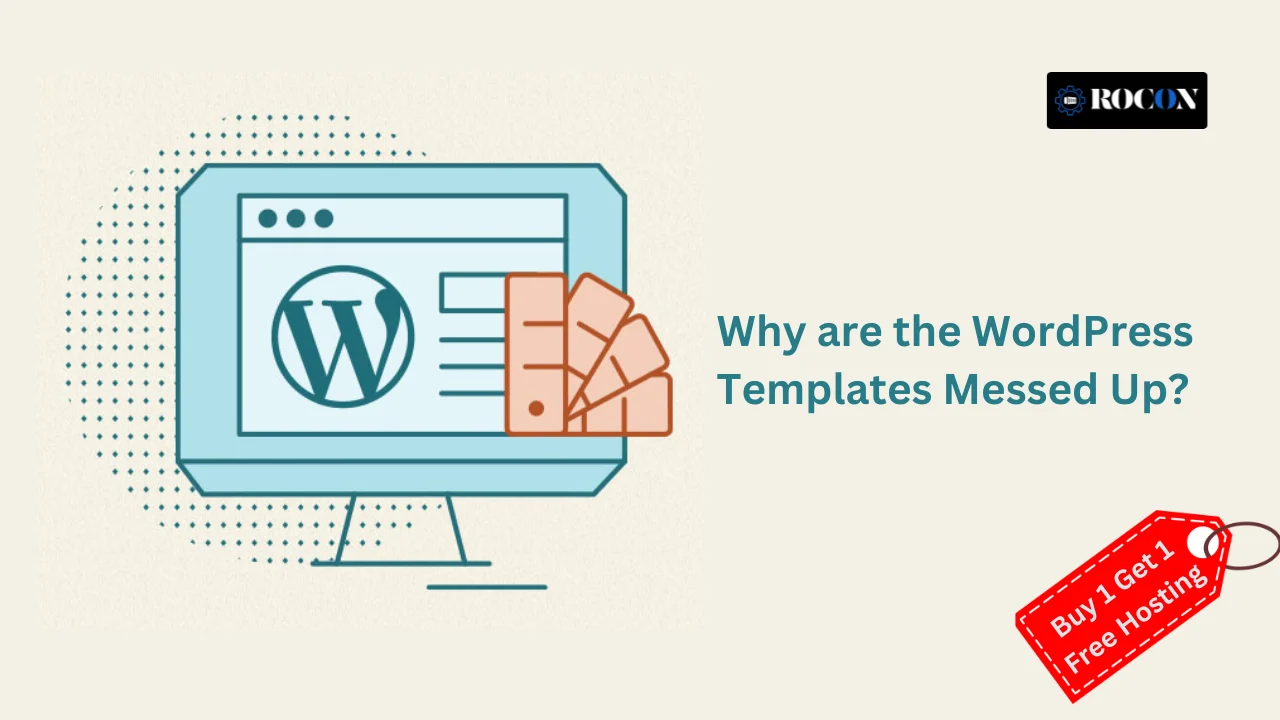


WordPress is a powerful content management system (CMS) that hosts over 40% of the web’s sites. One of the reasons it’s so well-loved is because there are thousands of templates and themes available that users can easily use to make beautiful websites without even typing out a single line of code.
However, users often find themselves with a problematic issue: wrecked WordPress templates. This can vary from wonky layouts, broken styles, missing elements, or broken features. So why does this happen?
In this article, we will cover the most common reasons for WordPress templates becoming corrupted, how to detect the problems, and step-by-step solutions to fix them. Whether you are a beginner or an experienced developer, this tutorial will help you comprehend and resolve template issues in WordPress better.

One of the most common reasons for template issues is a conflict between your active theme and other components of your website. Themes are designed to work with specific versions of WordPress and certain plugins. If these are out of sync, the layout can break.
Users often customize their themes by adding CSS in the Customizer or modifying theme files. If done incorrectly, this can disrupt the design.
WordPress plugins add functionality but can also interfere with how your theme renders, especially if they load their own stylesheets or scripts.
Sometimes, themes aren’t installed properly due to a failed upload or a corrupted zip file.
Caching plugins or content delivery networks (CDNs) can serve outdated versions of your site, making it look broken when changes are made.
Themes rely on stylesheets and JavaScript files to render properly. If these files are not loaded due to errors or missing paths, the design will break.
In WordPress, you can assign different templates to pages. Sometimes, the wrong template is selected.
Issues in the WordPress database, especially during theme or plugin installations, can lead to incomplete content loading or broken layouts.
Themes not built to support popular page builders like Elementor, WPBakery, or Divi may not display sections correctly.
Some templates are not fully optimized for mobile devices, or customizations break mobile layouts.
Another reason WordPress templates are destroyed is due to the multilingual plugin or translation tool that does not get along with the theme used.
Such plugins have a tendency to insert new blocks of text or other elements that wreck the design, especially when switching between languages. Testing across all the site’s languages is important to ensure they are uniform.
In other cases, the outdated versions of PHP installed on the server might lead to compatibility problems with new WordPress themes. Most of the themes make use of the latest features of PHP to guarantee enhanced performance and security.
When the server is on an outdated version, then visual glitches or bugs might occur. It is crucial to keep the server environment up to date.
User error is yet another contributing factor. Accidentally deleting a crucial file, getting settings confused, or not being aware of how an option under a theme works can rapidly generate design issues.
Having Documentation handy and modifying in a staging environment prior to pushing it out can prevent such errors.
Also, installing nulled or pirated themes may seem to be a cost-saving shortcut but the themes are malware-infested or poorly written code that hamper your website’s appearance and security. Always get themes from verified sources or WordPress official repositories.
Lastly, when moving from one theme to another, content and widgets do not necessarily translate. This can cause your site to be broken-looking until the new theme is correctly configured. It’s best to preview and tweak settings in a staging site before performing a theme switch live.
To avoid future problems, here are some best practices:
WordPress template issues can result from a variety of different sources—everything from plugin conflicts to cache problems to broken customizations. The good news is that most issues are resolvable once you identify the root cause.
An understanding of the underlying architecture of WordPress themes and being careful with changes can be a real lifesaver when it comes to maintaining a healthy, working site.
If your WordPress template ever gets messed up, don’t panic. Use the steps above to troubleshoot, and you’ll likely find a clear path to resolution. And if all else fails, reaching out to your theme developer or hiring a WordPress expert can get your site back on track quickly.
Your website is most likely to be your first impression—having it clean, functional, and well-organized is time well-invested.
Website projects often stall when basic CMS themes cannot support the required functionality, design flexibility, or performance goals. As customization needs grow, developers may encounter limitations that require additional coding, plugins, or even a complete theme replacement, which can delay project timelines and increase costs.
A WordPress theme may not display correctly because of plugin conflicts, missing theme files, CSS errors, caching issues, or compatibility problems after updates. Clearing caches, switching to a default theme, and checking for recent changes are usually the fastest ways to identify the cause.
WordPress theme conflicts occur when a theme is incompatible with a plugin, WordPress core update, custom code, or server configuration. Common symptoms include broken layouts, missing features, JavaScript errors, and pages that do not render as expected.
To fix a broken WordPress theme, temporarily activate a default theme such as Twenty Twenty-Four, disable recently installed plugins, clear website caches, and review error logs. If the issue started after an update, restoring a backup or reinstalling the theme can often resolve the problem.
The “This is not a valid feed template” error usually appears when a theme, plugin, or custom code attempts to load an invalid RSS feed template. Updating the affected plugin or theme, removing custom feed modifications, and checking for coding errors can typically fix the issue and restore normal feed functionality.

Elevate your WordPress hosting with 30-day money-back guarantee, free migration, and 24/7 support.
Sign Up Today


Before You Go… Get 1 Month FREE on Rocon Hosting!

Experience lightning-fast speeds

No downtime or hidden fees

Dedicated 24/7 expert support

Leave a Reply