Linux Server vs Windows Server: Which is Right for You?
June 17, 2026 Written by Maria


June 17, 2026 Written by Maria
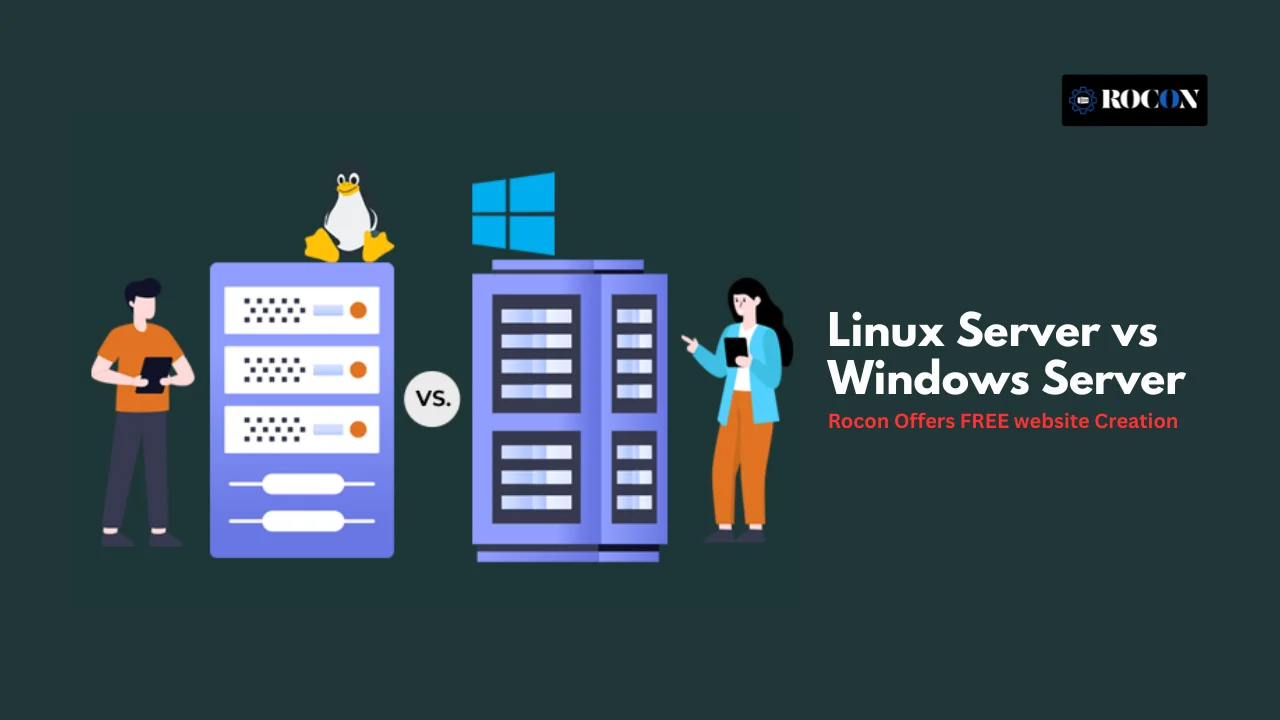


Linux runs 61.5% of all websites with a known operating system. Windows sits at 8.5%. That gap tells you most of the story before we get into the detail.
Both run serious workloads, from a small business site to a bank’s data centre. But they’re built on different ideas about cost, control, and who’s meant to use them. Pick the wrong one and you pay for it in licensing, staff time, or performance for years.
Here’s the honest, side-by-side version, with current numbers, so you can choose with confidence whether you’re a developer, an IT lead, or a founder setting up your first server.
| If You Need | Choose |
|---|---|
| WordPress Hosting | Linux Server |
| Docker & Kubernetes | Linux Server |
| Lower Hosting Costs | Linux Server |
| Open-Source Flexibility | Linux Server |
| ASP.NET Applications | Windows Server |
| Microsoft SQL Server | Windows Server |
| Active Directory Integration | Windows Server |
| Microsoft-Centric Infrastructure | Windows Server |

A Linux server is a server running the open-source Linux operating system, built on the Linux kernel. It’s free to use, and you can change almost anything about it.
It comes in flavours called distributions. Ubuntu Server and Debian are the popular free ones. Red Hat Enterprise Linux and SUSE charge for support and long-term updates, which is what big companies pay for. On the web, Ubuntu leads the named distributions at about 14.9% of Linux web servers, with Debian next.
Admins like Linux because they control it. You manage it mostly from the command line, you script the boring jobs, and a global community patches security holes fast. That’s a big reason it dominates web and cloud hosting.
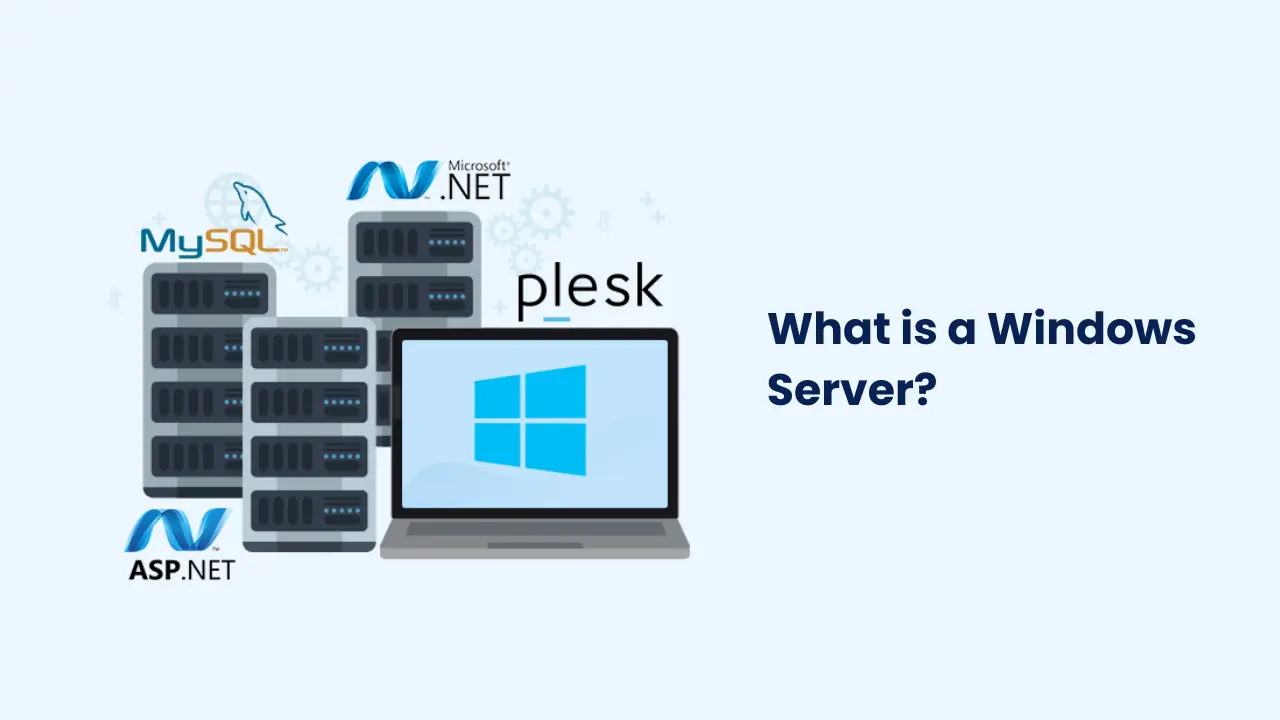
Windows Server is Microsoft’s server operating system. It’s paid, and it’s built to run the Microsoft world: .NET apps, MS SQL Server, Exchange, and Active Directory for managing users across a company.
It ships with a full graphical interface, so teams who grew up on desktop Windows feel at home fast. You get Server Manager, Group Policy, and PowerShell for automation. It comes in editions (Essentials, Standard, Datacenter) priced for different sizes of business.
If your company already lives inside Microsoft 365 and Azure, Windows Server fits that world neatly and the vendor support is strong.
| Factor | Linux Server | Windows Server |
|---|---|---|
| Architecture | Built on the Linux kernel | Built on Windows NT architecture |
| Cost | Free, or paid support (Red Hat, SUSE) | Paid licence, per-core plus CALs |
| Interface | Command line first, GUI optional | Full graphical interface |
| Performance | Light, runs well on small hardware | Heavier, needs more RAM and CPU |
| Security | Smaller attack surface, fast patching | Improved, but a bigger malware target |
| Best for | Web, cloud, containers, open-source stacks | .NET, MS SQL, Exchange, Active Directory |
| Cloud fit | Runs most cloud and container workloads | Tight Azure and Hyper-V integration |
| Support | Huge community, paid options too | Structured paid support with SLAs |
| Access & files | SSH access, ext4 or XFS file systems | RDP access, NTFS file system |
| Learning curve | Steeper, command-line heavy | Gentler for Windows users |
Linux is free to download and run. You only pay if you want a vendor’s support contract, like Red Hat or Canonical, and even then there’s no per-user fee.
Windows Server is a paid licence, and the pricing has layers. You pay per core, and then you pay Client Access Licences (CALs) for the users or devices that connect. In a virtual setup with lots of instances, the bill adds up quietly. When teams calculate total cost of ownership, licensing is usually the line that makes Linux look cheap.
Windows Server 2026 Standard starts around $1,176 and Datacenter around $6,771 per 16-core pack, and that’s before you add CALs. Microsoft does back it with a long lifecycle, 5 years of mainstream support plus 5 years extended, which is part of what enterprises pay for.
For a startup watching its burn rate, Linux wins this round easily. For a Microsoft-heavy enterprise, the licence cost is just part of a stack they’ve already committed.
Linux is light. It runs happily on modest hardware, boots fast, and you can strip it down to just the parts you need. That efficiency is why it’s the default for high-traffic sites and container fleets.
Windows Server carries more weight because of its graphical interface and background services. It’s reliable, but it asks for more RAM and CPU to do the same job, and updates often want a reboot. On the same hardware, a tuned Linux box generally serves more traffic per gigabyte of memory.
If raw efficiency per dollar matters, Linux leads. If your app is written for Windows, the performance question is moot, because you’re running Windows anyway.
Linux Server has a strong security reputation, and it’s earned, not just folklore. The permission model is strict, the attack surface is smaller, and because the code is open, problems get spotted and patched quickly by a huge community. Tools like SELinux and iptables give admins fine control.
Windows Server has improved a lot, with Windows Defender, BitLocker, and centralised control through Group Policy. Its challenge is popularity: it’s a bigger target for ransomware and malware, especially on desktops, and patches sometimes wait for a release cycle.
Neither is hack-proof. A misconfigured Linux box is more dangerous than a well-run Windows one. But out of the box, Linux gives you a smaller surface to defend.
Windows Server is friendlier on day one. The graphical interface looks like the Windows you already know, and Server Manager and Active Directory tools are point-and-click. New IT staff get productive quickly.
Linux Server asks more of you up front. You’ll live in the command line, and you’ll learn UNIX-style permissions. The payoff is real control and powerful automation with tools like Bash, Ansible, and cron. Once a team is fluent, managing 500 Linux servers is easier than managing 50 by hand.
So this one splits by team. GUI-first shops lean Windows. Script-first teams lean Linux.
Linux Server is the home of open-source software. It runs the LAMP and LEMP stacks, MySQL, PostgreSQL, MongoDB, and every mainstream language (Python, PHP, Go, Node, Ruby). It’s also where Docker and Kubernetes feel native.
Windows Server is the home for Microsoft-native software. If you run MS SQL Server, Exchange, or SharePoint, you run Windows. Active Directory domain controllers live here too.
One modern point worth knowing: since .NET Core, Microsoft’s framework runs on Linux as well, so a brand-new .NET app can live on either side. Older .NET Framework apps, and the big Microsoft server products, still pull you toward Windows.
So compatibility comes down to one thing: which software you’ve already committed.
Linux powers most of the public cloud. AWS, Google Cloud, and Azure all run enormous Linux fleets, and Linux instances usually cost less than Windows ones on the same provider. It works with KVM, Xen, Proxmox, and VMware, and it’s the backbone of container hosting.
Windows Server pairs tightly with Microsoft’s own Hyper-V and Azure, including hybrid-cloud setups and licensing perks for existing Microsoft customers. It supports containers too, both Windows containers and Docker.
For container-first and cost-sensitive cloud work, Linux is the standard. For Azure-centred enterprises, Windows keeps everything in one family.
Linux Server gives you two paths. There’s a massive free community on forums, wikis, GitHub, and Stack Overflow, where most problems are one search away. And there’s paid enterprise support from Red Hat, SUSE, and Canonical when you need an SLA.
Windows Server gives you Microsoft’s structured, paid support with documentation, ticketing, and guaranteed response times. For organisations that need someone contractually on the hook, that’s reassuring.
Linux Server is famous for staying up. It’s common to see Linux servers run for months or years without a reboot, which is why it’s trusted for mission-critical systems and high-availability clusters.
Windows Server is stable too, and its failover clustering is solid, but it reboots more often for updates. You can soften that with rolling updates, but the reboots are part of life.
Start with the software you have to run and the skills your team already has.
When comparing Linux Server vs Windows Server for hosting, Linux is the preferred choice for most websites, blogs, e-commerce stores, and SaaS applications. It supports popular technologies such as PHP, MySQL, Apache, Nginx, Docker, and Kubernetes, making it highly compatible with modern hosting environments.
Windows Server is a better option when your application relies on Microsoft technologies such as ASP.NET, Microsoft SQL Server, or Active Directory. While it offers strong integration within the Microsoft ecosystem, it generally comes with higher licensing costs and resource requirements.
For most web hosting scenarios, Linux provides a better balance of performance, scalability, flexibility, and cost efficiency.
Here’s the part that matters if you’re running a website rather than a corporate network: WordPress runs on Linux. The whole stack it’s built for (PHP, MySQL, Apache or Nginx) is the open-source world Linux was made for.
You can run WordPress on Windows Server, but you’d be swimming against the current, paying for a licence you don’t need and giving up performance. That’s why nearly every managed WordPress host, Rocon included, runs on Linux under the hood.
Hosting control panels follow the same split. cPanel is Linux-only, and Plesk runs on both, so the tools you’ll actually click around in are built for Linux first.
So for a WordPress site, the Linux vs Windows question is already answered. The real decision is which Linux-based host gives you the speed, security, and support you want without the server admin work.
The best server operating system is the one that fits your project. Linux gives you cost, speed, and control, and it’s the natural home for web, cloud, and open-source projects. Windows Server gives you a friendly interface and tight integration when your world is already Microsoft.
Decide by looking at three things: the software you have to run, the skills your team already has, and the infrastructure you’re building on. Get those straight and the choice usually makes itself.
And if your project is a website or a WordPress site, you’re really choosing a good Linux-based host. We’re happy to help with that part.
Neither is better in every case. Linux is better for web hosting, cloud, containers, and cost. Windows Server is better when your software is Microsoft-native (.NET, MS SQL, Exchange). Match the server to your software.
Linux servers are generally faster for web hosting and cloud workloads because they use fewer system resources and have less overhead. Windows Server performs well for Microsoft-based applications but typically requires more memory and processing power than Linux.
Usually yes. Linux is free to run, with optional paid support. Windows Server needs a paid licence priced per core, plus Client Access Licences for users or devices, so the total cost is higher.
Out of the box, Linux has a smaller attack surface, a strict permission model, and fast community patching, so it’s often considered more secure. A poorly configured Linux server is still riskier than a well-managed Windows one.
You can, but it’s not ideal. WordPress is built for the Linux stack, so it runs faster and cheaper on Linux. Almost all managed WordPress hosts use Linux for this reason.
Windows Server is easier at first because of its graphical interface. Linux has a steeper learning curve but gives you more control and better automation once you know it.
Generally yes. Linux can run for long stretches without rebooting, while Windows Server reboots more often for updates. That’s part of why Linux is favoured for high-uptime systems.
Most WordPress websites run on Linux servers because WordPress is built around technologies such as PHP, MySQL, Apache, and Nginx. Linux also offers better compatibility, lower costs, and broader support within the WordPress hosting ecosystem.

Elevate your WordPress hosting with 30-day money-back guarantee, free migration, and 24/7 support.
Sign Up Today


Before You Go… Get 1 Month FREE on Rocon Hosting!

Experience lightning-fast speeds

No downtime or hidden fees

Dedicated 24/7 expert support

Leave a Reply