Jimdo vs WordPress: Which One is Right for Your Site?
June 25, 2026 Written by Nitish Kumar


June 25, 2026 Written by Nitish Kumar
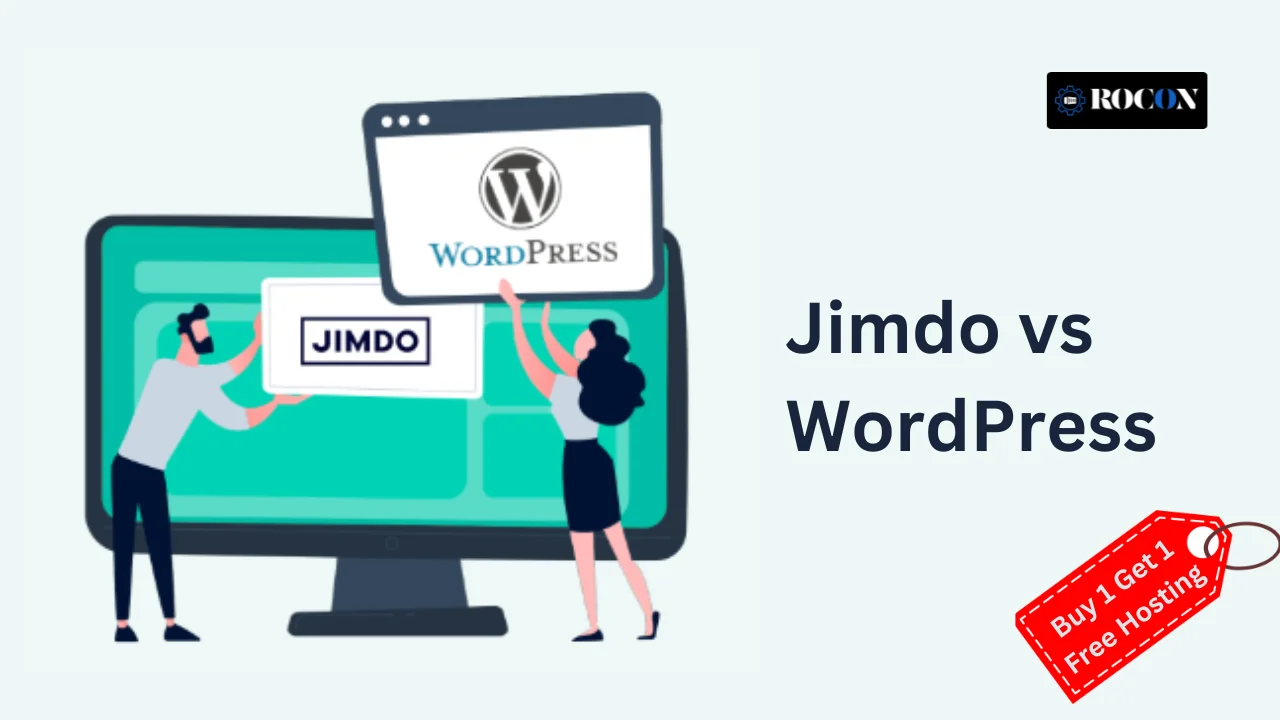


Choosing between Jimdo vs WordPress usually comes down to one simple question: do you want the easiest possible way to get a website online, or do you want more control over how that website grows over time? Jimdo is built for speed and simplicity. It’s aimed at people who want a website up quickly without worrying about coding, hosting setup, or too many technical decisions.
WordPress takes the opposite approach. It gives you much more flexibility, stronger customization, better SEO options, and far more room to expand your site as your needs grow. That makes it a better fit for blogs, business websites, and online stores that need more than just a basic online presence.
In this guide, we’ll break down Jimdo vs WordPress across ease of use, pricing, customization, SEO, eCommerce, and long-term scalability. By the end, you’ll have a clearer idea of which platform fits your goals—whether you need a quick no-hassle website or a platform that gives you more control as your site grows.
Jimdo is an all-in-one website builder for individuals, freelancers and small businesses who want to create a professional website without coding or technical skills. It has a fully guided website-building process so you can launch a site in minutes with a drag-and-drop interface. Unlike other website platforms, Jimdo takes care of hosting, security and maintenance so it’s hassle-free for beginners.

WordPress is a super powerful and flexible content management system (CMS) that runs over 40% of all websites worldwide. It’s an open-source platform so you have full control over your website’s design, functionality and content. Unlike website builders like Jimdo, WordPress has almost no limits to customization so it’s perfect for businesses, bloggers and developers looking for a scalable solution.
Choosing between Jimdo and WordPress depends on your needs. Here’s the comparison:
Jimdo: For beginners with drag-and-drop. No coding required.
WordPress: Has a learning curve but more flexibility once you master it.
Jimdo: Limited customization with pre-designed templates.
WordPress: Thousands of themes, page builders (Elementor, Divi), and custom coding.
Jimdo: Basic SEO tools (title tags, meta descriptions, alt text).
WordPress: Advanced SEO with plugins (Yoast SEO, Rank Math) and full control over technical SEO.
Jimdo: Basic blogging no advanced features
WordPress: Best blogging platform with categories, tags, post scheduling and monetization options
Jimdo: Built in eCommerce but limited scalability
WordPress: WooCommerce integration makes it the most powerful eCommerce solution for large online stores
Jimdo: For small websites with limited growth
WordPress: Can grow to any size, from personal blogs to enterprise websites
Jimdo: Fixed pricing, $9/month (free plan available with limitations)
WordPress: Free to use, but you need hosting ($2–$25/month for good hosting)
Jimdo: Includes built-in hosting and security
WordPress: Requires separate hosting (Rocon Managed WordPress Hosting ensures security and performance)
Jimdo: Direct support but smaller community
WordPress: Huge community with thousands of tutorials, forums and expert support
| Feature | Jimdo | WordPress |
| Ease of Use | Beginner-friendly, no coding required | Learning curve, but highly flexible |
| Customization & Design | Limited templates, basic customization | Thousands of themes, page builders, full design control |
| SEO Capabilities | Basic SEO tools (titles, meta descriptions) | Advanced SEO plugins (Yoast SEO, Rank Math), full optimization |
| Blogging Features | Simple blogging, limited features | Best blogging platform, full post management, monetization options |
| eCommerce | Built-in eCommerce, limited scalability | WooCommerce integration, ideal for small and large stores |
| Scalability & Growth | Best for small websites, lacks scalability | Suitable for businesses of all sizes, highly scalable |
| Pricing | Starts at $9/month, free plan available | Free platform, hosting costs vary ($5–$25/month) |
| Hosting & Security | Built-in hosting and security | Requires hosting, but offers full security control |
| Support & Community | Direct support, smaller user base | Large global community, thousands of tutorials and support options |
Both platforms have their strengths—Jimdo is great for beginners and small projects, while WordPress is the best choice for those looking for full control, scalability, and advanced features.
Choose Jimdo if you want a website that is quick, easy, and hassle-free. It is intended for people with little to no technical skills and has an intuitive drag and drop builder as well as AI-powered site development. Jimdo is ideal for small enterprises, freelancers, and personal websites that do not require substantial customisation.
It includes hosting, security, and eCommerce services in a one bundle for people who require a simple yet practical online presence. However, it has limitations in scalability, SEO, and advanced functionality, making it unsuitable for long-term business development.
Choose WordPress if you desire complete control, flexibility, and capacity for expansion. WordPress is ideal for professional bloggers, commercial websites, and e-commerce companies. With thousands of themes and plugins you can customise your site exactly how you want.
It excels in SEO, blogging and online sales but requires hosting and setup. For an optimized experience Rocon Managed WordPress Hosting provides fast performance, security and expert support.
If you need a quick and easy site Jimdo is good. But for a scalable, SEO friendly and feature rich website WordPress is the way to go.
In the end Jimdo and WordPress are both good website builders but it’s up to you. Jimdo is perfect for beginners who want a quick and easy website with built in hosting and minimal setup. Good for small businesses, freelancers and personal projects that don’t need advanced customization. But limited in SEO, scalability and design flexibility.
WordPress is for business websites, pro blogs and big e-commerce stores. Thousands of themes and plugins means you have full control, top SEO and long term scalability. While it requires hosting and setup, the benefits outweigh the learning curve. If you need a simple and low-maintenance site Jimdo is the way to go. But if you want a scalable, SEO friendly and fully customizable website WordPress is the way to go.
Looking for WordPress hosting? Try Rocon Managed WordPress Hosting for top speed, security and expert support!
It depends. Jimdo is ideal for novices who desire a simple, low-maintenance website. WordPress is for individuals that require complete customisation, scalability, and advanced SEO capabilities.
Jimdo offers a free subscription, however it includes Jimdo branding, restricted storage, and fewer customization possibilities. Paid options start at $9 per month for additional features and a custom domain.
Yes, but you will need to manually transfer your content because Jimdo does not provide an easy migration mechanism. You’ll need a new hosting provider, and your site may need to be rebuilt with WordPress themes and plugins.
WordPress is With plugins like Yoast SEO and Rank Math you have advanced control over meta tags, sitemaps and page optimization. Jimdo only has basic SEO features.
Yes, both platforms support eCommerce. Jimdo has built-in eCommerce for small stores but WordPress with WooCommerce is more powerful, scalable and has advanced features for online stores.
No, you don’t need coding skills for either. Jimdo is completely no-code with its drag-and-drop editor. WordPress also has drag-and-drop page builders (Elementor, Divi) but coding knowledge can be useful for advanced customizations.
To migrate from Jimdo to WordPress, first set up your WordPress hosting and install WordPress, then move your content manually or with import tools, recreate your design using a theme, and set up redirects if possible. After that, check URLs, SEO settings, images, menus, and forms so the new site works properly before you switch your domain.

Elevate your WordPress hosting with 30-day money-back guarantee, free migration, and 24/7 support.
Sign Up Today
November 6, 2026
Sreekar


Before You Go… Get 1 Month FREE on Rocon Hosting!

Experience lightning-fast speeds

No downtime or hidden fees

Dedicated 24/7 expert support

Leave a Reply