How to Enable Command Blocks on a Server – Rocon Guide
June 12, 2026 Written by Ankit Kumar


June 12, 2026 Written by Ankit Kumar
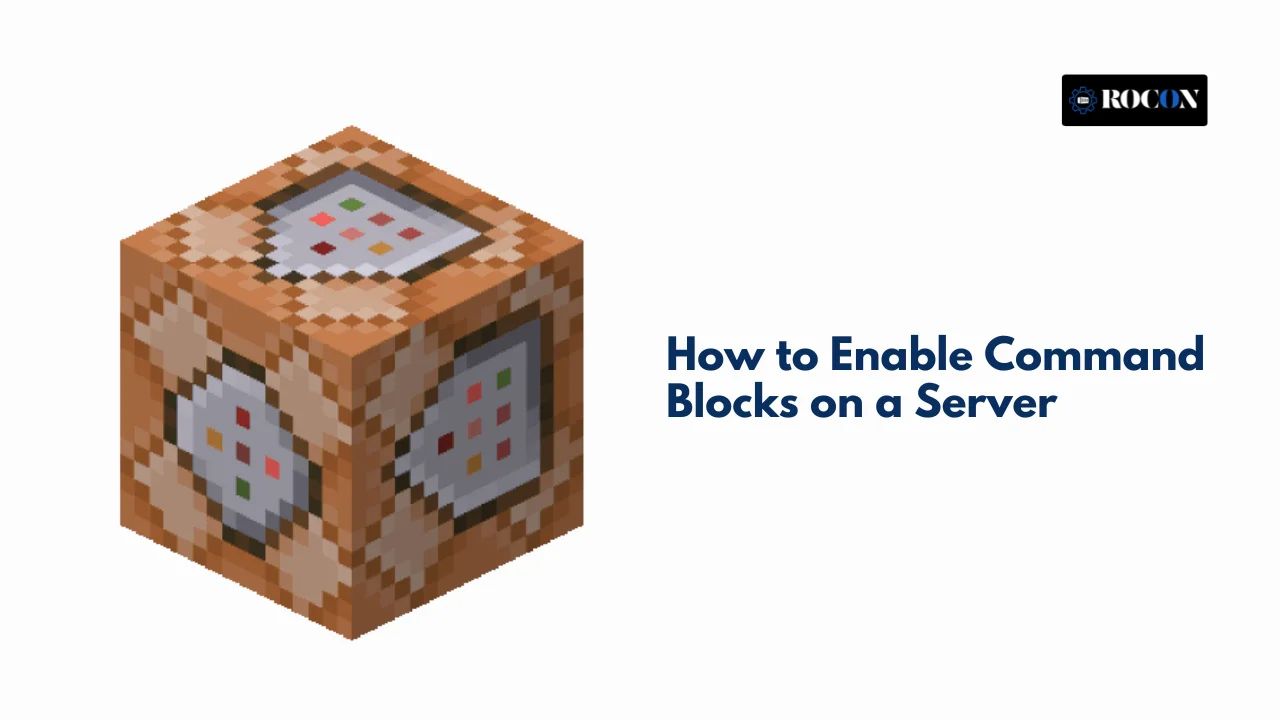


How to enable command blocks on a server is a common question among Minecraft server owners who want more control over gameplay and automation. Command blocks are powerful tools that allow administrators to execute commands automatically, create custom game mechanics, manage events, and build interactive experiences that would otherwise require manual input.
By default, command blocks are disabled on most Minecraft servers for security and gameplay reasons. This helps prevent unauthorized players from running powerful commands that could affect the server. However, server administrators can easily enable them through the server configuration settings when additional functionality is needed.
Whether you’re creating adventure maps, custom mini-games, automated systems, or advanced server mechanics, command blocks can significantly expand what’s possible in Minecraft. Once enabled, they allow you to automate repetitive tasks, trigger events, manage player interactions, and create more engaging gameplay experiences.
In this guide, we’ll explain how to enable command blocks on a Minecraft server, where to find the necessary settings, common issues that may prevent them from working, and best practices for using command blocks safely and effectively.
Command blocks are redstone-powered blocks that allow users to execute console-level commands automatically. Unlike chat-based commands that a player enters manually, command blocks operate through redstone signals and are used to create advanced mechanisms such as:
They are not available in Survival mode and must be given through commands such as:
bash
/give @p command_block
But before you can use them, you must enable them in the server settings.
Command blocks open up a wide range of possibilities, particularly in multiplayer environments:
Enabling command blocks on a Java Edition server involves a simple edit to the server.properties file.
This file is found in your server’s root directory. Here’s how to find it:
Search for the line:
ini
enable-command-block=false
Change it to:
ini
enable-command-block=true
Once you’ve updated the file:
Run the command:
bash
/give @p command_block
If you receive a command block in your inventory, it means everything was successful.
Bedrock servers follow a slightly different structure, but enabling command blocks is just as simple.
Locate this line:
ini
enable-command-block=false
Change it to:
ini
enable-command-block=true
Once restarted, type:
bash
/give @p command_block
This should give you a command block, confirming that the setting has taken effect.
To ensure your command blocks are enabled and working:
Input a basic command like:
bash
/tp @p 100 70 100
This simple test ensures that command blocks are functional and reacting to redstone inputs.
Despite being a simple toggle, enabling command blocks can sometimes run into issues. Here are common problems and solutions:
Fix: Make sure your account is set as an operator using:
bash
/op <your_username>
Fix: Command blocks can only be used in Creative Mode. Switch using:
bash
/gamemode creative
Use gamerule commandBlockOutput false to reduce chat spam.
Command blocks offer immense power, which also means they can be abused or misused if not properly managed. Here are some tips to stay safe and keep your server healthy:
Run this command:
bash
/gamerule commandBlockOutput false
This stops command feedback from flooding the chat.
Command blocks can potentially crash or corrupt a world. Regularly back up your server files before testing complex setups.
If you’re running Bukkit, Spigot, or Paper, you can use plugins like WorldGuard to restrict command block usage by region or user group.
With command blocks enabled, you can create a variety of game-enhancing features. Here are some creative and advanced uses:
Create custom PvP arenas, puzzle dungeons, or parkour races using commands like:
Set up recurring announcements or scheduled events:
mcfunction
/say Server Restart in 5 Minutes!
/title @a title {“text”:”New Event Starting!”}
Build transportation hubs using command blocks that instantly teleport players to different locations:
mcfunction
/tp @p 150 65 340
Command blocks can help you enforce rules or punish bad behavior automatically:
mcfunction
/kick @a[score_broken_blocks_min=50] Griefing is not allowed!
Drop custom items or rewards when a player enters a region:
mcfunction
/give @p minecraft:diamond_sword{display:{Name:”{\”text\”:\”Blade of Legends\”}”}} 1
Command blocks open up a wide range of possibilities for customizing and automating your Minecraft server. From creating mini-games and custom events to managing gameplay mechanics and administrative tasks, they provide powerful tools that can significantly enhance the player experience.
Enabling command blocks is a straightforward process that typically involves updating your server settings, restarting the server, and verifying that command blocks are working correctly. Once enabled, you can begin experimenting with commands to automate tasks, create unique gameplay features, and build more interactive worlds.
As you use command blocks, remember to grant access only to trusted administrators and test new commands carefully before deploying them on a live server. Proper management helps maintain server stability and prevents unintended changes that could affect gameplay.
With command blocks enabled, you’ll have far greater flexibility to customize your Minecraft server and create experiences that go far beyond the game’s default features. Whether you’re running a small private world or a large community server, command blocks can help bring your ideas to life.

Elevate your WordPress hosting with 30-day money-back guarantee, free migration, and 24/7 support.
Sign Up Today
September 28, 2026
Nitish


Before You Go… Get 1 Month FREE on Rocon Hosting!

Experience lightning-fast speeds

No downtime or hidden fees

Dedicated 24/7 expert support

Leave a Reply