Free MLS Integration Into Website: Complete Guide 2026
July 2, 2026 Written by Nitish Kumar


July 2, 2026 Written by Nitish Kumar
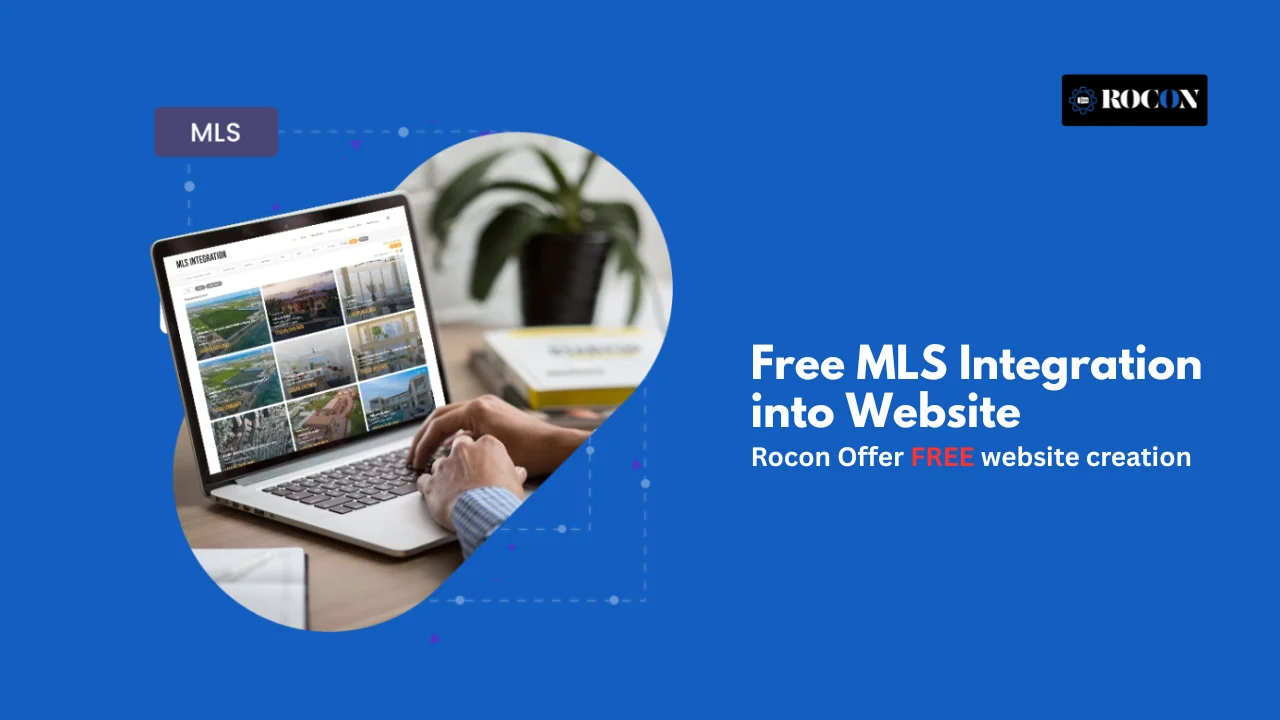


If you’re searching for free MLS integration into website, you’re probably looking for a way to display live property listings on a WordPress site without paying expensive IDX subscription fees. The challenge is that many “free” MLS tools come with approval requirements, limited features, or upgrade costs that are not always obvious at first.
This guide provides a clear, step-by-step roadmap so you can avoid confusion and choose the right setup for your website. You’ll learn what MLS, IDX, and the RESO Web API actually mean, how free and freemium solutions differ, and the practical ways to display property listings inside WordPress.
We’ll also cover SEO best practices, MLS compliance requirements, and common troubleshooting tips so your website remains fast, reliable, and easy to manage. Whether you’re a solo agent, a growing brokerage, or a developer building real estate websites, this guide will help you understand what is truly free, what requires a paid subscription, and how to create a listing website that generates leads effectively.
When looking into free MLS integration into a website you’ll soon come across technical terms that can be overwhelming. To make it clear let’s define the 4 most important ones: MLS, IDX, RETS and RESO Web API.
A MLS is a regional database where licensed real estate brokers share property listings. Think of it as the central hub of accurate, up-to-date property information. However, direct access is usually limited to members of that MLS.
IDX refers to the policies and technologies that allow MLS data to be displayed on public websites. It acts as the bridge between your website and the MLS. IDX rules ensure that listings are displayed consistently and with the proper broker attribution.
RETS is an older protocol that MLSs once used to transfer data to websites. For years, it was the backbone of real estate integrations. However, RETS is now considered outdated, with many MLSs phasing it out in favor of newer standards.
The new standard from the Real Estate Standards Organization (RESO). Not RETS. Faster, easier for developers to work with and more secure. It also uses a universal data dictionary so MLS data can be standardized across regions.
Why this matters: If you’re starting from scratch you’ll want to look for MLS integrations and WordPress plugins that support the RESO Web API not RETS. It’s the way the industry is going and choosing modern tools will ensure your site will be compatible as MLS technology evolves.
When people Google “free MLS integration,” they mean one of three things. Let’s break down what “free” really looks like:
In short, free means free software—not free MLS data.
Here’s a side-by-side look at free vs paid solutions:
| Feature | Free Options | Paid IDX/MLS Integration |
| Cost | $0 for plugin, may need MLS approval | $50–$150/month typically |
| Data updates | Manual or delayed | Real-time or near real-time |
| SEO (indexability) | Limited (some plugins iframe listings) | Full indexable listings |
| Compliance support | You manage it | Provider ensures MLS compliance |
| Lead capture tools | Basic | Advanced CRM, lead routing |
| Support | Community or self-help | Dedicated vendor support |
Verdict: Free options are good for testing or small sites, but professional agents and agencies often need the reliability and SEO power of a paid integration.
That said, if your site is small and you’re just starting, free plugins are enough to get your listings online and save money.
If you’re looking for free MLS integration into a WordPress website, you’ll soon find that plugins are the way to go.
The problem is separating what’s truly free from what’s free at first glance. Let’s go through the most reliable options available and their pros, cons and best use cases.
What it does: Estatik is one of the most popular real estate plugins on WordPress.org. The free version lets you create property listings, add maps, set categories and display images.
For actual MLS/IDX integration you’ll need to purchase add-ons that handle RETS or RESO Web API imports.
Best use case: Agents or small brokerages who want a free starting point and later upgrade to full MLS sync.
What it does: Easy Property Listings is another well-regarded plugin. The free version supports unlimited listings, templates, and custom post types.
For MLS/IDX integration, you’ll need paid extensions that connect via RETS or third-party services.
Best use case: Developers or agencies building client sites who want a flexible free core and don’t mind paying for advanced imports.
WordPress.com real estate themes: If you’re using WordPress.com, there are real estate-friendly themes and simple listing blocks.
However, these rely on manual entry or external embedding—not true MLS integration.
Generic CSV/XML import plugins: Tools like WP All Import (free limited version) allow you to upload property data in CSV or XML formats. This works if your MLS provides export files, but automated syncing typically requires the premium version.
Best use case: Small-scale sites where a handful of properties are manually updated or imported.
It’s important to note that most “free” plugins give you the framework for displaying listings but not the MLS data itself.
Accessing live MLS feeds typically requires IDX credentials or paid data providers. Many vendors market their plugin as free, but the real cost comes from connecting to the MLS database.
If your goal is a professional real estate website with live, automatically updated MLS listings, be prepared to combine a free plugin with a paid feed. That balance gives you affordability upfront and scalability when your business grows.
Tip: Always host these plugins on a high-performance platform. With many images and queries running, free MLS solutions can slow down cheap shared hosting. Rocon’s container-based WordPress hosting ensures MLS data loads fast without downtime.
Follow these steps to set up your MLS integration:
Before touching WordPress, you need permission.
Skipping this step risks data violations that could get your site blacklisted.
You now have three main options for connecting MLS data to WordPress.
Tradeoff summary: Plugins are faster for agents, APIs are best for developers, imports suit small test sites.
If you prefer the plugin route, here’s how to set it up.
This approach minimizes coding but depends on your IDX provider’s licensing fees.
If you’re a developer or agency, the RESO Web API offers maximum control.
$token = ‘YOUR_ACCESS_TOKEN’;
$url = ‘https://api.mlsprovider.com/reso/odata/Property?$top=10’;
$args = [
‘headers’ => [
‘Authorization’ => ‘Bearer ‘ . $token,
‘Accept’ => ‘application/json’
]
];
$response = wp_remote_get($url, $args);
$data = json_decode(wp_remote_retrieve_body($response), true);
foreach ($data[‘value’] as $property) {
echo $property[‘ListPrice’] . ‘ – ‘ . $property[‘StreetAddress’] . “<br>”;
}
This example pulls active listings and outputs basic fields.
MLS listings are heavy on images and queries. To avoid slow load times, use Rocon WordPress Hosting with built-in CDN and containerized scaling.
Once integration is complete:
Integrating MLS listings into your WordPress site is only half the battle. If those listings are not indexable, they won’t show up in Google search results—and that means lost leads. Let’s look at how to make MLS data SEO-friendly.
Many IDX vendors provide framed or iframe-based widgets that display listings inside a container. While these look fine to users, search engines cannot crawl the content inside the iframe.
The result: your listings won’t rank individually. For SEO success, you need “organic” or indexable integrations—meaning the property data is hosted on your server and rendered as standard WordPress pages. Plugins like Estatik or Realtyna support this approach.
Adding structured data helps search engines understand your listings.
Schema.org offers the RealEstateListing type, which supports fields like price, address, and availability. A basic JSON-LD example:
{
“@context”: “https://schema.org”,
“@type”: “RealEstateListing”,
“name”: “3 BHK Apartment in Hoskote”,
“url”: “https://yoursite.com/property/mls12345”,
“offers”: {
“@type”: “Offer”,
“price”: “250000”,
“priceCurrency”: “USD”
},
“address”: {
“@type”: “PostalAddress”,
“streetAddress”: “123 Main Street”,
“addressLocality”: “Hoskote”,
“addressRegion”: “KA”,
“postalCode”: “560067”
}
}
Adding schema boosts eligibility for rich snippets and local pack visibility.
Real estate sites are image-heavy. Slow-loading photos hurt SEO and conversions. Best practices include:
By combining indexable integrations, schema markup, optimized content and fast image delivery your MLS listings can rank like regular blog posts—getting organic traffic and more qualified leads.
Even with a solid setup, MLS integrations on WordPress can run into issues. Here are the most common problems and how to fix them quickly:
By monitoring these issues proactively, you can keep your MLS-powered WordPress site compliant, fast, and SEO-friendly—delivering a smoother experience for both search engines and users.
Free MLS integrations are fine for small sites but most real estate professionals outgrow them. Paid IDX has more reliability, features and marketing tools for agents and brokers.
Upgrading ensures not just smoother functionality but also stronger SEO and a more professional user experience.
If your site is a core part of your lead generation, a paid IDX is almost always worth the investment.
Even then, hosting is crucial. A robust provider like Rocon ensures your IDX plugin runs fast, images load instantly, and you stay compliant.
Free MLS integration into a website is possible, but it’s important to understand its limitations. Free plugins can be a good starting point for testing your website, displaying manual property listings, or connecting to an MLS that offers approved API access. They work well for learning the process or launching a basic real estate website.
As your business grows, you’ll likely need a professional IDX solution for automatic listing updates, advanced property search, interactive maps, and full MLS compliance. These features save time and provide a better experience for potential buyers.
No matter which integration method you choose, your hosting plays a major role in website performance. Real estate websites serve large images, frequent listing updates, and search-heavy pages, making fast and reliable hosting essential for both user experience and search visibility.
That’s where Rocon makes a difference. Its managed WordPress hosting combines container-based infrastructure, a built-in CDN, automatic scaling, and performance optimization designed to keep WordPress websites fast and dependable. Pairing the right MLS integration with a reliable hosting platform gives your real estate website a stronger foundation for attracting visitors and generating leads.
To integrate MLS into WordPress, first join your local MLS and obtain IDX or RESO Web API approval. Then install a compatible IDX plugin or connect an approved MLS provider, configure your listings, and add search or property pages to your website. Always follow your MLS’s data display rules.
WordPress is one of the best platforms for building an MLS-integrated real estate website because it supports IDX plugins, custom property search, SEO optimization, and flexible design. It also scales easily as your listings, traffic, and lead generation requirements grow.
Developers and startups typically need to apply through a local MLS organization or become an approved technology partner. Most MLS providers require compliance with their rules, signing a data agreement, and using IDX or the RESO Web API before granting access to MLS listing data.
The easiest way to add MLS listings is by connecting your website to an approved IDX provider or MLS data feed. Once connected, property listings update automatically, allowing visitors to browse current homes without manually uploading each listing.
You can add MLS search by installing an IDX plugin or embedding an approved MLS search widget provided by your IDX vendor. Most solutions let you customize search filters for location, price, property type, bedrooms, and other criteria to improve the user experience.
Ask whether the company has experience with IDX, RESO Web API, or your local MLS provider. Request examples of MLS-powered websites they’ve built, confirm they handle MLS compliance requirements, and ensure they provide ongoing support for updates and troubleshooting after launch.

Elevate your WordPress hosting with 30-day money-back guarantee, free migration, and 24/7 support.
Sign Up Today

Before You Go… Get 1 Month FREE on Rocon Hosting!

Experience lightning-fast speeds

No downtime or hidden fees

Dedicated 24/7 expert support

Leave a Reply