Roconpaas

Blog

Managed WordPress Hosting vs cPanel Hosting: Key Differences

June 10, 2026 Written by Ankit Kumar

WordPress Keeps Logging Me Out

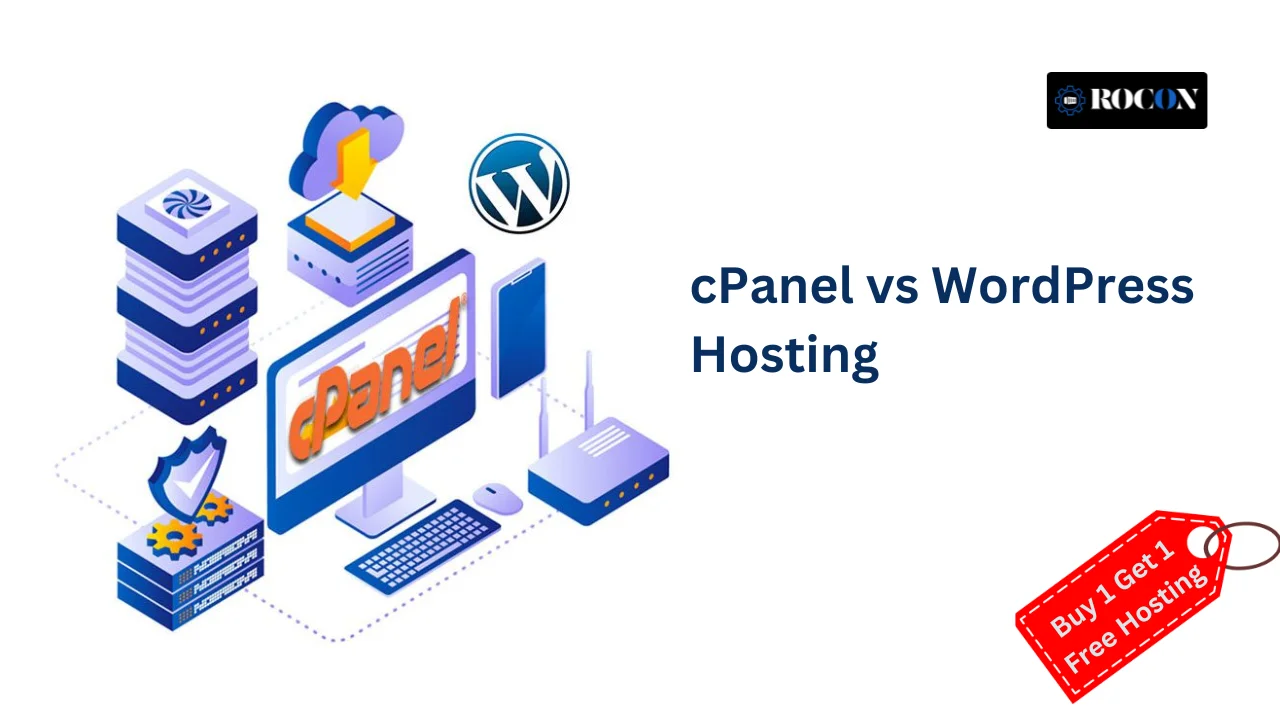
When comparing cPanel vs WordPress hosting, many website owners struggle to understand the real differences. While cPanel hosting gives you full control over server management and website configuration, managed WordPress hosting focuses on performance, security, and ease of use for WordPress websites.

Understanding the difference between cPanel and WordPress hosting can help you choose the right solution based on your technical skills, website goals, and growth plans.

cPanel hosting is a traditional web hosting solution that provides a control panel for managing website files, databases, email accounts, domains, backups, and server settings. It gives users greater flexibility and allows them to host multiple applications, including WordPress, Joomla, Drupal, and custom websites. This makes it a good option for users who want more control over their hosting environment.

WordPress hosting, on the other hand, is specifically optimized for WordPress websites. It typically includes features such as automatic WordPress updates, enhanced security measures, performance optimization, staging environments, backups, and WordPress-focused support. The goal is to simplify website management and provide a smoother experience for WordPress users.

The right choice depends on your technical experience, website goals, and management preferences. If you need flexibility and direct access to hosting tools, cPanel hosting may be a better fit. If you want a hosting environment built specifically for WordPress with less administrative work, WordPress hosting is often the more convenient option.

In this guide, we’ll explore the key differences between cPanel hosting and WordPress hosting, compare their features, advantages, and limitations, and help you determine which solution best matches your website’s needs.

What is cPanel?

cPanel is a Linux-based control panel to help you manage your web hosting. It’s a user-friendly interface to control everything from file management, email accounts, databases, security settings and website backups all in one place. Whether you’re using WordPress, Joomla or any other CMS, cPanel hosting gives you full control over your website settings.

cPanel Hosting Features:

  • File Manager – Upload, edit and manage your website files.
  • Email Management – Create and manage custom email accounts with your domain.
  • Database Management – Manage MySQL databases and PHPMyAdmin access.
  • Security Features – Install SSL certificates, manage firewalls and password protected directories.
  • One-Click Installers – Install WordPress, Joomla and other CMS with Softaculous or Fantastico.
  • Backup and Restore – Schedule automatic backups for your website data.

Pros

  • Graphical interface.
  • Supports multiple CMS platforms including WordPress, Joomla and Drupal.
  • Full control over hosting settings and server configuration.
  • Built-in security tools like firewalls and SSL management.
  • One-click CMS installations for quick website setup.

Cons

  • Requires some technical knowledge to configure.
  • Can be overwhelming for beginners with too many features.
  • cPanel shared hosting can have performance issues if not optimized.
  • More expensive than basic WordPress hosting.

What is WordPress Hosting?

WordPress hosting is a specifically designed web hosting service to improve performance, security and management of WordPress websites. Unlike generic hosting, WordPress hosting is tuned to the needs of WordPress, so sites load faster, are more secure and auto update.

There are different types of WordPress hosting, shared WordPress hosting, managed WordPress hosting, VPS WordPress hosting and dedicated WordPress hosting, each with different performance, price and level of control.

Features of WordPress Hosting

  • Pre-installed WordPress – no need to install manually, quick and easy setup.
  • Optimized for speed – servers are fine tuned for faster loading times and better resource allocation.
  • Auto updates – WordPress core, themes and plugins are updated automatically.
  • Enhanced security – built in malware protection, firewalls and anti-brute-force measures.
  • Daily Backups – automated backups so you never lose your website data.

Pros

  • Beginner friendly with no technical setup required.
  • Faster loading times due to server level WordPress optimisation.
  • Auto updates for security and site performance.
  • WordPress support for easy troubleshooting.
  • Backups and security monitoring.

Cons

  • Only for WordPress websites – not for other CMS.
  • Less flexible than cPanel hosting.
  • Some providers restrict plugin usage for security reasons.
  • More expensive than shared cPanel hosting.

cPanel vs WordPress Hosting: What’s the Difference

When choosing between cPanel hosting and WordPress hosting, you need to know the differences. Below is a comparison of their features to help you decide which one is best for you.

1. Management

cPanel Hosting:

  • cPanel is a general purpose hosting control panel that allows you to manage multiple Content Management Systems (CMSs) like WordPress, Joomla, Magento, Drupal, and custom PHP applications.
  • Full control over website files, databases, emails, domains and other server settings.

WordPress Hosting:

  • WordPress hosting is optimized for WordPress only.
  • Pre-installed WordPress and tools to make website management easy for non-technical users.
  • Server settings are tuned for WordPress performance and security.

2. Ease of Use

cPanel Hosting:

  • Require some technical knowledge as you need to setup databases, FTP settings, file management and email accounts.
  • Softaculous or Fantastico for one click WordPress installation but requires more setup.
  • More flexibility in website management but you need to configure many settings manually.

WordPress Hosting:

  • Designed for ease of use perfect for beginners with no technical background.
  • Pre-installed WordPress so you don’t have to deal with setup complexities.
  • Simple dashboard to manage WordPress themes, plugins and updates without needing access to a complex control panel.

3. Customization

cPanel Hosting:

  • Full control over server settings, software installations and performance tuning.
  • Can customize PHP versions, database configurations and install various applications.
  • Suitable for advanced users and developers who need control over their hosting environment.

WordPress Hosting:

  • Limited customization since it’s built for WordPress.
  • Server settings are pre-configured so you can’t modify certain server level settings (e.g. PHP limits, caching settings or database configurations).
  • Best for users who want an optimized and hassle free hosting environment rather than deep customization.

4. Security

cPanel Hosting:

  • Security must be configured manually by you.
  • You need to install SSL certificates, configure firewalls, enable malware protection and setup security plugins.* Not secured if not managed properly.

WordPress Hosting:

  • Has built in security like firewalls, malware scanning, DDoS protection and SSL.
  • Auto updates for WordPress core, themes and plugins to prevent security vulnerabilities.
  • Some managed WordPress hosting providers offer daily backups and auto threat detection.

5. Performance Optimization

cPanel Hosting:

  • Manual performance tuning required (caching, db optimization, CDN config).
  • Performance is user dependent.
  • Can install performance optimization plugins but requires knowledge of caching and db optimization.

WordPress Hosting:

  • Pre-optimized for WordPress, fast loading times and smooth functionality.
  • Built-in caching mechanisms, CDN, db optimization.
  • Servers are designed to handle WordPress workloads.

6. Best For

cPanel Hosting:

  • For developers, advanced users and businesses that want full control over the hosting environment.
  • For websites using multiple CMS (e.g. WordPress, Joomla, Magento).
  • For users who need custom config and server control.

WordPress Hosting:

  • For bloggers, small business and non-tech users who want a hassle free WordPress experience.
  • For users who want automatic updates, built-in security and performance without dealing with technical complexity.
  • For those who only use WordPress and don’t need extra hosting flexibility.

Comparison: cPanel vs Managed WordPress Hosting

Feature cPanel Hosting WordPress Hosting
Management Supports multiple CMSs (WordPress, Joomla, Magento) Exclusively optimized for WordPress
Ease of Use Requires technical knowledge Beginner-friendly, pre-configured
Customization Full control over settings Limited to WordPress-specific settings
Security Requires manual setup Built-in security and automatic updates
Performance Optimization Manual performance tuning needed Pre-optimized for WordPress speed
Best For Developers, advanced users Bloggers, businesses, non-technical users

Is cPanel Required for WordPress?

No, cPanel is not needed for WordPress hosting. Many hosting providers offer custom panels that are simpler and more optimized for WordPress users. While cPanel is a popular control panel, managed WordPress hosting usually eliminates the need for it by taking care of performance, security and updates for you.

When Do You Need cPanel?

  • If you want full control over your hosting settings, including file management, email setup and database access.
  • If you manage multiple sites with different CMSs (e.g. Joomla, Magento, Drupal) as cPanel supports multiple applications.
  • If you need to create and manage custom email accounts linked to your domain or configure databases manually.

When Can You Skip cPanel?

  • If you prefer a simpler, user friendly interface built for WordPress users.
  • If you don’t need to configure hosting settings manually as managed WordPress hosting takes care of security, backups and performance optimizations for you.
  • If you want automatic updates, built in security and premium support without dealing with complex control panel settings.

cPanel Alternatives for WordPress Hosting

Looking for a cPanel alternative? Here are some great options:

1. Managed WordPress Hosting

  • Fully managed WordPress experience with automatic updates, backups, security, and performance optimizations.
  • No cPanel needed since everything is handled in a simple dashboard.

Examples: Rocon

2. Custom Hosting Control Panels

  • Some hosting providers replace cPanel with their own dashboards for a more streamlined experience.
  • Designed for beginners to make WordPress easy to manage.

3. Cloud Hosting for WordPress

  • Cloud hosting lets you manage your server environment without cPanel.
  • Better scalability, performance, and reliability for growing sites.
  • Looking for an easy to manage WordPress hosting without the cPanel hassle? Managed WordPress hosting or cloud hosting might be the way to go.

Conclusion

The choice between cPanel hosting and WordPress hosting ultimately depends on how much control and management responsibility you want. cPanel hosting offers flexibility and access to a wide range of hosting tools, making it suitable for users who manage multiple applications and prefer handling server configurations themselves.

On the other hand, managed WordPress hosting is designed for users who want to focus on their website rather than server administration. Features such as automatic updates, performance optimization, enhanced security, backups, and WordPress-specific support help simplify day-to-day management while improving reliability and speed.

For businesses, agencies, and growing websites, a managed hosting platform can reduce operational overhead and provide a more streamlined experience. Solutions like Rocon combine managed WordPress hosting with scalable cloud infrastructure, automated maintenance, and built-in performance optimizations, allowing teams to spend less time managing servers and more time growing their online presence.

Before making a decision, evaluate your technical requirements, growth plans, security needs, and available resources. Choosing the right hosting environment can have a significant impact on your website’s performance, stability, and long-term success.

FAQs

1. Is cPanel free with WordPress hosting?

Not always. Some hosts include cPanel for free, others charge extra. Managed WordPress hosting doesn’t use cPanel and has a custom dashboard.

2. Can I install WordPress on cPanel?

Yes! Most cPanel hosts offer 1-click WordPress install using Softaculous or Fantastico.

3. Do I need cPanel for WordPress hosting?

No, cPanel is not required for WordPress hosting. Many WordPress specific hosts use custom control panels designed for WordPress management.

4. Which is better: cPanel or WordPress hosting?

It depends on you:

  • cPanel hosting is for users who need full control, multiple CMS support and advanced configs.
  • WordPress hosting is for beginners, bloggers and businesses who want ease of use, security, and performance.

5. Can I switch from cPanel hosting to managed WordPress hosting?

Yes, you can migrate your WordPress site from cPanel hosting to managed WordPress hosting. Many hosts offer free migrations to help you transfer your site smoothly.

6. What is the difference between cPanel and WordPress?

WordPress is a content management system used to build websites, while cPanel is a control panel used to manage hosting resources and server settings.

Avatar photo

Ankit Kumar

Ankit is a hosting and infrastructure engineer with 5+ years of experience working with cloud-based WordPress environments. He's the kind of person who gets genuinely curious about why a server behaves the way it does. Most of his writing comes from problems he's actually debugged, configurations he's tested, and performance issues he's tracked down. If it involves PHP, Nginx, or WordPress infrastructure, he's probably written about it from firsthand experience.

Start the conversation.

    Leave a Reply

    Your email address will not be published. Required fields are marked *

    Recommended articles

    WordPress

    Why Managed Kubernetes is Future of WordPress Hosting

    Ankit