Best Plugin for Multi Language WordPress: 5 Top Picks
July 28, 2026 Written by Saurabh Rai


July 28, 2026 Written by Saurabh Rai
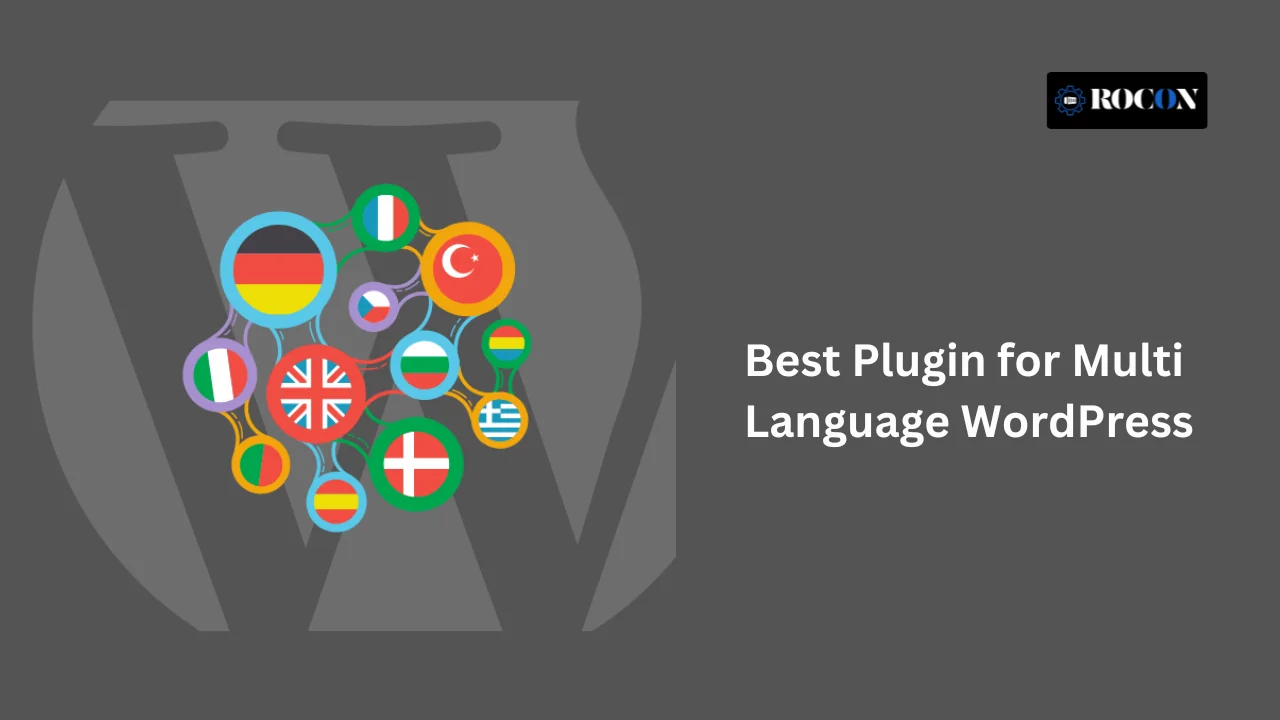


Finding the best plugin for multi language WordPress can make a huge difference if you want to reach visitors from different countries. A multilingual website helps people read your content in their preferred language, builds trust, improves the overall user experience, and gives your pages a better chance of ranking in local search results. Whether you run a blog, business website, or WooCommerce store, the right plugin makes translating your WordPress site much easier.
The challenge is deciding which plugin fits your needs. Some focus on automatic translation, while others give you complete control with manual editing. Pricing, SEO features, WooCommerce support, and ease of use also vary from one plugin to another.
In this guide, you’ll find the best multilingual WordPress plugins, along with their features, pros, cons, pricing, and ideal use cases. By the end, you’ll have a clear idea of which plugin is the right choice for your website.
A multilingual website makes your business available to more people because it enables users who speak different languages to be able to comprehend your information. This is particularly important for online shops, tourism, and service sites.
Search engines such as Google favor sites with content in multiple languages. An SEO-friendly translation plugin can assist in boosting your visibility on search engine results and increasing organic traffic.
Presentation of content in a user’s native language improves his or her experience and engagement, leading to higher conversion rates and lower bounce rates.
Web users will trust websites providing content in their local language. By overcoming the language barrier, you are projecting yourself as open-minded and professional.
When your visitors can read and comprehend your content in their native language, they will be more inclined to perform the desired actions, be it buying a product, subscribing to a newsletter, or interacting with your services. Translation of your website can greatly improve conversion rates.
In a global marketplace, owning a multilingual website sets you apart from your competition that owns content in one language only. This gives you an edge in the market and makes your business more customer-focused and accessible.
Multilingual plugins allow organizations to localize content on the basis of different geographical locations, keeping the cultural context, terms, and user emotions intact. This guarantees more authenticity and enhanced relatability, with conversion opportunities growing significantly.
When your guests are able to read and understand your content in their native language, they tend to spend longer on your site viewing different pages and products. This can lead to reduced bounce rates and overall higher engagement.
When choosing a multilingual plugin for WordPress, consider these essential features:
Search for plugins that strike a compromise between manual translation (for accuracy) and automatic translation (for speed). Though they might need manual editing for accuracy, technologies for automatic translation such as Google Translate can be helpful.
By producing hreflang tags, developing separate URLs for translated material, and enabling bespoke meta information for every language, make sure the plugin supports multilingual SEO.
A user-friendly interface guarantees simple management and translation of material even for non-technical users. Search for plugins that go nicely with the WordPress dashboard.
Running an e-commerce website? Make sure the plugin works with WooCommerce and supports product translation, currency conversion, and checkout procedures.
Select a plugin that smoothly fits with these tools if you utilize well-known page builders such as WPBakery, Divi, or Elementor.
Make sure the plugin allows for the translation of custom post types, taxonomies, and custom fields to preserve a consistent multilingual experience across the whole website.
Some plugins let you translate URLs and slugs as well as media including videos and pictures. This is especially beneficial for keeping a consistent user experience across several languages.
String translation guarantees that every piece of text from your widgets, plugins, and theme is accurately translated. Maintaining uniformity throughout every aspect of your website depends on this tool.
An excellent multilingual plugin lets users simply select their favorite language by providing adaptable choices for including a language switcher on their website. Search for plugins that let you change the look and position of the language changer.
Some multilingual plugins let you copy material and translate it right away, so accelerating the process of producing content for other languages while preserving uniform formatting.
Managing a multilingual website means dealing with several versions of material, hence having a consistent backup and restore mechanism is crucial. Should a mistake happen during translation or content revisions, this guarantees you can fast restore your site.

Price: Starting at $39/year
WPML has been around for years, and there’s a good reason why so many WordPress websites still use it. If you’re building a multilingual website and want full control over translations, it’s one of the strongest options available.
You can translate your content manually, use automatic translation to speed things up, or combine both. WPML also works well with popular WordPress themes, page builders like Elementor, and WooCommerce, so you don’t have to worry about compatibility when your site grows.

Price: Free, with a Pro version starting at $99/year
If you’re looking for a free multilingual plugin that keeps things simple, Polylang is a solid choice. It lets you translate your posts, pages, categories, menus, and media files without adding unnecessary complexity to your WordPress dashboard.
Polylang is a good fit for blogs, business websites, and smaller projects where manual translation is enough. It also works well with popular SEO plugins, so each language can have its own URL structure, making it easier for search engines to index your multilingual content.

Price: Free, with Pro plans starting at $79/year
TranslatePress makes translating a WordPress website feel much easier because you can edit everything directly from the front end. Instead of jumping between different screens, you simply open your website, click on the text you want to translate, and see the changes instantly. If you prefer a more visual way to work, this plugin is hard to beat.
It supports both manual and automatic translation, so you can translate your site as much or as little as you want. TranslatePress also works smoothly with WooCommerce, popular page builders, and most WordPress themes, making it a good choice for everything from personal blogs to online stores.

Price: Free, with Pro plans starting at $9.99/month
If your goal is to translate a WordPress website as quickly as possible, GTranslate is worth considering. It uses Google Translate to automatically translate your content into more than 100 languages, so you can make your site accessible to a global audience without translating every page yourself.
Setup only takes a few minutes, and visitors can switch between languages using a customizable language selector. GTranslate also works with WooCommerce, making it a practical option for online stores that sell to customers in different countries. If you need more control over SEO and translation quality, the Pro plans include extra features for multilingual websites.

Price: Starting at $199/year
MultilingualPress is different from most multilingual WordPress plugins. Instead of storing every language on a single website, it uses WordPress Multisite to create a separate site for each language. That approach gives you more control over your content and can improve performance, especially if you’re managing a large or high-traffic website.
It’s a strong option for businesses, international brands, and agencies that need to manage multiple language versions without sacrificing speed or flexibility. Since each language runs as its own site, you can customize content, themes, and settings independently while still managing everything from one network.
Decide if you require manual translation for greater accuracy or automatic translation for fast material delivery.
Although free plugins provide fundamental functions, premium versions include sophisticated capabilities that could be required for expanding sites.
Make sure the plugin complements your current WordPress theme, page builder, and necessary plugins.
Select a plugin that enables multilingual SEO and boosts the ranking of your material in several languages.
Choose a plugin with strong documentation, support, and a user base that can help as required.
Select a plugin that can manage rising demands without sacrificing performance if you expect major traffic increase or intend to broaden your material in several languages.
Make sure the plugin provides a staging area to test translations before they go public. Quality control guarantees a steady user experience and helps to avoid mistakes.
To guard against unintentional data loss and guarantee seamless administration of multilingual sites, seek for a plugin that enables regular backups and restores of your translated material.
Building a multilingual WordPress site is a great method to reach more people, increase SEO, and boost user interaction. The correct multilingual plugin can help you to easily control translations, maximize your website for worldwide reach, and make sure your material speaks to foreign audiences.
Investing in a dependable multilingual plugin will help you keep ahead of the competition and build your brand as a global leader whether your website is corporate, e-commerce, or blog. To select the ideal option for your multilingual needs, consider the features, compatibility, and cost of the plugins mentioned before.

Elevate your WordPress hosting with 30-day money-back guarantee, free migration, and 24/7 support.
Sign Up Today
September 28, 2026
Nitish
Before You Go… Get 1 Month FREE on Rocon Hosting!

Experience lightning-fast speeds

No downtime or hidden fees

Dedicated 24/7 expert support

Leave a Reply