How to Fix Elementor 500 Error in WordPress
June 2, 2026 Written by Nitish Kumar


June 2, 2026 Written by Nitish Kumar
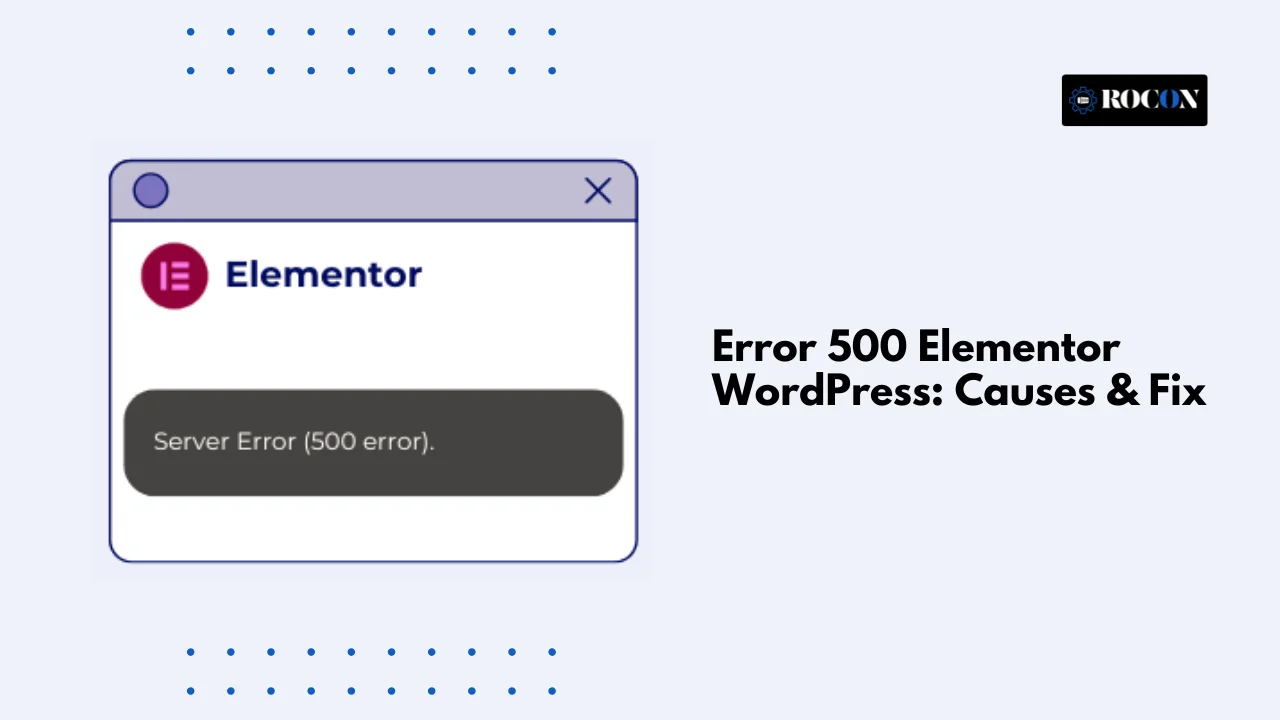


An Error 500 in Elementor WordPress can bring your website to a complete stop. One moment you’re editing pages normally, and the next you’re facing a blank screen, a failed save action, or a generic 500 Internal Server Error. If left unresolved, this issue can disrupt your workflow, affect user experience, and even impact search rankings.
Elementor makes website design simple, but it relies heavily on your server, WordPress installation, themes, and plugins working together correctly. When one of these components fails or becomes incompatible, Elementor may trigger a server error that prevents pages from loading or updating properly.
Common causes include insufficient PHP memory, plugin conflicts, theme compatibility issues, corrupted WordPress files, or incorrect server configurations. Identifying the underlying cause is essential because the same error message can originate from several different sources.
In this guide, you’ll learn how to diagnose and fix the Elementor 500 error step by step. We’ll cover the most common causes, practical troubleshooting methods, and best practices to help keep your WordPress site stable, secure, and running smoothly in the future.
What Causes the 500 Internal Server Error in Elementor
The 500 error means your server encountered an unexpected condition and couldn’t complete a request. The error itself is generic but there are several common causes that WordPress site owners should be aware of especially when using Elementor. Knowing these will help you troubleshoot and avoid repeated issues.
Elementor is a feature rich page builder and complex pages with multiple widgets can eat up server memory. If your site exceeds the PHP memory limit it can trigger the 500 error. Increasing the memory limit in your wp-config.php file usually fixes this.
A common cause of the 500 Internal Server Error is a conflict between Elementor and another plugin or theme. Plugins that mess with page content, caching or security can conflict with Elementor scripts. Deactivating all plugins except Elementor and switching to a default theme like Twenty Twenty-One can help you find the conflicting plugin.
The .htaccess file controls URLs, redirects and permissions for Apache. A corrupted .htaccess file will prevent your server from processing requests and you get a 500 error. Renaming the .htaccess file and regenerating a new one through WordPress permalinks usually fixes the issue.
In some cases it’s server level misconfigurations like Apache or Nginx settings, missing PHP modules or restrictive file permissions that can cause the error. This is more common for users running WordPress as a service on shared or unmanaged servers. Proper server configuration and permissions is key to Elementor stability.
Core WordPress files or Elementor files get corrupted due to incomplete updates or file transfer issues the server will return a 500 error. Reinstalling Elementor or WordPress core files usually fixes the problem.
Sometimes the problem is in the database. Corrupted tables, too many connections or wrong database privileges can prevent Elementor from fetching content and cause the error. Repairing the database or optimizing it through phpMyAdmin can fix the issue.
The error 500 Elementor is rarely caused by a single factor. It often results from multiple issues combining—like limited server resources with a plugin conflict. Diagnosing the root cause methodically, starting from PHP limits, plugin/theme conflicts, and server configurations, is the most effective approach to resolving it permanently.
Fixing the error 500 in Elementor requires a systematic approach, addressing both server-level and WordPress-specific issues. Here’s a step-by-step guide:
Elementor pages can be resource-intensive. To increase PHP memory:
define(‘WP_MEMORY_LIMIT’, ‘256M’);
This simple adjustment often resolves the issue caused by memory exhaustion.
Conflicts with other plugins are common. To troubleshoot:
Themes with outdated code can conflict with Elementor. To test:
A corrupted .htaccess file can cause server errors:
Corrupted files may trigger a 500 error. To fix this:
Ensure your server meets Elementor’s requirements:
Incorrect permissions or missing PHP modules can prevent Elementor from functioning. Contact your hosting provider if unsure.
Database issues can cause 500 errors:
WordPress debugging can reveal hidden errors:
define(‘WP_DEBUG’, true);
define(‘WP_DEBUG_LOG’, true);
define(‘WP_DEBUG_DISPLAY’, false);
Debugging helps identify rare conflicts or server-level misconfigurations causing the 500 error.
Once you’ve fixed the error 500 Elementor WordPress, it’s crucial to implement best practices to prevent it from recurring. Here’s a structured approach:
Running the latest versions ensures compatibility and reduces conflicts:
Elementor pages can be resource-intensive:
Many 500 errors originate from server issues. Best practices include:
Plugin and theme conflicts are frequent causes of 500 errors:
Keeping a log helps quickly detect issues:
A compromised site may trigger server errors. Preventive measures include:
Reliable backups reduce downtime if errors occur:
Heavy pages can overload the server, causing 500 errors:
By combining these preventive measures, you not only reduce the chance of encountering error 500 Elementor but also improve overall site performance, security, and reliability.
Sometimes, even after basic fixes, the error 500 Elementor WordPress persists. Advanced troubleshooting helps identify deeper issues and ensures long-term stability.
Server logs often reveal the root cause:
Incorrect PHP settings are a common source of 500 errors:
Misconfigured .htaccess rules can trigger 500 errors:
Even with updated plugins, conflicts may occur:
Corrupt database tables can trigger server errors:
High traffic or resource-intensive pages can overwhelm shared hosting:
Debugging in a live environment can be risky:
define( ‘WP_DEBUG’, true );
define( ‘WP_DEBUG_LOG’, true );
define( ‘WP_DEBUG_DISPLAY’, false );
If the issue persists despite these measures:
Preventing the server error 500 elementor WordPress before it happens is always better than fixing it after a crash. Implementing best practices ensures a stable, secure, and high-performing website.
While many error 500 Elementor issues can be resolved with DIY troubleshooting, certain scenarios demand professional intervention. Knowing when to call an expert ensures faster recovery, prevents data loss, and maintains site performance.
An error 500 Elementor WordPress can be a real pain when it breaks your site and your visitor experience. But with a methodical approach—checking plugins, themes, PHP versions, server resources, Elementor settings—you can find and fix the issue.
For long term stability use optimized hosting like container based hosting like Rocon which provides isolation, auto updates and performance boost. Regular monitoring, proper backups and keeping all components up to date will prevent most of the common causes of this error.
Elementor Server Error 500 is a generic internal server issue caused by low PHP memory, plugin conflicts, or server misconfiguration. You can fix it by increasing PHP memory to at least 256MB, disabling conflicting plugins, and checking server error logs. If the error continues, the issue is usually related to hosting resources rather than Elementor itself.
Elementor Error 500 appears when the server fails to process requests, often due to exhausted resources, incompatible plugins, or outdated PHP versions. To resolve it, deactivate all plugins except Elementor, switch to a default theme, enable WordPress debug mode, and ensure your server runs a supported PHP version. Proper server optimization typically prevents this error.
A 500 Internal Server Error in Google Chrome indicates a server-side failure, not a browser issue. To fix it, clear server cache, increase PHP memory limits, check error logs, and review recent plugin or theme changes. If the error persists across devices, the root cause is usually a server or hosting configuration problem.
Elementor loading problems usually happen due to server timeouts, insufficient PHP memory, or conflicting plugins. To fix it, increase PHP memory, disable unnecessary plugins, ensure PHP is updated, and verify that your hosting meets Elementor’s system requirements.
A server 500 error in Elementor usually occurs due to low PHP memory, plugin conflicts, or server misconfiguration. Fix it by increasing PHP memory to 256MB or higher, disabling all plugins except Elementor, switching to a default theme, and checking server error logs to identify the exact cause.
To solve a 500 error in WordPress, deactivate all plugins, switch to a default theme, and increase PHP memory limits. Enable WordPress debug mode to find the error source and check your hosting server logs. Most 500 errors are caused by server resource limits or faulty plugins.

Elevate your WordPress hosting with 30-day money-back guarantee, free migration, and 24/7 support.
Sign Up Today
Before You Go… Get 1 Month FREE on Rocon Hosting!

Experience lightning-fast speeds

No downtime or hidden fees

Dedicated 24/7 expert support

Leave a Reply