Managed Kubernetes WordPress Hosting: Fast & Secure
September 8, 2026 Written by Ankit Kumar


September 8, 2026 Written by Ankit Kumar


Quick answer: Managed Kubernetes WordPress hosting combines the speed and flexibility of containerized infrastructure with automated server management. It is the best choice for businesses needing high availability and cost-effective scaling without the technical burden of maintaining their own Kubernetes clusters.
Traffic spikes break weak hosting fast. You usually see the warning signs early. Checkout pages slow down. Admin dashboards lag. Cache misses increase. PHP workers max out during campaigns. Then the support tickets start.
A lot of growing WordPress sites hit this wall because traditional hosting stacks were never built for modern workloads.
WooCommerce stores run dynamic queries constantly. Membership sites keep sessions alive for thousands of users. Publishers process huge bursts of concurrent traffic after one article takes off.
That’s why more businesses moved toward managed Kubernetes WordPress hosting. The appeal isn’t enterprise buzzwords. It’s operational stability under pressure.
Managed Kubernetes WordPress hosting is a hosting environment where WordPress runs inside containers managed by Kubernetes, while the hosting provider handles the infrastructure operations for you.
That includes things like:
You still manage WordPress. The provider manages the Kubernetes layer underneath it. That separation matters because Kubernetes itself is complicated.
Running your own cluster means handling:
Most WordPress site owners do not want that responsibility. They want the benefits without becoming DevOps engineers.
Most hosting articles avoid this part because it exposes how fragile many environments still are. A standard shared hosting setup works fine for low-traffic sites. Same for many VPS plans. Problems appear when WordPress becomes resource-heavy.
That usually happens because of:
WordPress itself is lightweight. Modern WordPress ecosystems are not. A WooCommerce store with 50 plugins behaves more like an application platform than a simple CMS. That changes infrastructure requirements completely.
Kubernetes was originally designed to run distributed applications reliably across clusters of servers. WordPress benefits from that architecture more than people think.
Traditional hosting environments often share operating system resources heavily between accounts. Containers isolate applications into their own environments.
Your PHP workers, NGINX stack, Redis cache, and application processes run separately from other workloads. That improves:
This is one reason container-based WordPress hosting usually feels more stable under load.
Most traditional hosting scales vertically. You upgrade:
Kubernetes can scale horizontally by increasing container replicas during traffic spikes. If a marketing campaign suddenly drives 100,000 visitors to your store, additional application pods can spin up automatically depending on cluster configuration.
That reduces:
For WooCommerce stores, this matters during:
A static VPS can become overwhelmed surprisingly fast.
Kubernetes constantly monitors workloads. If a container crashes, Kubernetes replaces it automatically. If a node fails, workloads can move to healthier nodes.
This doesn’t eliminate downtime entirely. Infrastructure failures still happen. But recovery is usually faster and more automated than traditional single-server hosting setups. That reliability becomes important when your site generates revenue every minute.
This is where many hosting articles stay shallow. A serious Kubernetes WordPress environment usually includes multiple infrastructure layers working together.
Kubernetes needs a traffic routing layer. NGINX ingress controllers handle:
Without proper ingress configuration, WordPress performance suffers quickly under concurrent traffic.
Containers are temporary. WordPress uploads cannot disappear every time a pod restarts. Persistent volumes store:
Good providers separate persistent storage from application containers entirely. That improves resilience during deployments and scaling events.
Database queries become expensive fast in WordPress. Especially with:
Redis reduces repeated database queries by storing objects in memory. For many WooCommerce sites, Redis makes a larger performance difference than upgrading CPU resources.
Databases are usually the real bottleneck. Not PHP. High-quality Kubernetes hosting platforms often separate MySQL or MariaDB workloads into dedicated managed database systems.
That improves:
Poor database architecture destroys WordPress performance faster than almost anything else.
WooCommerce creates infrastructure problems that standard blogs never encounter. Every logged-in customer creates dynamic requests.
Cart sessions bypass full-page cache systems. Checkout pages constantly query the database. Inventory updates trigger write operations continuously. Traffic becomes unpredictable too.
A blog might get traffic spikes during publication. WooCommerce gets revenue spikes during:
And those spikes happen on critical transactional pages. That’s where Kubernetes helps most. Pods scale. Load distributes. Containers restart automatically when workloads fail.
A properly configured Kubernetes stack gives WooCommerce stores more breathing room during high-concurrency events.
Not all managed Kubernetes WordPress hosting platforms are equal. Some providers market container hosting while still running heavily shared infrastructure underneath. You want to look deeper.
Real Kubernetes hosting should support automatic scaling during traffic increases. Without scaling, you lose one of the biggest reasons to use Kubernetes in the first place.
Containers are temporary by nature. Your hosting environment needs persistent storage for uploads, databases, backups, and media assets. Otherwise you risk data issues during deployments or node replacements.
WordPress performance depends heavily on caching. Look for providers offering:
Poor caching can destroy Kubernetes performance gains surprisingly fast.
You probably don’t want to manage Kubernetes clusters yourself. That means the provider should handle:
Otherwise you’re basically paying to become your own DevOps team.
Modern WordPress workflows need staging environments and deployment automation. Good Kubernetes hosting platforms usually integrate Git-based deployments, branch staging, and CI/CD pipelines directly into their dashboard.
Here’s the practical difference.
| Feature | Traditional Hosting | Kubernetes Hosting |
| Scaling | Mostly vertical | Horizontal + dynamic |
| Recovery | Manual in many cases | Automatic container restart |
| Deployments | Less predictable | More consistent |
| Resource isolation | Limited | Stronger isolation |
| Traffic spikes | Can slow server | Better workload distribution |
| Infrastructure flexibility | Lower | Higher |
| DevOps workflow | Basic | Advanced |
The biggest difference is stability under load. That’s usually where Kubernetes earns its cost.
| Provider | Starting Price | Infrastructure | Visits/mo | Storage |
|---|---|---|---|---|
| Rocon | $1.99/mo | Native Kubernetes | Unlimited | 5 GB |
| Kinsta | $35/mo | Google Cloud + containers | 25,000 | 10 GB |
| Cloudways Autonomous | $35/mo | Google Kubernetes Engine | 30,000 | 50 GB |
| WP Engine | $30/mo | Google Cloud + AWS | 25,000 | 10 GB |
| Pressable | $25/mo | WP Cloud (Automattic) | 30,000 | 20 GB |
Prices based on publicly available information at time of writing. Verify current plans directly with each provider before purchasing.

Rocon is built entirely on Kubernetes infrastructure, not retrofitted onto it. Every WordPress site runs inside isolated containers with automated scaling, Redis object caching, and daily backups included on every plan.
The clearest difference from most providers on this list is the migration process. Rocon handles the full migration free of charge on all plans, including files, database, plugins, and media, with zero downtime on the live site during the move.
Why it works well for WordPress:
Plans start at $1.99/month for one site with unlimited monthly visits and 5 GB storage, giving it a pricing advantage over competitors since very few providers offer these features at such an entry-level price.
Best for: WooCommerce stores, growing businesses, and agencies that want Kubernetes infrastructure without managing it themselves.
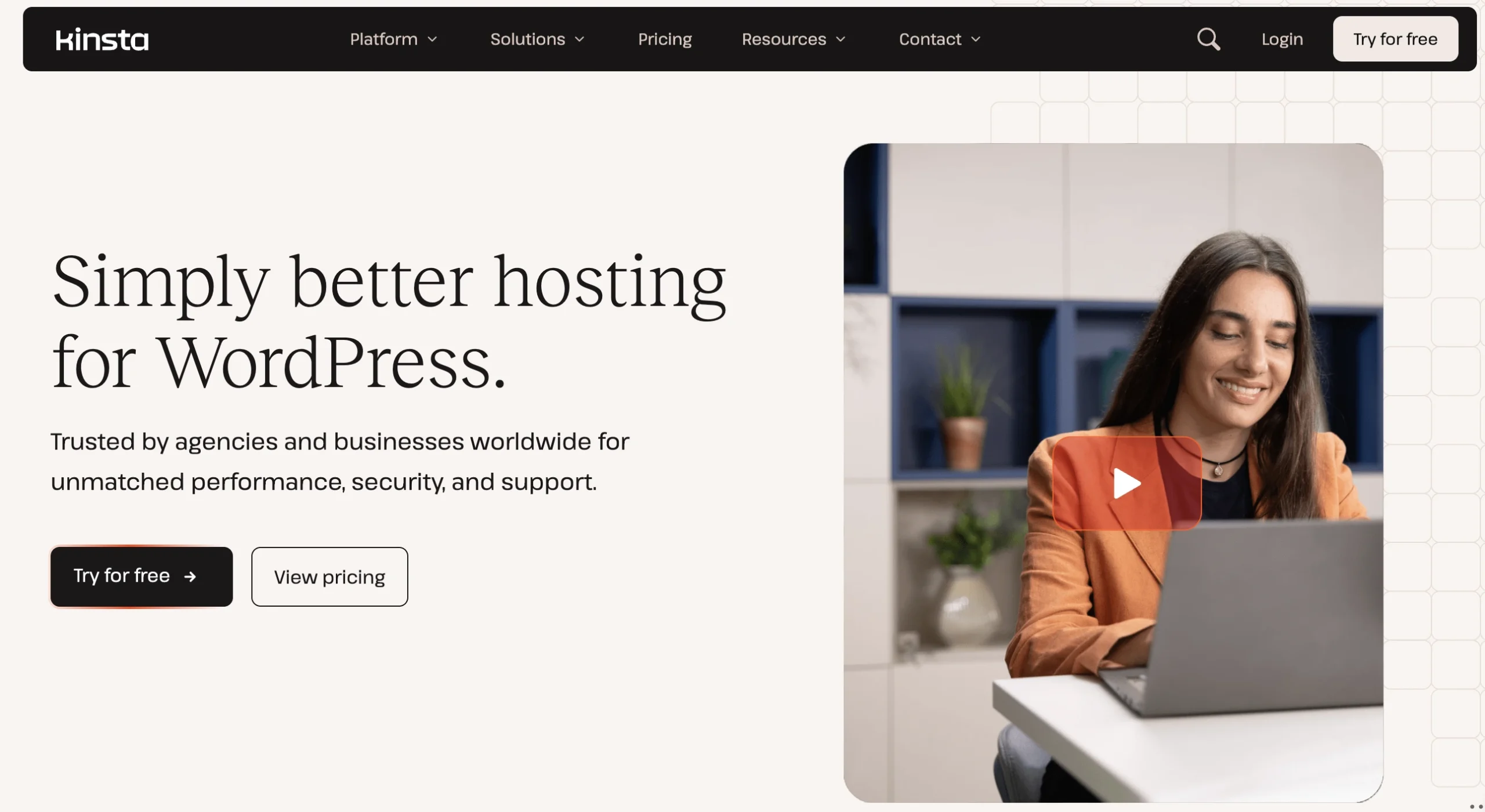
Kinsta runs on Google Cloud Platform with a container-isolated environment for every WordPress site. No two sites share resources, which keeps performance stable even when a neighboring account gets a traffic spike.
Their global infrastructure covers 35+ data center regions. In independent 2026 TTFB benchmarks, Kinsta recorded 180ms globally, which puts it ahead of most providers in this category. The MyKinsta dashboard handles staging, analytics, PHP version switching, and one-click backups in one place.
Why it works well for WordPress:
Plans start at $35/month for one site with 25,000 monthly visits and 10 GB storage. Enterprise plans scale significantly higher.
Best for: High-traffic sites, agencies, and businesses that want premium performance with a polished management dashboard.
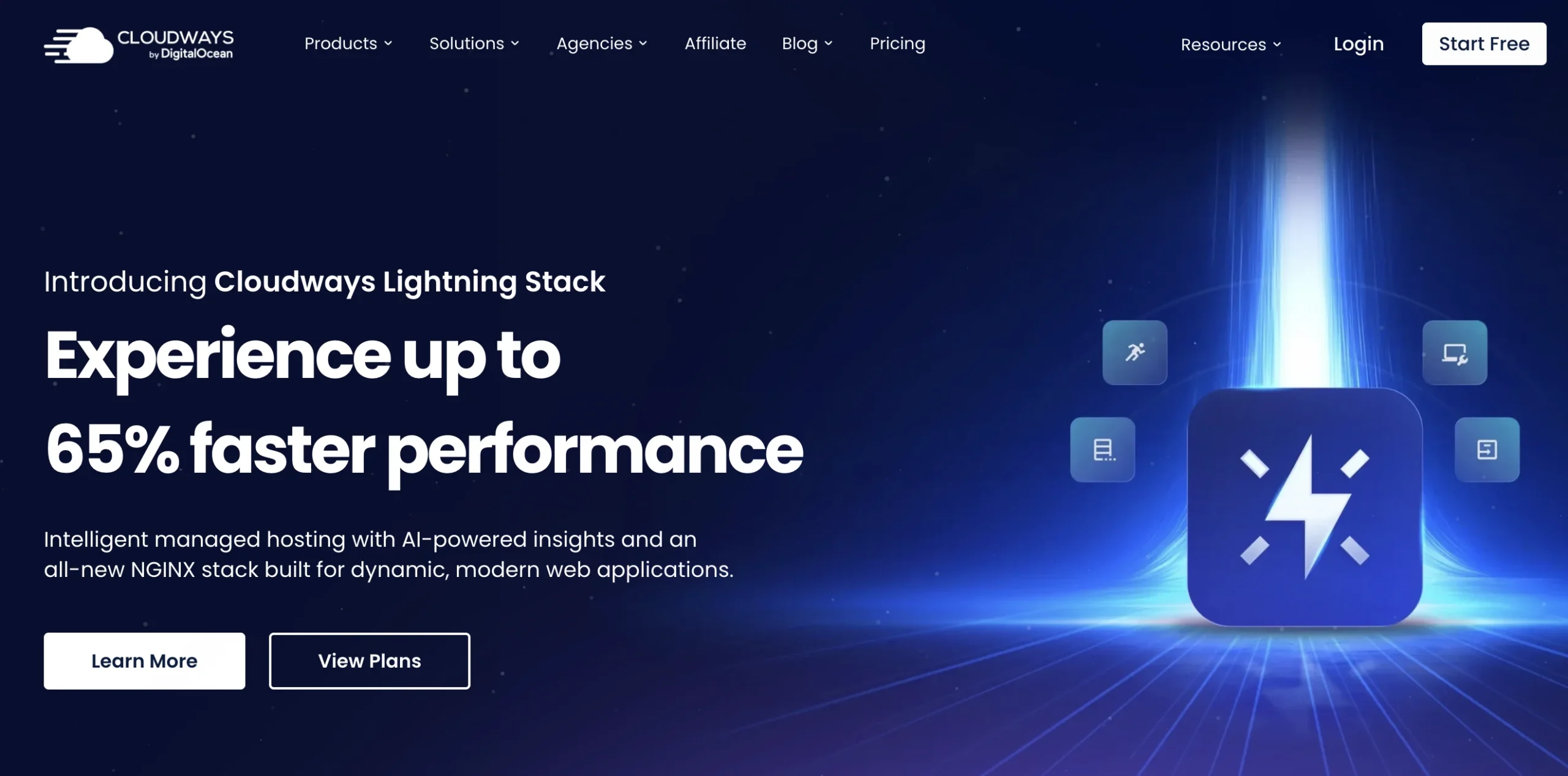
Cloudways runs two separate products. Their Flexible plans put WordPress on a single cloud server of your choosing. Their Autonomous product is different. It runs entirely on Google Kubernetes Engine with horizontal autoscaling built in.
When a traffic spike hits, Autonomous spins up additional pods automatically. No manual resizing, no support ticket, no downtime. The integrated CDN and hands-off update management are included in the plan.
Why it works well for WordPress:
Autonomous starts at $35/month for 30,000 monthly visits and 50 GB storage, which gives it a storage edge over Kinsta at the same entry price.
Best for: WooCommerce stores and sites with unpredictable traffic patterns where autoscaling matters more than infrastructure control.
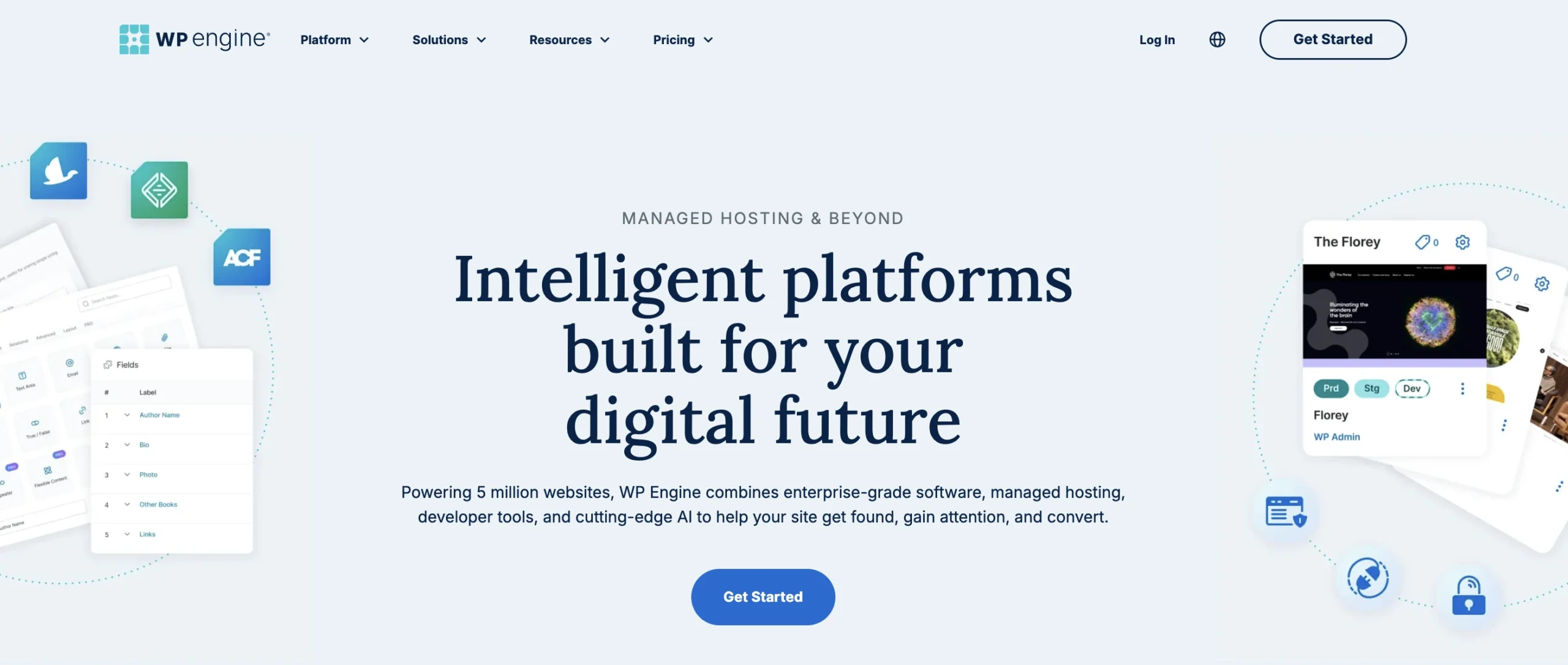
WP Engine deploys WordPress across Google Cloud and AWS infrastructure, with their proprietary EverCache layer handling traffic distribution. Global Edge Security routes all traffic through Cloudflare for WAF protection and DDoS mitigation.
The developer workflow is one of the stronger reasons people choose WP Engine over other managed hosts. The platform integrates directly with Local, which makes pushing and pulling between local development and production straightforward. Git deployment and multiple staging environments are available on mid-tier and higher plans.
Why it works well for WordPress:
Plans start at $30/month for one site with 25,000 monthly visits and 10 GB storage.
Best for: Agencies managing multiple client sites and enterprise teams that need strong developer tooling and vendor support.
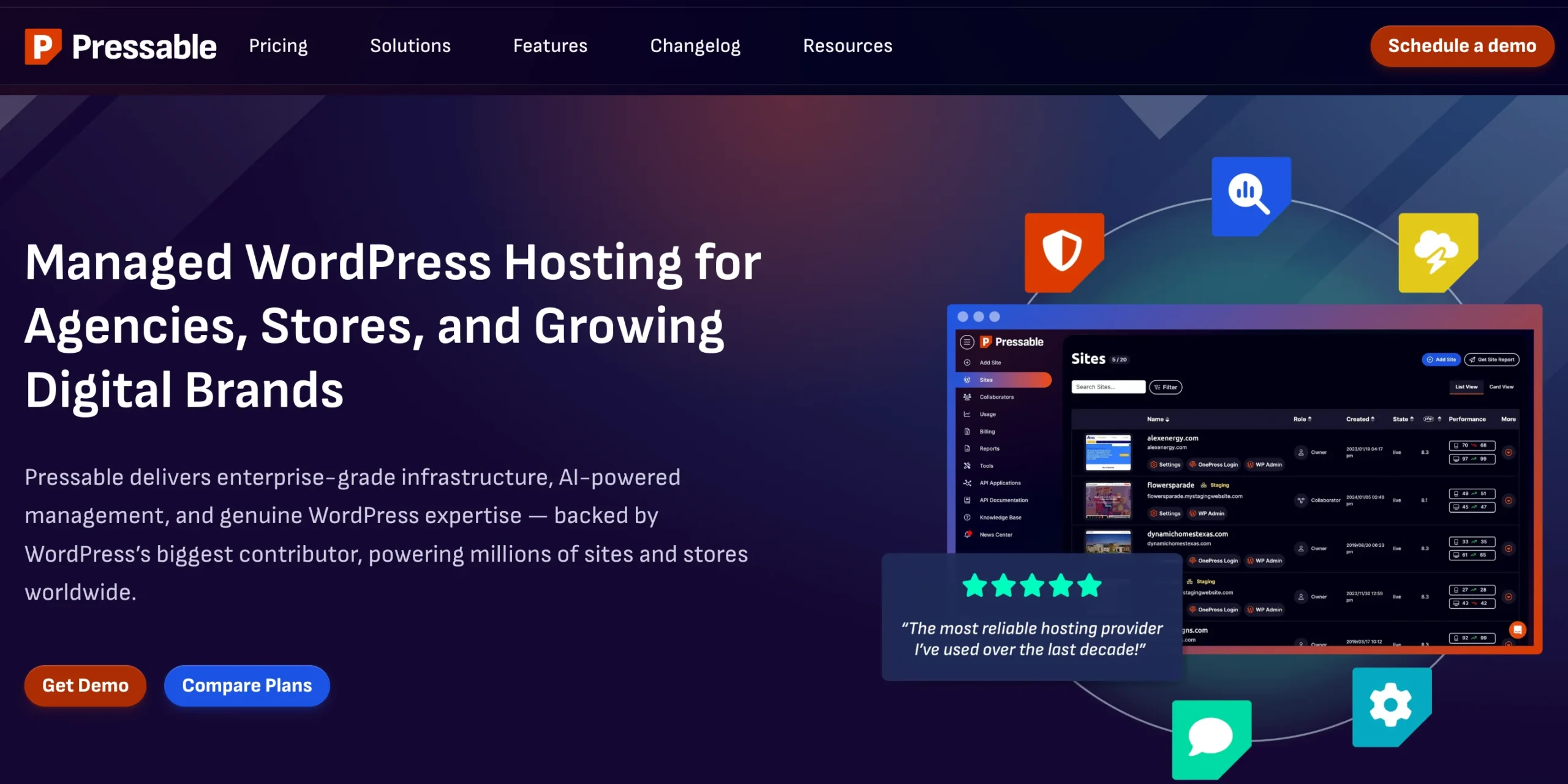
Pressable is owned by Automattic, the company behind WordPress.com, WooCommerce, and Jetpack. That ownership matters because the infrastructure is the same WP Cloud platform that powers WordPress VIP, which is as close to WordPress-native hosting as you can get.
In independent 30-day uptime testing for 2026, Pressable recorded 99.99% uptime with a load handling time of around 28ms under concurrent traffic, putting it in the same performance bracket as Kinsta and WP Engine at a slightly lower entry price.
Why it works well for WordPress:
Plans start at $25/month for one site with 30,000 monthly visits and 20 GB storage.
Best for: Businesses and agencies that want Automattic-backed infrastructure with more storage at a lower entry price than WP Engine.
Hosting alone won’t fix bad frontend optimization. But infrastructure affects performance more than many site owners realize.
Kubernetes hosting can improve TTFB when paired with:
Especially during high traffic periods. A weak hosting stack often shows unstable TTFB during concurrent traffic loads.
Faster server response helps LCP indirectly. But frontend optimization still matters heavily:
Good infrastructure creates a stronger baseline. It does not replace frontend work.
This is where Kubernetes environments usually outperform traditional hosting. Performance consistency matters.
A site loading in 1.5 seconds during low traffic but 8 seconds during spikes creates terrible user experience signals. Distributed infrastructure helps maintain steadier response times.
Most WordPress attacks target weak environments. Not WordPress core itself. Managed Kubernetes hosting often improves security through:
Good providers also separate:
That reduces blast radius when problems happen.
This is one of the most underrated advantages. Serious development teams rarely deploy directly through wp-admin anymore. Modern Kubernetes hosting often supports:
That reduces deployment risk significantly. Especially for agencies managing multiple client sites. Or SaaS companies using WordPress inside larger application stacks.
Global traffic creates latency problems. A visitor from Singapore hitting a single US-based server will feel slower response times regardless of frontend optimization. Some Kubernetes hosting platforms support:
That improves international performance consistency. Especially for:
Selecting the right partner is critical for long-term success. You must evaluate providers based on performance, support, and infrastructure.
Look for a managed WordPress hosting platform that utilizes top-tier cloud infrastructure, such as Google Cloud Platform or Amazon Web Services. Rocon is an excellent example of a provider that leverages Kubernetes to deliver unmatched speed and container-based hosting tailored for growing businesses.
Choose a provider if they offer built-in content delivery networks, automated staging environments, and advanced caching layers. If cost predictability matters more than raw server control, prioritize providers that offer transparent pricing without hidden overage fees.
Do not compromise on customer support. Ensure the provider offers 24/7 technical assistance from actual WordPress experts. Review the service level agreements to confirm they guarantee at least 99.9 percent uptime.
The demands placed on websites are growing exponentially. Visitors expect instant page loads, while businesses require airtight security and foolproof reliability. Traditional hosting architectures simply cannot keep pace with these modern requirements.
Managed Kubernetes WordPress hosting offers the perfect balance. It delivers the immense power and scalability of enterprise cloud infrastructure while removing the technical barriers that previously made it inaccessible to standard businesses. Providers like Rocon are standardizing this technology, allowing companies to focus on their core operations rather than managing complex server clusters.
Whether you are aiming to reduce hosting costs or future-proof your digital presence, containerized hosting provides the foundation you need. Take the time to audit your current hosting performance today, and consider testing a managed Kubernetes platform to experience the difference firsthand.
Managed Kubernetes WordPress hosting makes sense for websites that need stronger performance, better uptime, and infrastructure that can handle traffic growth without constant server issues. It’s especially useful for WooCommerce stores, publishers, agencies, and high-traffic platforms where reliability directly affects revenue and user experience.
The biggest advantage is stability under load. Your site can scale more smoothly, recover faster from failures, and handle deployments more safely. When managed properly, Kubernetes gives growing WordPress businesses a stronger foundation without forcing teams to manage complex infrastructure themselves.
Pricing varies based on traffic volume and resource needs. Entry-level managed Kubernetes plans typically start around $30 per month, while high-traffic enterprise plans can exceed several hundred dollars per month.
A standard migration takes between 24 and 48 hours. The actual transfer of files and databases usually takes only a few hours, but DNS propagation adds additional time before the migration is fully complete.
The primary risk is choosing a provider with poor technical support. Because the underlying infrastructure is highly complex, you are entirely dependent on your host to resolve container-level server outages.
Alternatives include traditional shared hosting, managed virtual private servers, and dedicated servers. Choose a virtual private server if budget is your primary concern and traffic levels are consistently predictable.
It is best for growing e-commerce stores, high-traffic publishers, and enterprise businesses that require maximum uptime, automated scaling, and robust security without managing internal IT infrastructure.

Elevate your WordPress hosting with 30-day money-back guarantee, free migration, and 24/7 support.
Sign Up TodayOctober 3, 2026
Sreekar
October 3, 2026
Sreekar
October 3, 2026
Sreekar
Before You Go… Get 1 Month FREE on Rocon Hosting!

Experience lightning-fast speeds

No downtime or hidden fees

Dedicated 24/7 expert support

Leave a Reply