Install WordPress Without Errors – One-Click Setup by Rocon
April 9, 2025 by William


April 9, 2025 by William
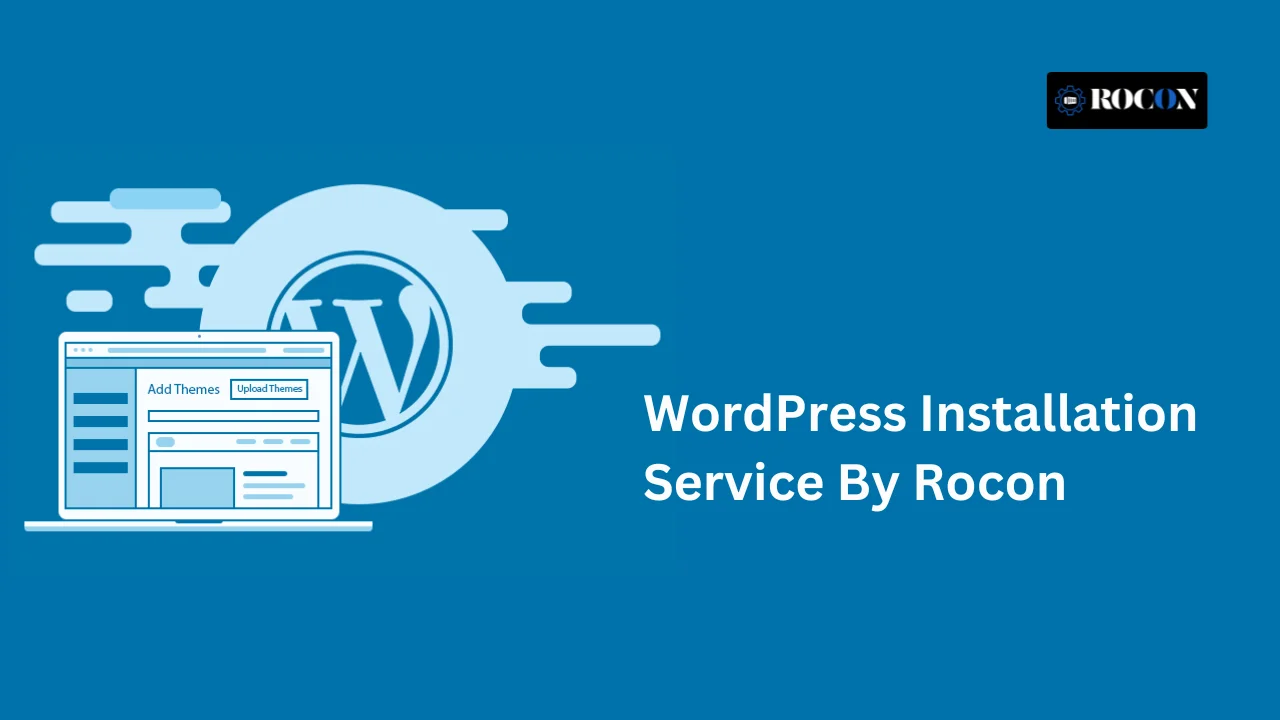


Getting a WordPress website online should be simple, but for many users it quickly becomes a technical challenge. Following traditional WordPress installation instructions often means dealing with database creation, file uploads, and configuration settings. One small misstep can lead to issues like a WordPress installation failed error, before your site even launches.
Rocon solves this problem with a streamlined WordPress installation service built for speed, accuracy, and reliability. Instead of struggling to install WordPress manually, our one-click setup ensures your site is installed securely and correctly in just a few minutes—no complex configurations, no trial-and-error troubleshooting.
Whether you’re launching a new website, setting up a WordPress theme, or moving from another hosting provider, Rocon takes care of the entire installation process behind the scenes. Our managed approach removes technical friction while maintaining best-practice performance and security standards.
And if you ever need guidance, our WordPress experts are available 24/7 to help. With Rocon handling the setup, you’re free to focus on creating content, growing traffic, and building your online presence—without worrying about how to install WordPress for free or fixing installation issues.
Installing WordPress is often described as “easy,” but the reality is very different once you move beyond surface-level guides. Standard WordPress installation instructions usually require technical steps such as creating MySQL databases, configuring FTP access, setting file permissions, and editing core configuration files. For many users, especially beginners, this is where things start to go wrong.
Even a small error—like incorrect database credentials or misconfigured permissions—can result in a WordPress installation failed issue.
At that point, users are forced to troubleshoot problems instead of building their website. This is true not only for beginners but also for experienced users who may lose valuable time fixing preventable setup errors.
A professional WordPress installation service removes these risks by handling the entire setup process correctly from the start.
Instead of trying to install WordPress manually, you get a fully configured, secure, and performance-ready site without the technical guesswork.
Your WordPress site is installed correctly the first time correctly, eliminating broken files, incomplete uploads, and common configuration mistakes.
WordPress runs on a performance-tuned infrastructure designed for speed, stability, and high uptime—right from day one.
Core settings, security best practices, and server-level optimizations are applied automatically, saving hours of manual work.
If your priority is to launch quickly, avoid installation issues, and start building your website with confidence, a managed WordPress installation service is the most efficient and reliable solution.
Some website owners prefer full control over their setup and choose to install WordPress manually rather than relying on automated tools.
While this approach offers flexibility, it also introduces several technical steps that must be completed in the correct order for the installation to succeed.
Below is a practical WordPress installation guide that explains what manual setup involves and why it often becomes a challenge for non-technical users.
This step requires careful attention—partial uploads, incorrect directories, or interrupted FTP sessions can lead to broken installations.
Incorrect permissions or mismatched credentials at this stage are one of the most common reasons a WordPress installation failed error occurs.
Although these steps explain how to install WordPress for free, they also reveal why manual installations often encounter problems.
Incorrect file permissions, incomplete uploads, database connection errors, or misconfigured server environments can all break the installation process.
For users without hands-on experience in server management, manually following WordPress installation instructions often leads to troubleshooting instead of progress.
While this gives you full control, it can be time consuming and requires technical knowledge of FTP, database configuration and file permissions. One wrong move—like entering the wrong database credentials or uploading files to the wrong directory—can result in errors or security holes.
For non-technical people or those short on time, using a WordPress installation service like Rocon is a faster and more reliable option—get a fully set up, secure site in one click.
Setting up WordPress shouldn’t feel like solving a technical puzzle. With Rocon’s one-click installation, your website is live in seconds—securely configured and performance-optimized from day one.
Instead of following lengthy WordPress installation instructions, Rocon automates the entire process. No databases, no FTP uploads, no configuration files.
This approach is ideal for:
Choosing the right WordPress installation service isn’t just about getting your site online—it’s about starting on a platform built for long-term performance, security, and growth.
Rocon combines managed WordPress expertise with modern infrastructure to ensure your site is installed correctly, optimized from day one, and fully supported as it scales.
Rocon’s one-click installation removes the complexity from WordPress setup. Your site is deployed in seconds with all core files, configurations, and dependencies handled automatically—no need to install WordPress manually or follow lengthy installation instructions.
Every WordPress site on Rocon runs inside its own isolated container. This architecture delivers consistent speed, high availability, and better resource management while ensuring your site is technically optimized for SEO, Core Web Vitals, and traffic spikes.
If you already have a WordPress website, Rocon’s experts handle the entire migration process at no extra cost. Your data, themes, and plugins are transferred securely with no downtime, broken links, or data loss—so your site stays live and intact.
Security is not an add-on at Rocon—it’s built into the platform. Automated WordPress updates, daily backups, malware scanning, and server-level protection work together to prevent vulnerabilities and reduce the risk of compromised installations.
When you need help, you’re not dealing with generic support agents. Rocon provides round-the-clock access to real WordPress experts who understand installation issues, performance optimization, and hosting environments—so problems are resolved quickly and correctly.
Installing WordPress doesn’t have to be technical or time-consuming. With Rocon’s managed WordPress installation service, you can launch a fully functional website in just a few clicks—even if you’ve never built a site before.
Rocon removes the need to install WordPress manually or follow complex WordPress installation instructions. Everything is handled automatically on a secure, optimized hosting environment.
Start by choosing a Rocon WordPress hosting plan that fits your needs. The signup process takes only a few minutes, and no technical configuration is required.
Once logged in, you’ll land on a clean and easy-to-use dashboard. From here, you can manage your websites, domains, and settings without dealing with complicated control panels.
Enter your website name and set your WordPress admin username and password. These details are used to securely create your WordPress site.
With one click, Rocon automatically completes the entire WordPress installation process. Core files, database connections, and configurations are set up correctly in the background.
That’s it. No FTP clients, no MySQL database setup, and no risk of a WordPress installation failed error. Your site is live, secure, and ready for you to start building content right away.
Choosing how to install WordPress depends on your experience level, goals, and how much time you want to spend on technical setup.
Manual installation is often preferred by developers and advanced users who need full control over server configurations, custom environments, or specialized workflows.
It allows flexibility, but it also requires technical knowledge, careful configuration, and ongoing maintenance. Small mistakes during setup can lead to performance issues, security risks, or a WordPress installation failed error that takes time to resolve.
For most users—including business owners, bloggers, freelancers, and agencies—one-click installation is the faster and safer choice.
It removes the need to install WordPress manually, manage databases, or troubleshoot setup errors. Everything is configured correctly from the start, allowing you to focus on building your site instead of managing infrastructure.
Get Started With Rocon’s WordPress Installation Service
Rocon combines speed, simplicity, and expert support into one powerful platform. Whether you want to install WordPress manually or prefer a hassle-free setup, our managed hosting ensures your site is ready for growth from day one.
We set up your WordPress website for you. That means we handle the tech side of things—databases, file uploads, system configuration, and your chosen theme—so you can focus on building your content right away.
Manual installation requires database setup, FTP access, and technical know-how. We take all that off your plate with a one-click setup, free migrations, built-in security, and 24/7 support. That’s faster, easier, and a whole lot less time-consuming.
Absolutely not. Our service is designed for anyone who wants to get a WordPress site up and running quickly. You just log in, click “Install WordPress” and your site is live in seconds.
Yes. We offer free, professional migrations from your current host to Rocon. That means our team handles everything for you—no downtime or data loss.
Once WordPress is installed, you’ll have full access to your WordPress dashboard. That’s where you can add content, install plugins, customize your theme, and launch your site.
William is a WordPress expert with extensive experience in WordPress installation, performance optimization, and managed hosting environments. He specializes in simplifying complex WordPress setups and helping businesses launch fast, secure, and scalable websites. William focuses on practical, real-world solutions that improve reliability, speed, and long-term site growth.
Elevate your WordPress hosting with 30-day money-back guarantee, free migration, and 24/7 support.
Sign Up Today
March 6, 2026
Akshay

9 Min Read
March 4, 2026
Maria
7 Min Read
Before You Go… Get 1 Month FREE on Rocon Hosting!

Experience lightning-fast speeds

No downtime or hidden fees

Dedicated 24/7 expert support

Leave a Reply