Web Hosting for WordPress in 2026: Scaling Your Digital Empire
March 4, 2026 by Maria


March 4, 2026 by Maria


In 2026, web hosting for WordPress has transcended simple file storage. It is now an integrated ecosystem of AI-driven optimization, edge computing, and automated security. As Google’s search algorithms increasingly prioritize Core Web Vitals and user experience, your choice of hosting directly impacts your SEO visibility.
A split-second delay in server response time can lead to a massive drop in conversions. Modern WordPress hosting now focuses on “Serverless” architecture and “Edge Delivery,” ensuring that your website content is physically closer to your users, no matter where they are in the world.
This guide explores the sophisticated landscape of 2026 hosting, helping you navigate between cost-efficiency and high-performance infrastructure.
Using a generic, non-optimized web host for WordPress in 2026 is like putting a Ferrari engine in a lawnmower. WordPress is a dynamic database-driven platform that requires specific server configurations to run efficiently. Generic hosts often lack the Object Caching (like Redis or Memcached) and specialized PHP execution environments that WordPress needs to thrive.
In 2026, the complexity of WordPress themes and heavy page builders demands high-frequency CPUs and NVMe Gen5 storage. If your host isn’t specifically tuned for WordPress, you will face “White Screen of Death” errors and slow backend performance, making it nearly impossible to manage your site effectively during high-traffic periods.
Managed WordPress hosting has become the go-to solution for serious entrepreneurs in 2026. This service tier acts as an extension of your team, handling all the technical “heavy lifting” so you can focus on content and strategy. From automatic plugin updates with visual regression testing (ensuring your site doesn’t break after an update) to pro-active malware removal, the value proposition is unmatched.
In 2026, managed hosts have integrated AI assistants that scan your code for performance leaks and suggest real-time optimizations. While the price point is higher than shared hosting, the ROI is found in the hours saved on maintenance and the peace of mind provided by 24/7 expert support.
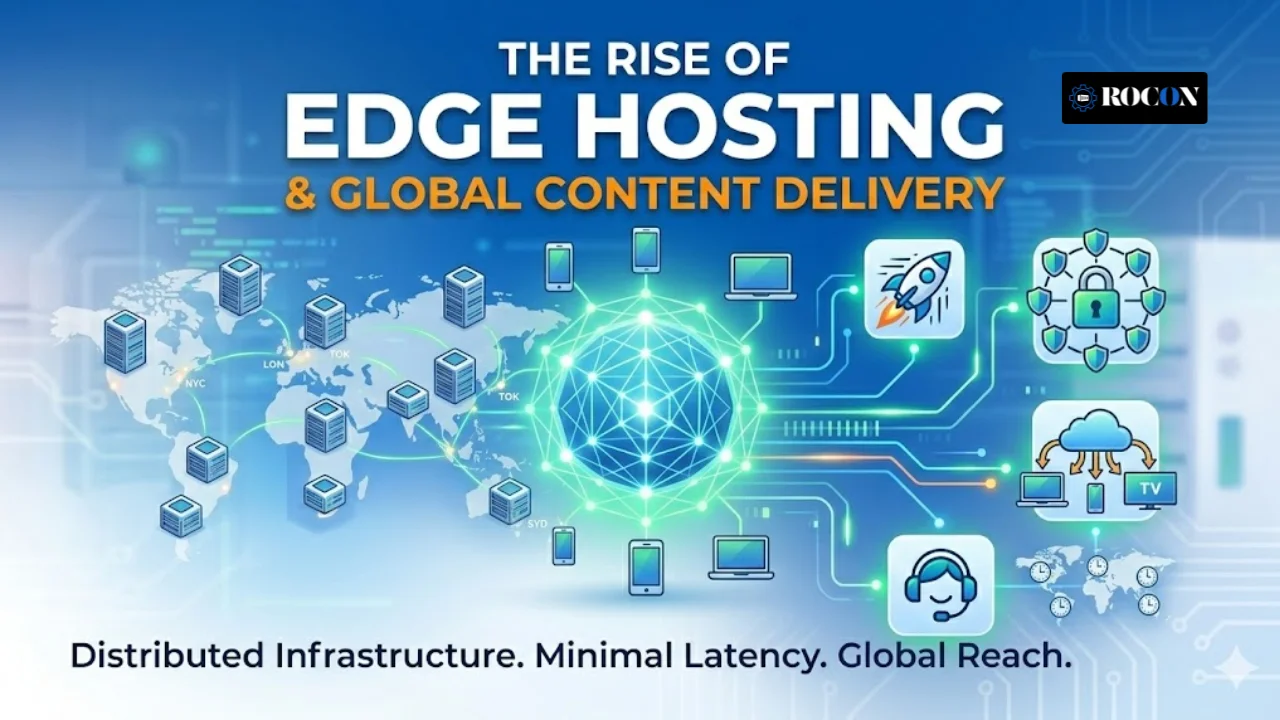
The biggest shift in Web Hosting for WordPress in 2026 is the decentralization of servers. Traditional hosting relied on a single data center in one location. Today, the best WordPress hosts utilize Edge Hosting, where your site’s static and dynamic assets are cached across hundreds of global nodes.
This means a user in Tokyo experiences the same lightning-fast load time as a user in New York. With the integration of Cloudflare Enterprise and similar technologies directly into the hosting dashboard, the need for external CDNs is vanishing. This architecture doesn’t just improve speed; it provides a massive layer of protection against DDoS attacks, which have become more sophisticated in the mid-2020s.
Security in 2026 has moved far beyond simple firewalls. When looking for WordPress hosting, you must prioritize providers that offer Web Application Firewalls (WAF) specifically tuned for WordPress vulnerabilities. Cyber threats in 2026 often use AI to find exploits in outdated plugins, making real-time monitoring essential.
Premium hosts now offer “Isolating Containers,” ensuring that if one website on a server is compromised, the infection cannot spread to others. Furthermore, look for “Immutable Backups,” which cannot be deleted by ransomware, providing a final line of defense for your business data.
Hardware still matters. In 2026, the standard for professional WordPress hosting has shifted from SATA SSDs to NVMe Gen5 storage. These drives offer read/write speeds that are astronomical compared to technology from just a few years ago.
This is particularly crucial for e-commerce sites running WooCommerce, where database lookups happen every second. Combined with high-clock-speed CPUs (like AMD EPYC or Intel Xeon scalable processors), your WordPress site can handle thousands of concurrent users without breaking a sweat. When choosing a host, always ask about the underlying hardware; a “Cloud” label means nothing if the hardware is outdated.
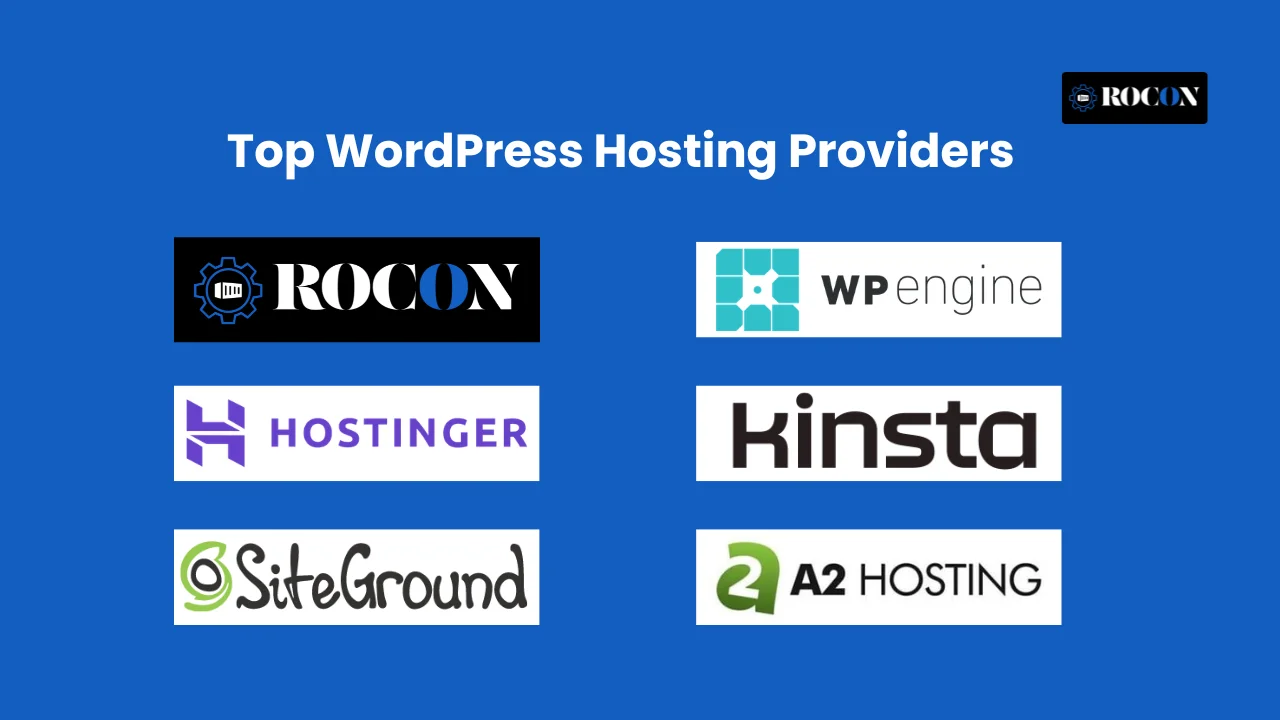
The hosting market in 2026 is divided into three clear tiers: Entry-level, Professional Managed, and Enterprise Cloud. For beginners, Hostinger has integrated AI website builders that not only install WordPress but also generate your initial content and layout based on your niche. For scaling businesses, Rocon, SiteGround, and WP Engine remain the gold standard due to their bespoke “EverCache” technologies and 24/7 specialized support.
Meanwhile, for developers who want absolute control, Kinsta and Cloudways offer modular scaling, allowing you to increase RAM or CPU for just a few hours during a flash sale. Choosing the right one requires balancing your technical skill level against your growth projections for the next 12 to 24 months.
In 2026, an e-commerce site on WordPress requires significantly more power than a standard blog. WooCommerce hosting must handle dynamic requests—like adding items to a cart or processing payments—which cannot be easily cached. This requires a host that offers “Elastic Scaling,” where the server automatically allocates more resources the moment a shopper hits your site.
Furthermore, database optimization is non-negotiable. Look for hosts that provide Redis Object Caching for free; this reduces the load on your database by storing frequently accessed data in the server’s RAM. Without these optimizations, your checkout process will lag, leading to abandoned carts and lost revenue.
Google’s 2026 ranking algorithm is obsessed with Interaction to Next Paint (INP) and Largest Contentful Paint (LCP). Your WordPress host is the primary driver of these metrics. Even with the best optimization plugins, a slow “Time to First Byte” (TTFB) from a cheap server will ruin your SEO.
High-performance hosts now use Brotli Compression instead of Gzip, which shrinks file sizes further, and HTTP/3 (QUIC) protocols to speed up data transmission over unstable networks. When your server responds in under 200ms, your entire site feels instantaneous to the user, which directly correlates to higher engagement time and better search engine rankings.
Many website owners stay with bad hosts because they fear the migration process. However, in 2026, migration will be largely automated. Leading providers offer AI-Powered Migration Plugins that clone your entire site—including databases, themes, and configurations—and move them to the new server in minutes.
The key to a successful migration is the “preview URL,” which lets you test the site on the new server before pointing your domain’s DNS to it. This ensures that no “broken links” or “database errors” occur during the transition. If you are moving to a high-traffic site, always opt for a host that offers “White-Glove Migration,” in which a human engineer handles the move for you.
Environmental impact has become a major brand factor for online businesses. In 2026, “Green Hosting” isn’t just a marketing buzzword; it’s a technical standard. Top-tier WordPress hosts now operate on 100% renewable energy or purchase carbon offsets that exceed their data center’s consumption.
By choosing a sustainable host, you can display “Green Site” badges, which have been shown to increase trust among Gen Z and Millennial consumers. Beyond ethics, green data centers are often the most technologically advanced, utilizing liquid cooling systems that are more efficient and reliable than traditional air conditioning, leading to better uptime for your website.
Give your website the power to handle traffic spikes and business growth with scalable WordPress hosting.
While possible, it is highly discouraged for anything other than a test project. Free hosts often inject ads into your site, have extremely slow speeds, and offer zero security, making your site an easy target for hackers.
Shared hosting is like an apartment building where resources are split; Managed hosting is like a luxury hotel where staff handles maintenance, security, and optimization specifically for WordPress.
Yes. While a CDN helps, the “Origin Server” (where your database lives) should still be as close to your primary audience as possible to reduce the time it takes for dynamic data to process.
Technically, no host can guarantee 100.00%, but many offer 99.99% SLAs. This allows for tiny windows of scheduled maintenance while ensuring your site is almost always available.
Elevate your WordPress hosting with 30-day money-back guarantee, free migration, and 24/7 support.
Sign Up Today

Before You Go… Get 1 Month FREE on Rocon Hosting!

Experience lightning-fast speeds

No downtime or hidden fees

Dedicated 24/7 expert support


Leave a Reply