How to Avoid Ecommerce Website Crash: Rocon Expert Guide
September 30, 2026 Written by Maria


September 30, 2026 Written by Maria
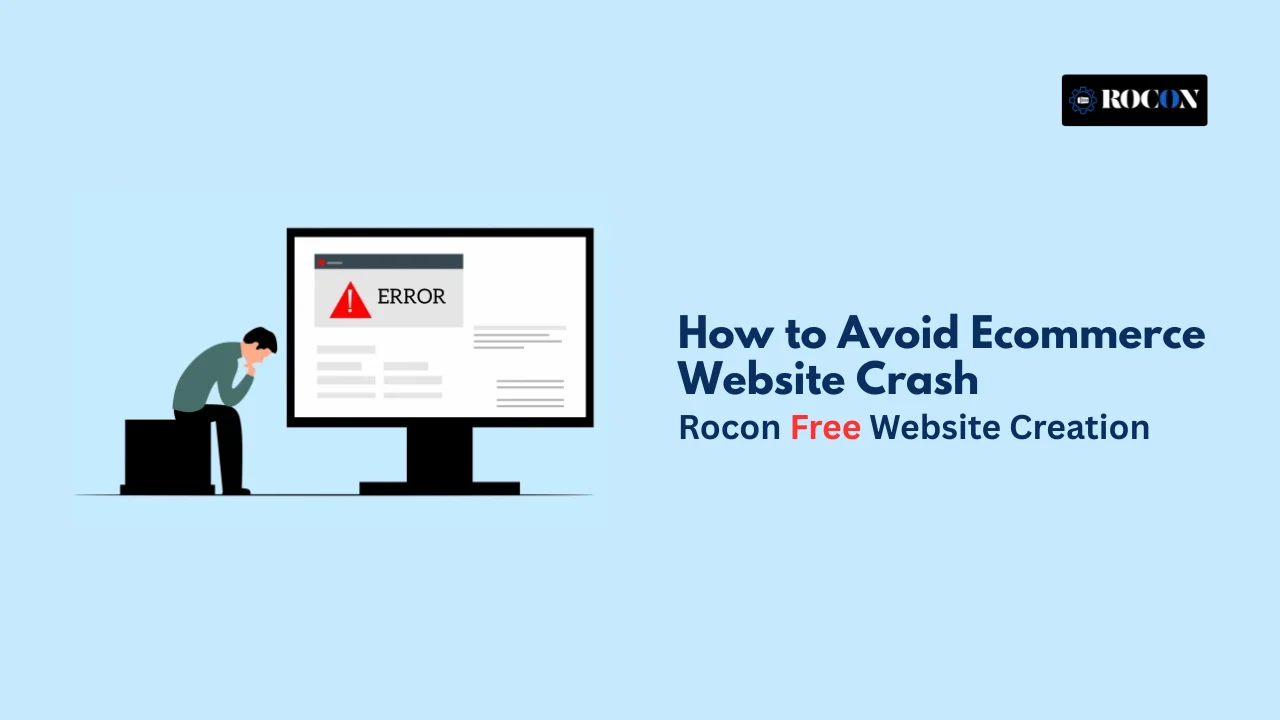


Avoid Ecommerce website crash: Your website is your store, your marketing center, and your customer care platform all in one in the age of e-commerce. But what if your store suddenly can’t be reached?
The answer is terrible: lost sales, a bad reputation, and unhappy consumers. When a website goes down during busy times, like holidays, product launches, or sales events, it may cost businesses thousands, if not millions, of dollars in lost sales.
This tutorial will look at the most common reasons why e-commerce sites go down and provide you with a full list of ways to keep your online business running, fast, and reliable, even when things get busy.
Ecommerce websites are dynamic by nature—they handle customer interactions, inventory updates, payment processing, and more. The most common causes of crashes include:
Understanding these risks is the first step to defending against them.
These examples highlight that even the largest enterprises are vulnerable without the right strategies.
The average cost of website downtime is $5,600 per minute, according to Gartner. But the true cost includes:
For small and mid-sized e-commerce businesses, a single hour of downtime can be fatal.
Your hosting provider is the foundation of your e-commerce website. Avoid shared hosting for serious stores and consider:
Ensure your hosting provider supports horizontal and vertical scaling to accommodate increased traffic.
A CDN distributes your site’s static content (images, scripts, stylesheets) across multiple servers around the globe. Benefits include:
Popular CDN providers include Cloudflare, Akamai, and Amazon CloudFront.
Before a big sales event, simulate high traffic to see how your site behaves.
Tools like:
…can test how many simultaneous users your site can handle. Combine this with real-time performance monitoring tools like:
These tools help identify bottlenecks and failures before your customers do.
Slow database queries or inefficient scripts can bring down your site. Key practices:
Hire experienced developers to periodically audit and refactor code.
Cloud providers allow auto-scaling, meaning your site automatically scales up resources (CPU, memory, storage) when needed.
Use auto-scaling groups and load balancers (e.g., AWS Elastic Load Balancer) for seamless scalability.
Caching reduces the load on your servers and speeds up delivery. Types of caching include:
Tools like Varnish, Redis, and Memcached are excellent for improving performance.
You should always prepare for the worst. Key elements of a recovery plan:
Choose a backup solution that allows one-click restoration.
Security breaches can crash your site or compromise customer data. Follow these protocols:
Platforms like Sucuri and Wordfence offer advanced protection for WordPress based ecommerce sites.
Most stores rely on third-party tools for:
These services can sometimes fail. Always:
The platform you choose must match your business scale and growth plans:
Avoid bloated themes and poorly built plugins.
Make sure you have uptime monitoring solutions like UptimeRobot, whether you do it yourself or hire someone else to do it.
A lot of companies develop their website and then forget about it until something goes wrong. Regular technological audits help you avoid problems before they happen. A full audit should have:
These audits let you find problems before they turn into full-blown crashes.
Too many plugins, or even just a few that are poorly coded, might cause problems with your core systems and take your site down. Here are some tips for avoiding crashes caused by plugins:
Every plugin makes things a little more complicated. Install only what you need and do it carefully.
Making updates directly on a live e-commerce site is dangerous. Use a version control system (like Git) and a CI/CD pipeline to deploy instead.
Some of the benefits are:
You can avoid problems caused by bad code pushes by using Git, staging environments, and CI/CD solutions like GitHub Actions, Bitbucket Pipelines, or Jenkins.
You’re in trouble if your site breaks when mobile traffic comes to it. More than 60% of e-commerce traffic currently comes from mobile devices. This is what you should improve:
Optimizing for mobile not only speeds up performance, but it also cuts down on load time, which keeps your servers from getting overwhelmed by mobile queries.
Communication is very important to keep your reputation safe if a crash happens. Your approach for letting people know about an outage should include:
If you’re honest and quick with updates, a well-handled outage can actually make customers trust you more.
When a website collapses, it’s not just a technological problem; it’s a business disaster. Users in the competitive world of e-commerce don’t have time for downtime. The good news is? Crashes can be completely avoided with the correct strategy, tech stack, and help.
You can keep your online business from going down unexpectedly by picking the correct hosting partner, improving performance, making a disaster recovery plan, and setting up proactive monitoring.
Rocon is a top-notch platform for high-traffic WordPress ecommerce sites that offers everything you need in one place, including performance scaling, backups, caching, and disaster recovery. Rocon guarantees lightning-fast speed and enterprise-level dependability for your WooCommerce store or custom store, and you don’t need a complete DevOps team to do it.

Elevate your WordPress hosting with 30-day money-back guarantee, free migration, and 24/7 support.
Sign Up Today

Before You Go… Get 1 Month FREE on Rocon Hosting!

Experience lightning-fast speeds

No downtime or hidden fees

Dedicated 24/7 expert support

Leave a Reply